AI video guides for real estate portals
Each guide explains how to turn listing photos into a property video for a home you market on that portal, and what that portal publicly says about attaching video.
 United States Zillow Make a property video for seller meetings and social promotion, and see what Zillow Showcase actually requires before you try to put a video on the listing.
 United States Realtor.com Create the marketing video for a home that also appears on Realtor.com, and see why their published virtual-tour field expects a web link rather than a raw file.
 United Kingdom Rightmove Build a property video for a Rightmove instruction, then add it the way Rightmove documents: as a link, with extra rules for Premium Listings and AI edits.
 Spain, Italy, and Portugal Idealista Prepare a video for a home you advertise on Idealista in Spain, Italy, or Portugal, and match it to their published limits on files, logos, and watermarks.
 Germany ImmoScout24 Create a property video for a German ImmoScout24 exposé, using their commercial handbook as the reference for how a file gets onto the listing.
 Italy Immobiliare.it Create marketing videos for homes you list on Immobiliare.it, and read their rule that a photo slideshow is not a valid listing video.
 France SeLoger Create a property video for a French listing you market on SeLoger. The MySeLoger Pro app can take a video, and current file rules for an AI clip are not published.
 Australia realestate.com.au Create a vertical property video for a listing on realestate.com.au, then upload it in Ignite if it meets REA's music and format rules.
 UAE, Qatar, Bahrain, and other Property Finder markets Property Finder Create a property video for a listing you publish in PF Expert, where the documented video field is a YouTube URL rather than a file from VideoEstate.
 Singapore, Malaysia, Thailand, Vietnam, and Indonesia PropertyGuru Create vertical marketing videos for PropertyGuru listings, and read the Malaysia feed rule that rejects photo slideshows and heavily AI-enhanced videos.
3 photos, one prep
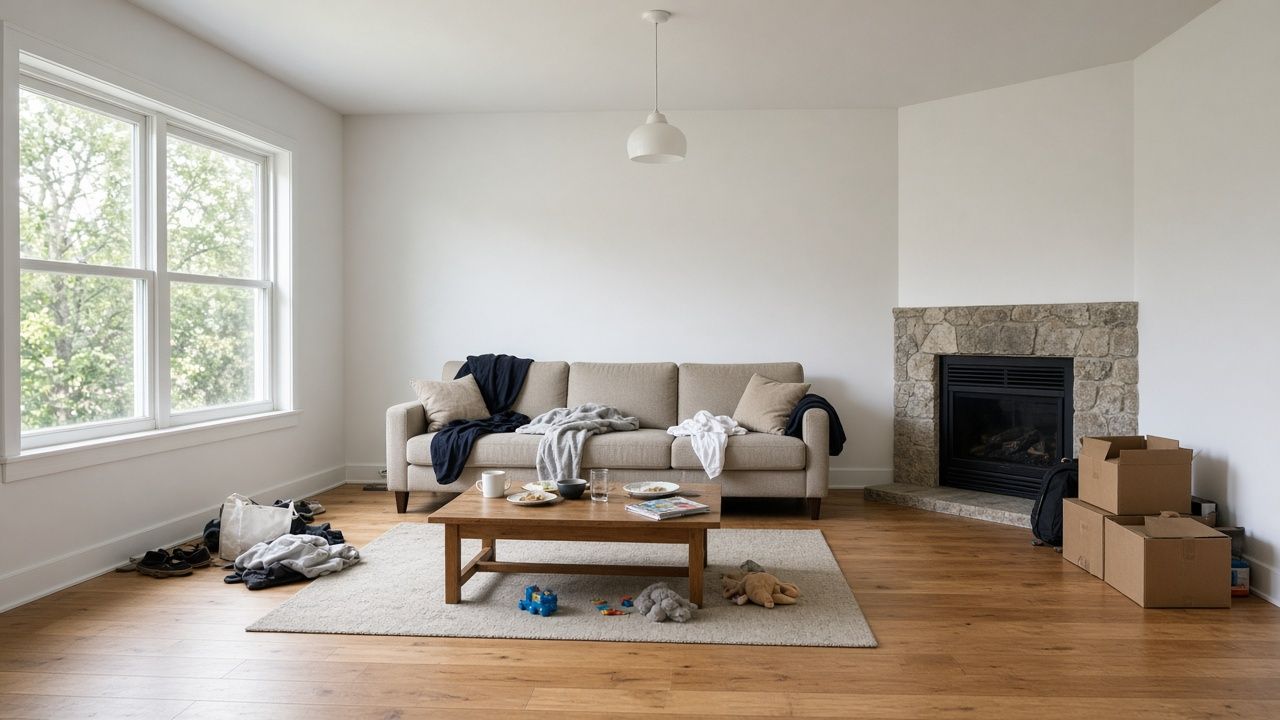
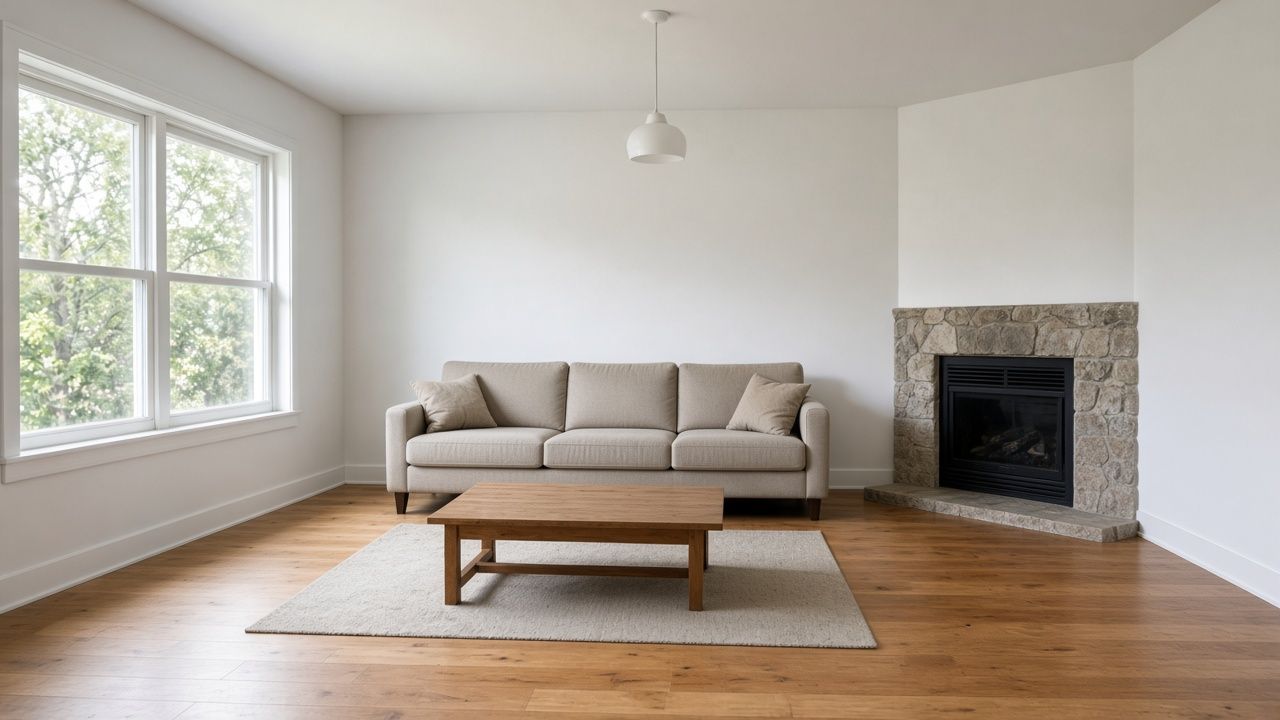
Living room
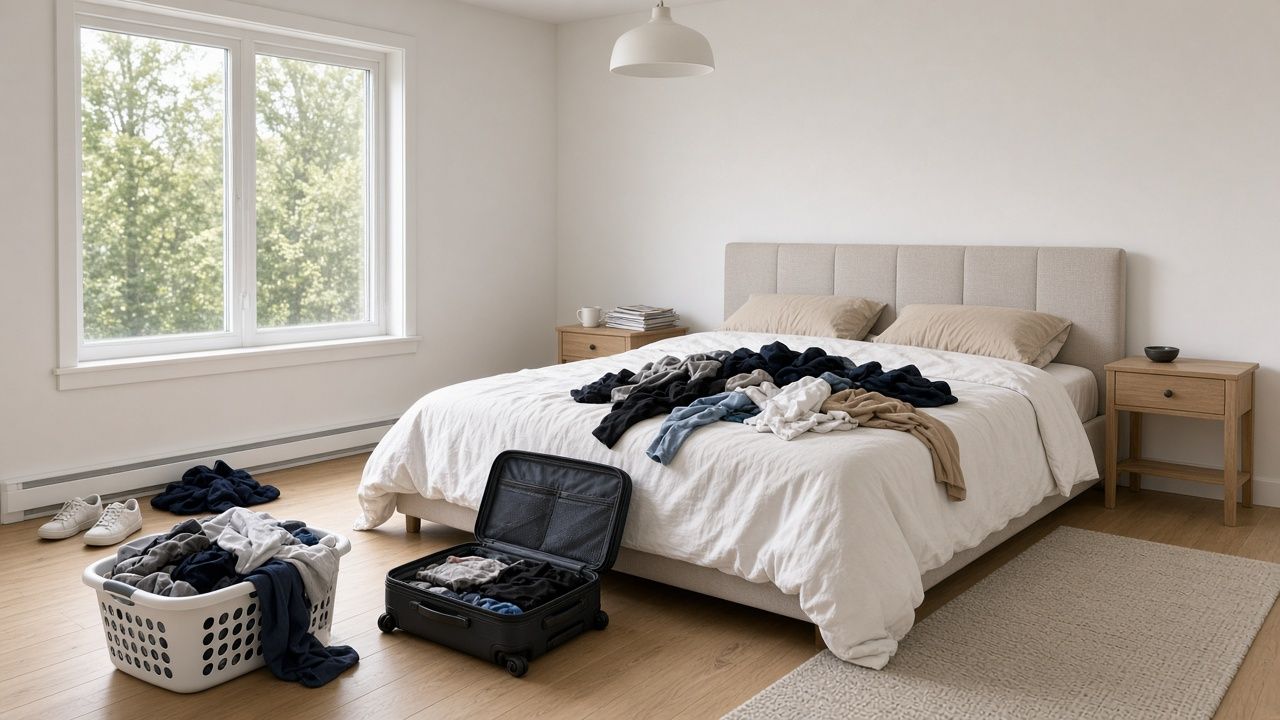
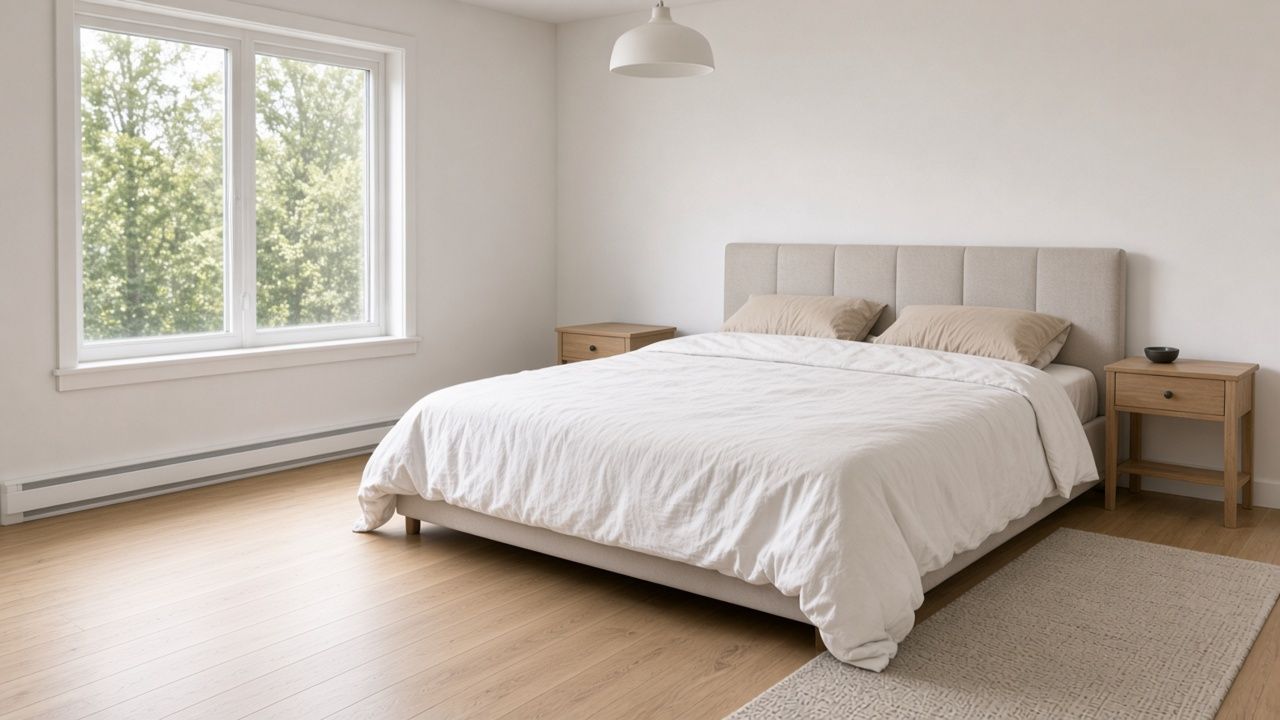
Bedroom
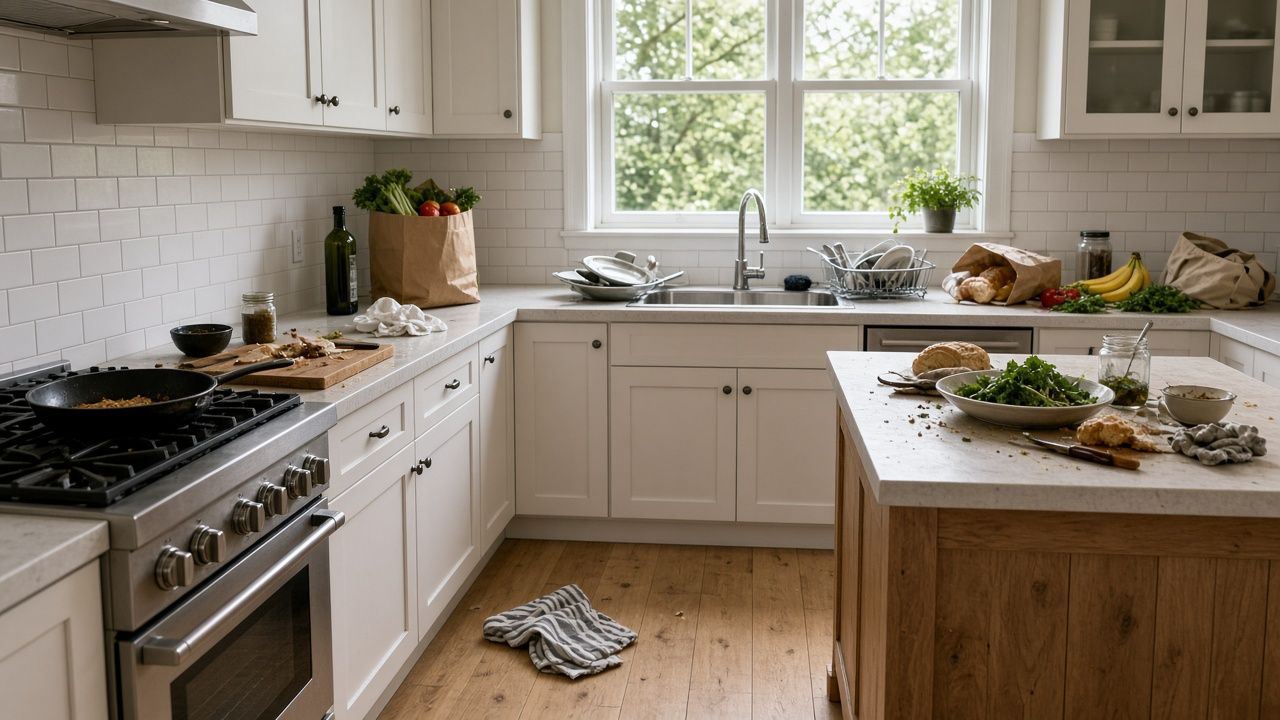
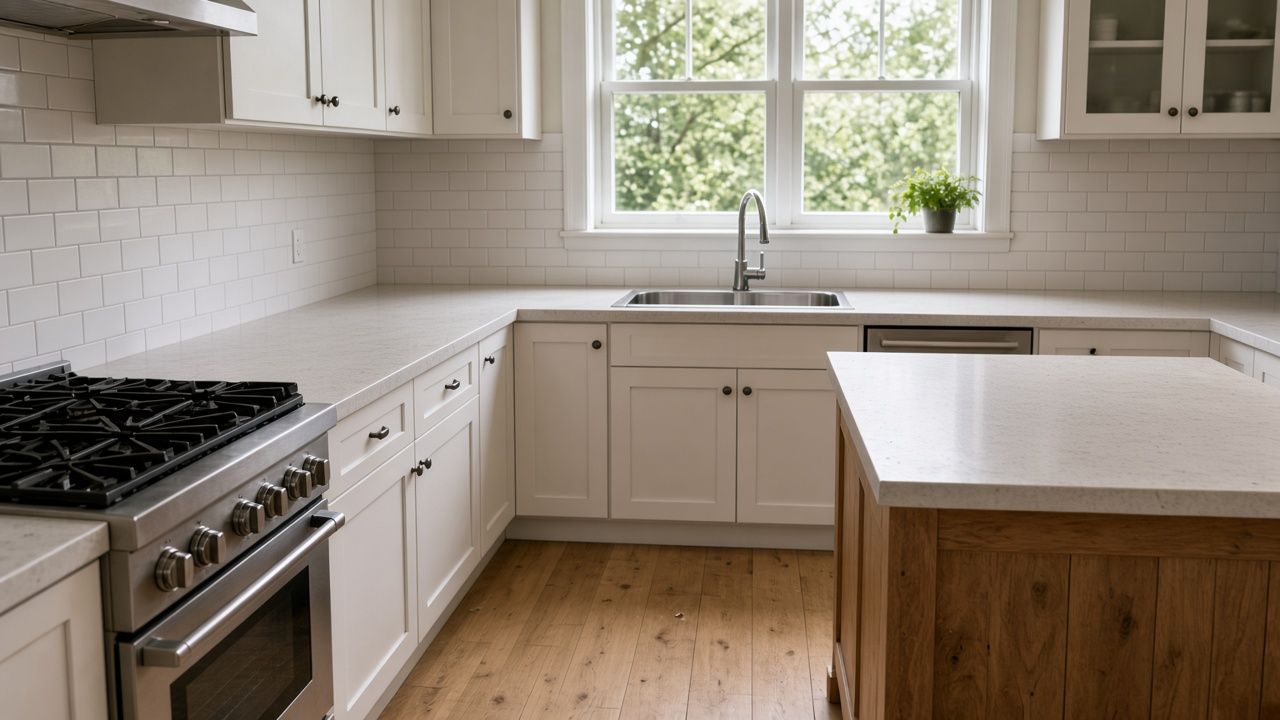
Kitchen


Prepare the photos for the listing
Upload the whole shoot at once. Portal listing prep clears clutter from every photo together and writes one marketplace description, without changing the windows, floors, or furniture that belong to the property.
See portal listing prepCreate the video, then follow the portal's own steps
Start from your listing photos. Use the guide for the portal where the home is advertised before you try to attach the file.
