Furniture
en Voiceover
Turn renders, floor plans, and development visuals into launch images, social posts, sales copy, construction timelapses, and marketing videos for off-plan sales.
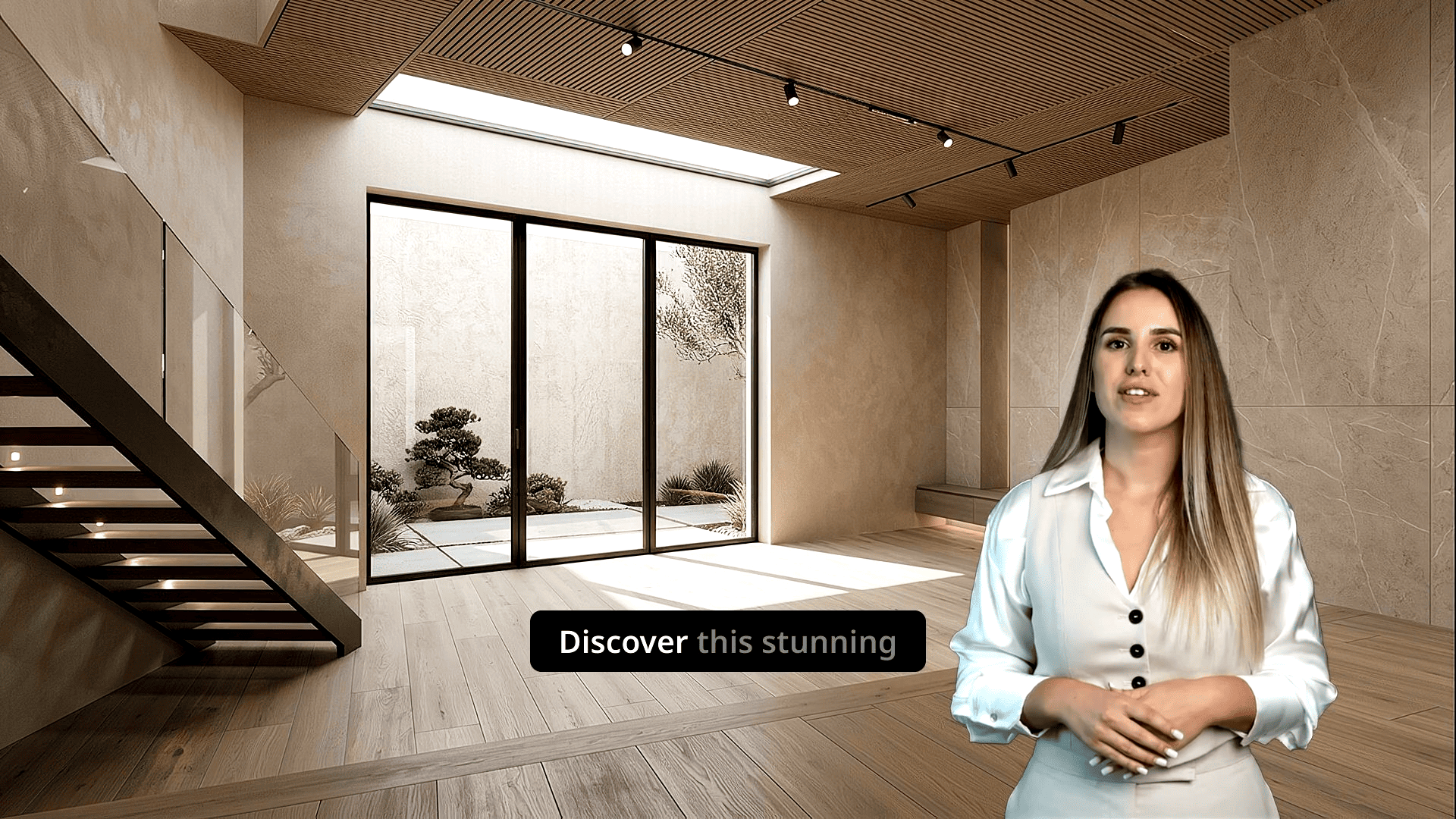
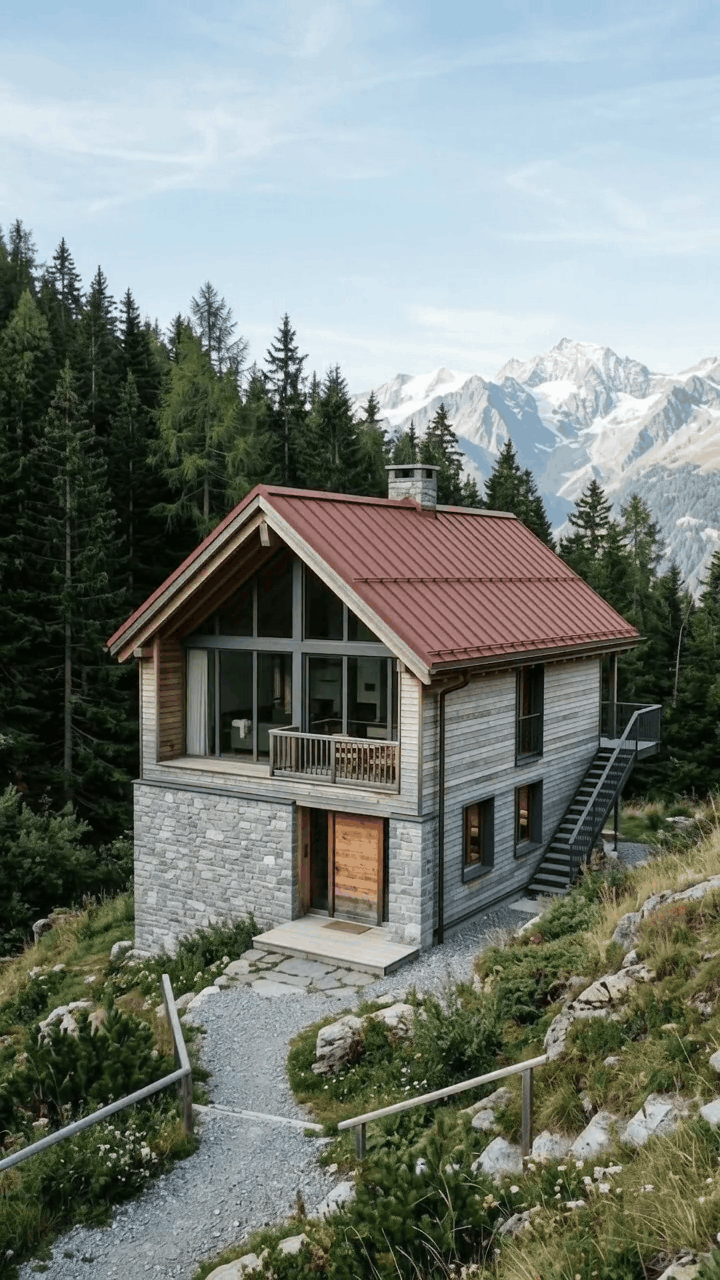
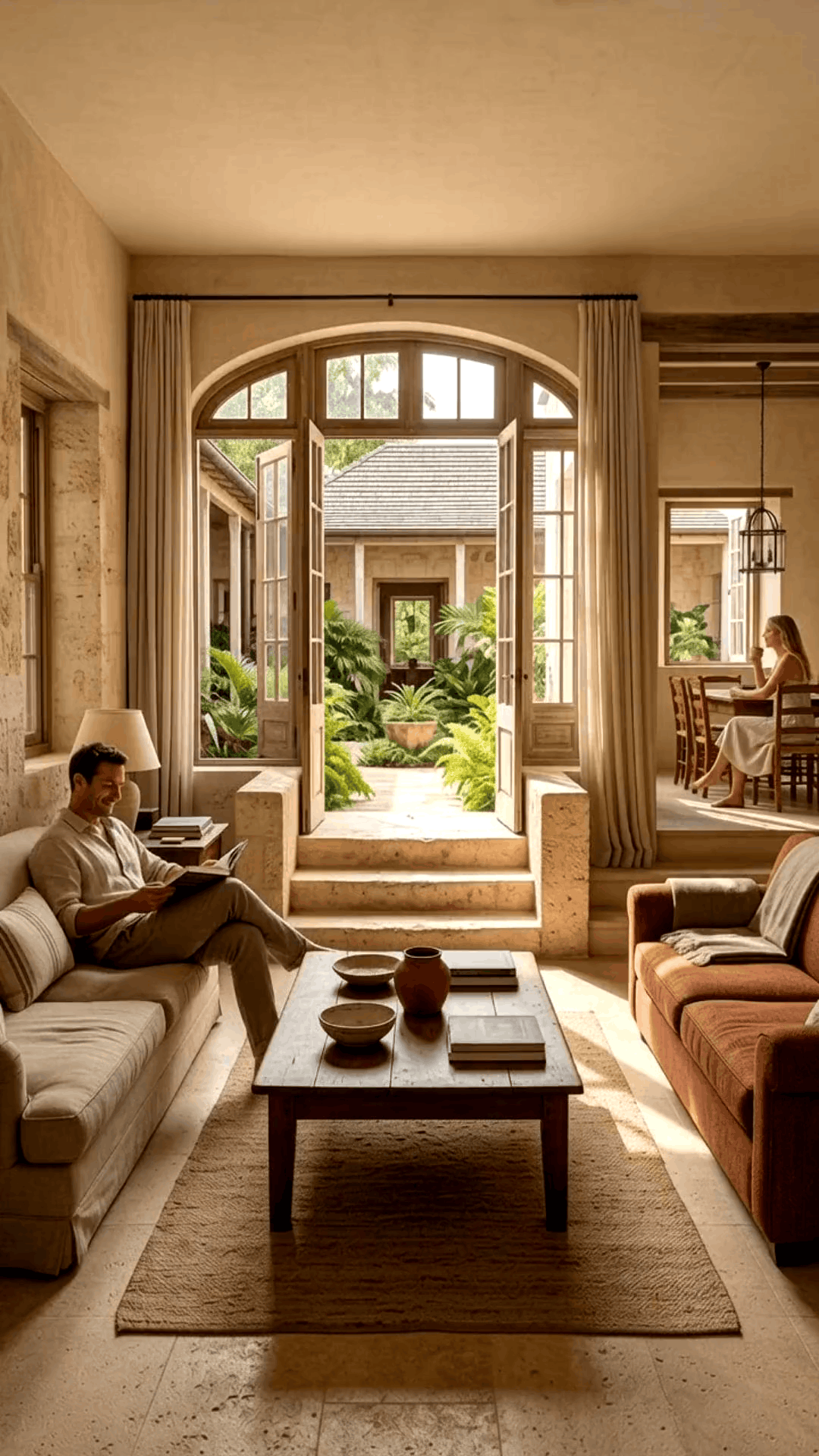
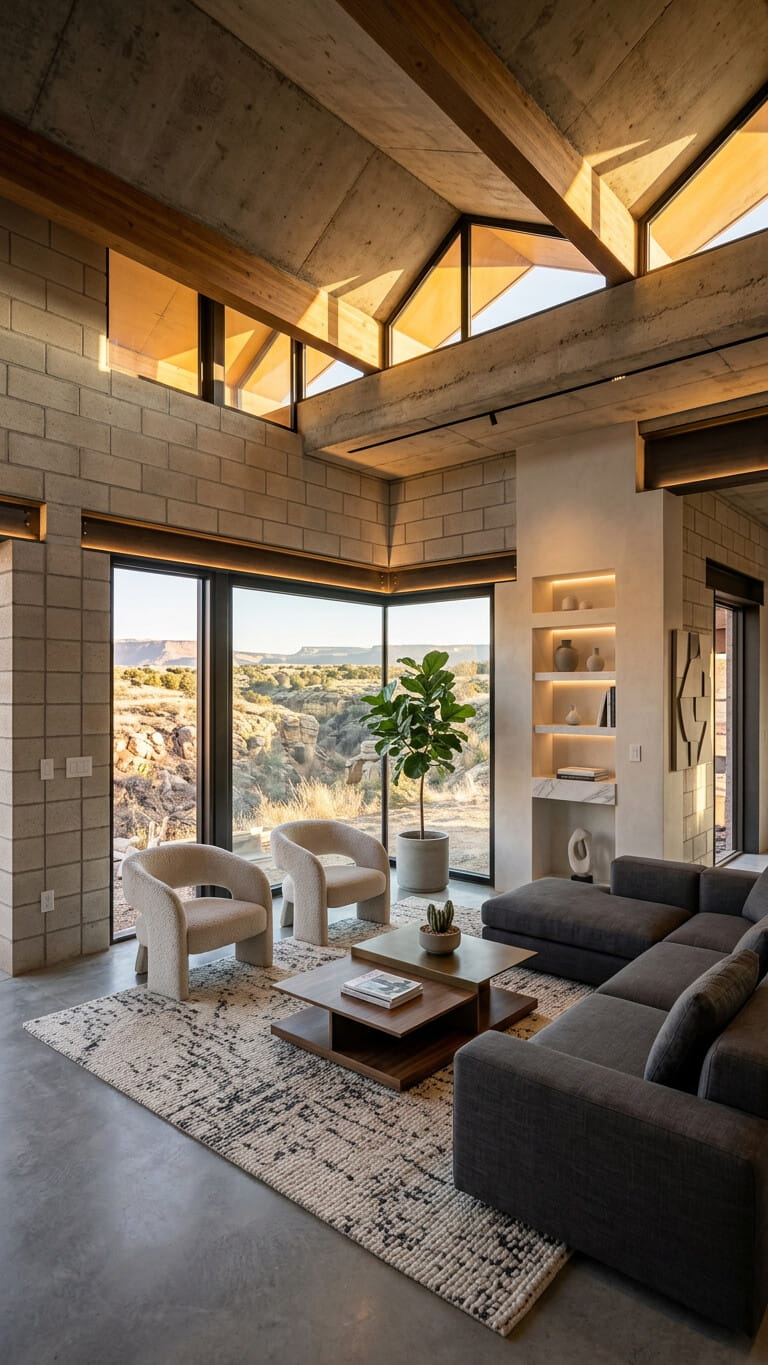
New-build marketing often starts before photography of a completed building exists.
Architectural renders, CGI, and lifestyle imagery are often the main assets before completion photos exist.
Help sales and marketing teams show the project vision with images, video, social posts, and presentations.
Waiting for finished photography means missing critical pre-launch and off-plan marketing windows.
Use the visuals available at each stage instead of waiting for the perfect shoot.
Use architectural renders and available project visuals to introduce the development before construction finishes, including images, social assets, and video.
Create promotional images, videos, and copy for campaigns, social media, and sales presentations when the project goes to market.
Generate construction-stage visuals and timelapse videos from finished renderings, or turn progress imagery into marketing content that keeps buyers engaged.
Create final property and project marketing images and videos from completed photos and lifestyle visuals.
Use architectural renders and available project visuals to introduce the development before construction finishes, including images, social assets, and video.
Create promotional images, videos, and copy for campaigns, social media, and sales presentations when the project goes to market.
Generate construction-stage visuals and timelapse videos from finished renderings, or turn progress imagery into marketing content that keeps buyers engaged.
Create final property and project marketing images and videos from completed photos and lifestyle visuals.
Turn listing photos into publish-ready images and videos in simple steps, no editing experience required.
Add your property photos from any device. VideoEstate accepts common formats and keeps every image organized in your project.
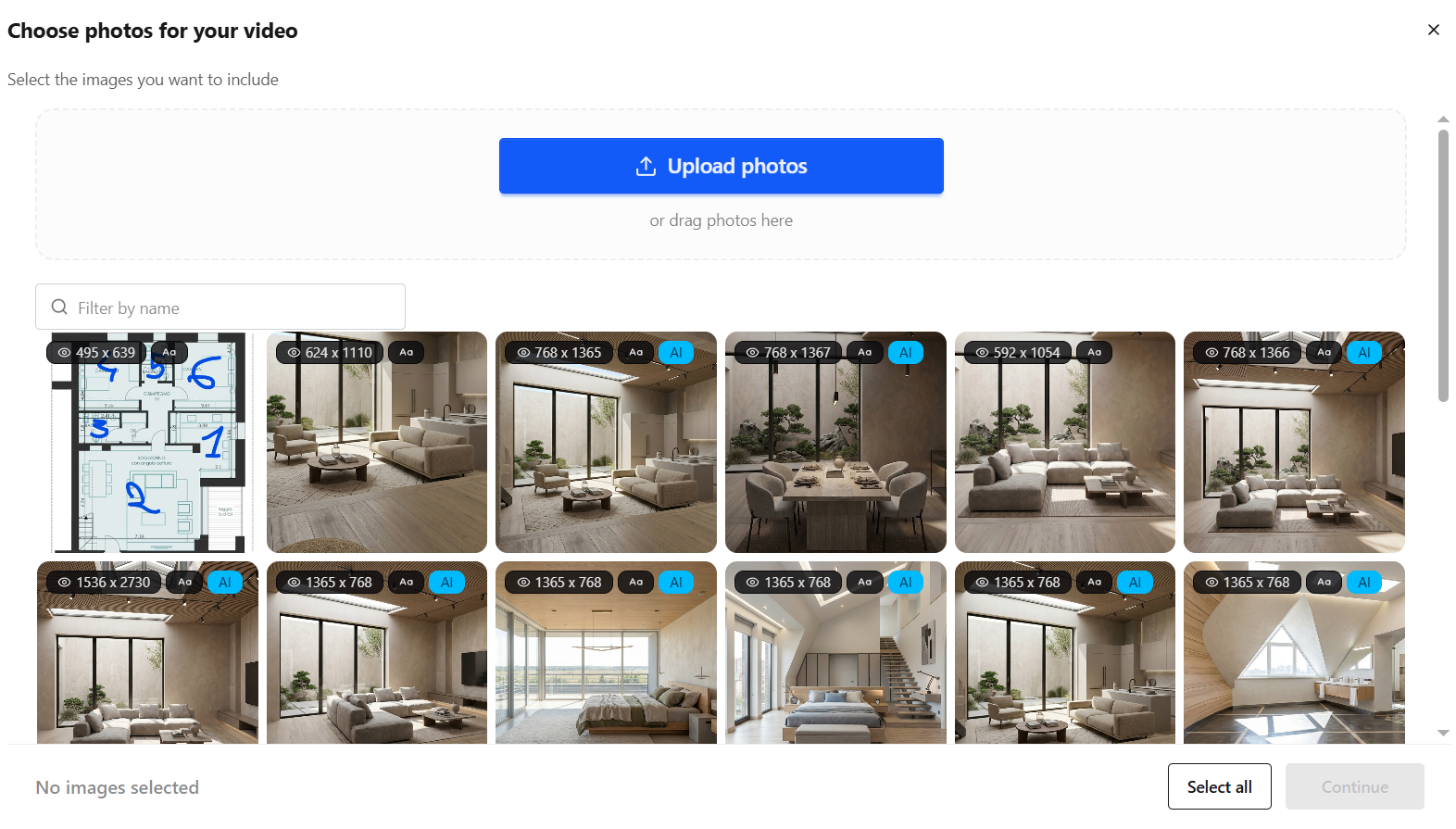
Enhance lighting, remove clutter, and polish every shot with AI so each frame looks its best, or generate new listing visuals.


Transform still photos into smooth camera moves, renovations, virtual staging and more.
Layer AI voiceovers, talking avatars, on-screen captions, and royalty-free music.
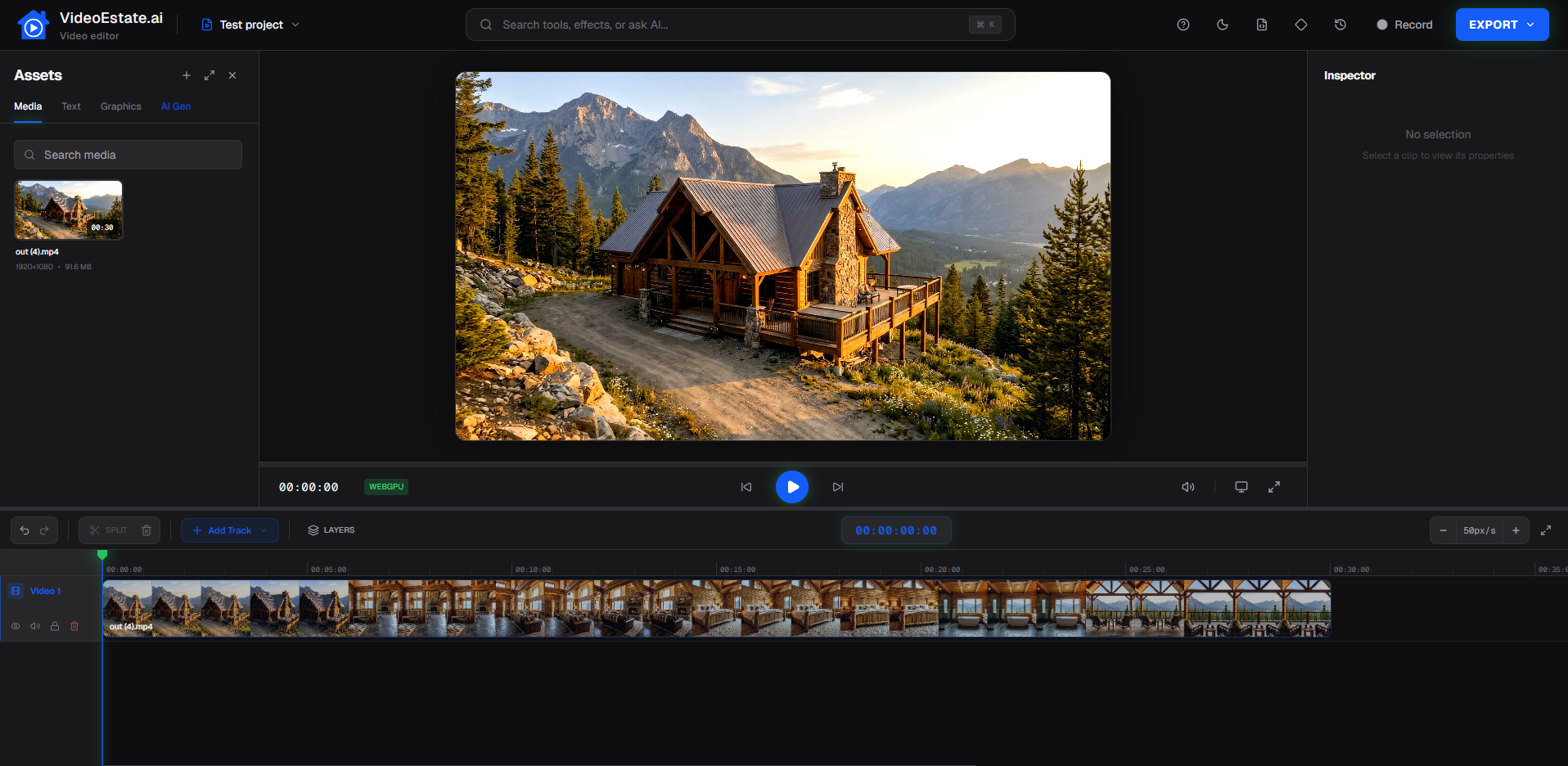
Finish in the built-in editor, then export images and videos ready for social, marketplaces, and presentations.
Off-plan buyers need a clear picture of the finished vision.
Give off-plan buyers a clear picture of the finished development with interiors from floor plans, polished renders, and video when they cannot yet tour the site.
Highlight individual units, amenities, and the overall project story with images, short promotional clips, and listing descriptions.
Keep the development visible between milestones with assets for social media, sales decks, and project websites.
A practical process grounded in the visuals you already produce.
Collect architectural renders, CGI stills, property images, and lifestyle visuals approved for marketing.
Upload the images to VideoEstate.ai and create marketing visuals, social assets, and video with AI-assisted presentation, including construction timelapses and room interiors when useful.
Adjust branding, text, music, and other supported options, then export for campaigns and sales use.
Buyers purchase more than walls, they buy a place to live.
Why development marketing teams add AI images, video, and workflows to their toolkit.
Promote developments with renders, floor-plan interiors, and project visuals while buildings are still under construction.
Turn architectural renders, floor plans, property images, and lifestyle assets into images and video without a full production shoot.
Produce short videos, social images, carousels, and captions for launches, unit highlights, and ongoing development promotion.
Help buyers understand the vision, amenities, and atmosphere before they can walk the finished site.
Keep marketing cohesive across sales decks, websites, portals, and social channels.
Create more images and videos across the development lifecycle without waiting on traditional production schedules.
Examples of promotional images and videos created from property and project visuals.
Explore related workflows and listing-focused content ideas.
Answers for developers marketing new-build and off-plan projects with AI media.
Developers often rely on architectural renders, CGI, floor plans, lifestyle imagery, and clear project storytelling before photography of a finished building is available. Images, video, and social assets help present that vision across websites, portals, social media, and sales meetings.
Yes. If you have render images or other project visuals, you can upload them to VideoEstate.ai, generate marketing images and video, run construction-timelapse or floor-plan workflows when useful, customize supported details, and export for campaigns.
It is promotional imagery and video that explains a new-build or development project, often using renders, amenities, lifestyle imagery, floor-plan interiors, and location context, to support pre-launch, launch, and ongoing sales.
Use the visuals you already have: architectural renders, floor plans, project images, and lifestyle assets. Turn them into images, videos, social posts, and sales copy for off-plan marketing.
Images and video make it easier for buyers to understand the development story, unit highlights, and lifestyle around the project, especially when a physical tour is not yet possible.
Yes. AI can help developers turn existing project visuals into marketing images, videos, social assets, and copy faster, so teams can publish more content across the development lifecycle.
Turn renders and project visuals into images, social assets, sales copy, and marketing videos for launches and off-plan sales.
