A video editor for real estate
Import your clips, build a timeline, and export a finished property video. Trim, layer, and polish the edit in the browser, without a separate editing app.
Finish a property video in four steps
Import media, arrange the timeline, add the finishing details, and export.
Import your media
Add the video clips and images you want in the project.
Arrange the timeline
Trim clips, split them at the playhead, and place them on tracks in the order the tour should play.
Add text, audio, and effects
Drop in titles, subtitles, voiceover, music, transitions, and effects on the timeline.
Export the video
Preview the cut and export a finished property video ready to share.
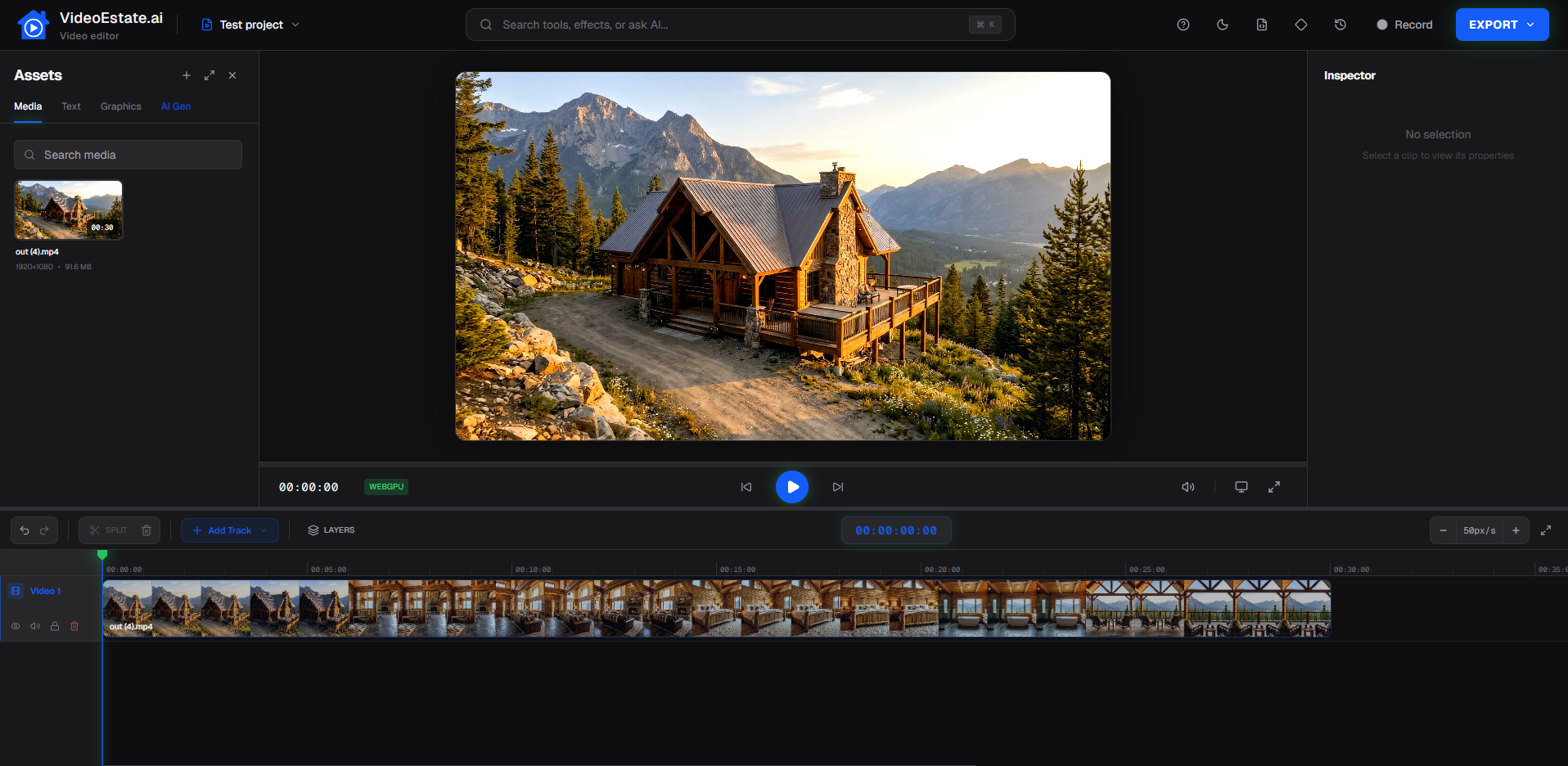
A full timeline in the browser
Preview the cut, inspect a clip, and adjust the sequence in one editor.
Tracks and layers
Stack video, text, graphics, and audio on separate tracks.
Split and trim
Cut a clip at the playhead and keep only the seconds you need.
Clip inspector
Select a clip to adjust its properties while the rest of the timeline stays in place.
Editing tools on the timeline
The pieces of a finished property video, all in one editor.
Video clips
Import footage and place it on the timeline.
Text overlays
Add titles, prices, and addresses on top of the video.
Images
Place photos, logos, and graphics on their own layers.
Subtitles
Add captions so the video works without sound.
Voiceovers
Lay narration under the picture and line it up with the cut.
Effects
Apply effects to clips to shape the look of the edit.
Transitions
Connect clips with transitions instead of hard cuts.
Music
Add a soundtrack and balance it with the rest of the audio.
Edit your next property video
Trim, sequence, and export in the browser. Start free, no credit card required.
