Add AI avatars to real estate video
Put a professional presenter on your property walkthroughs. Browse the full avatar library, filter by type and style, pick the perfect look, and generate presenter clips with voiceover and optional synced subtitles.
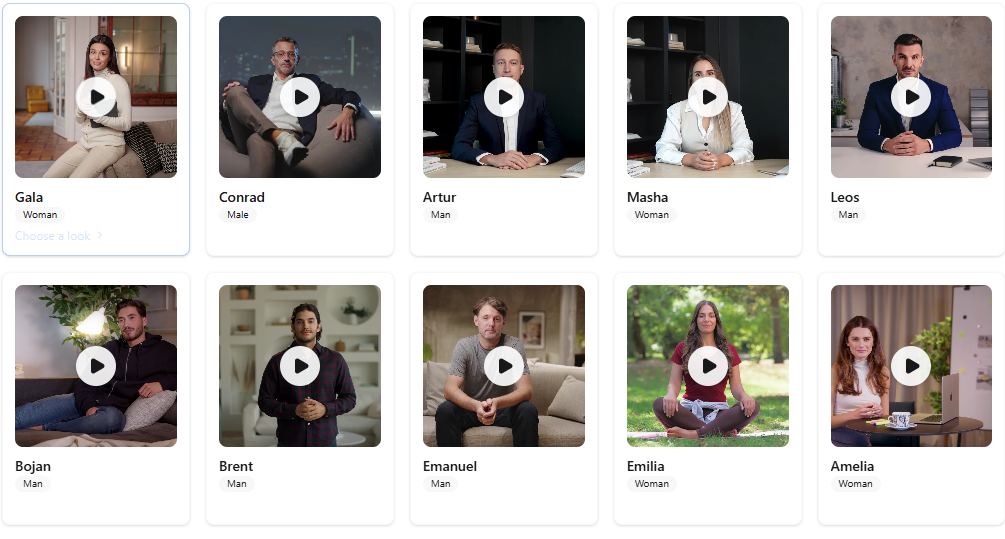
Browse the full avatar library
Explore avatar groups and individual looks. Search by name, filter by type, gender, and orientation, and preview each avatar before adding it to your video.
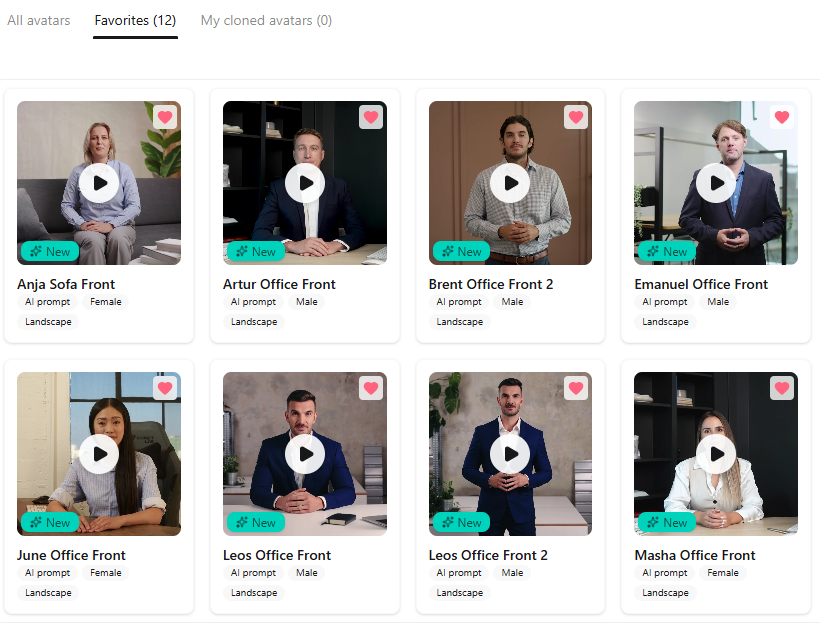
Save avatars to your favorites
Bookmark the avatars you use most. Your organization's favorites list keeps your go-to presenters one click away across every project.
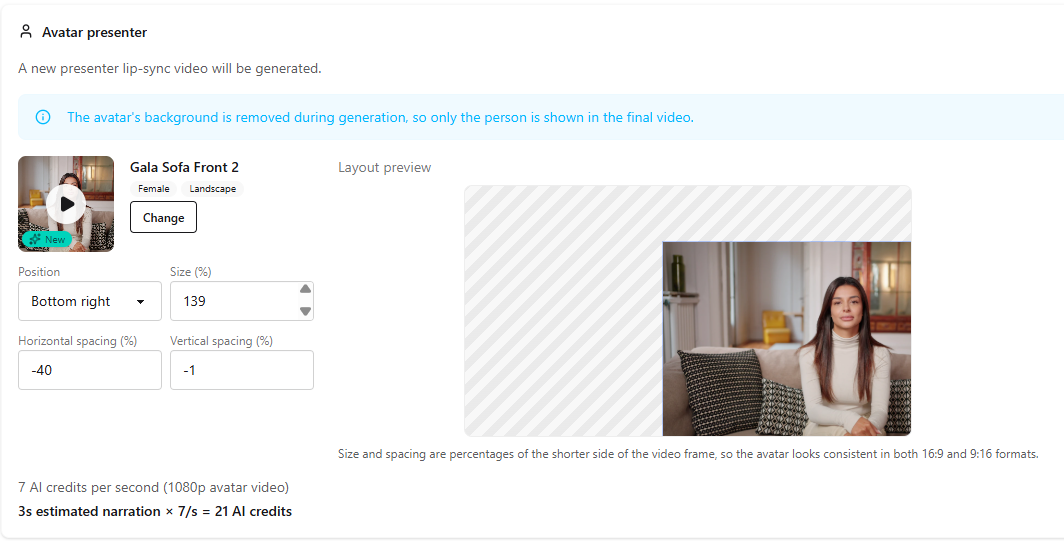
Place an avatar in your video
Add an AI presenter to any clip and choose where it appears on screen. Drag to reposition and resize the avatar so it fits naturally alongside your property footage.
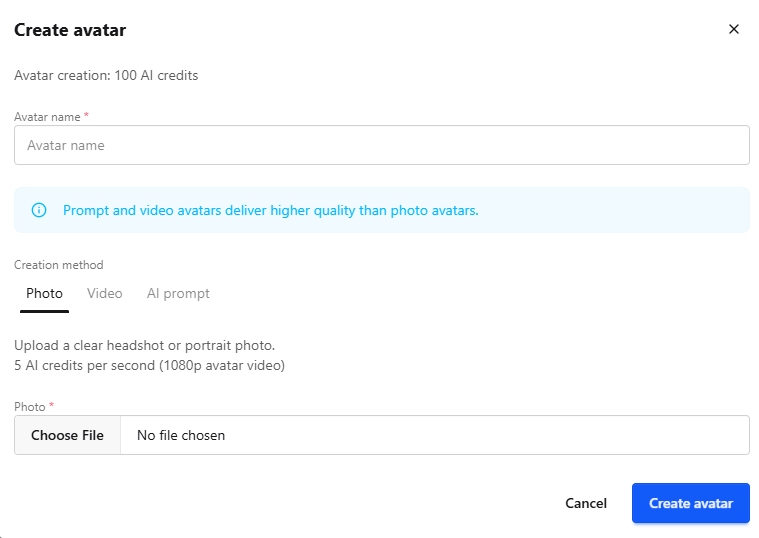
Create your own avatar
Upload a photo, submit a training video, or describe a character to build a custom AI presenter. Manage your avatars alongside the full library, preview, rename, and use them in any listing video.
Add AI avatars to real estate videos
Browse the avatar library, add a presenter to your property clips with voiceover, and export ready-to-share videos in VideoEstate.ai.
