Furniture
en Voiceover
Use AI to accelerate repetitive parts of property video production, including image prep, voiceover, avatars, and music, while keeping control over the final creative result.
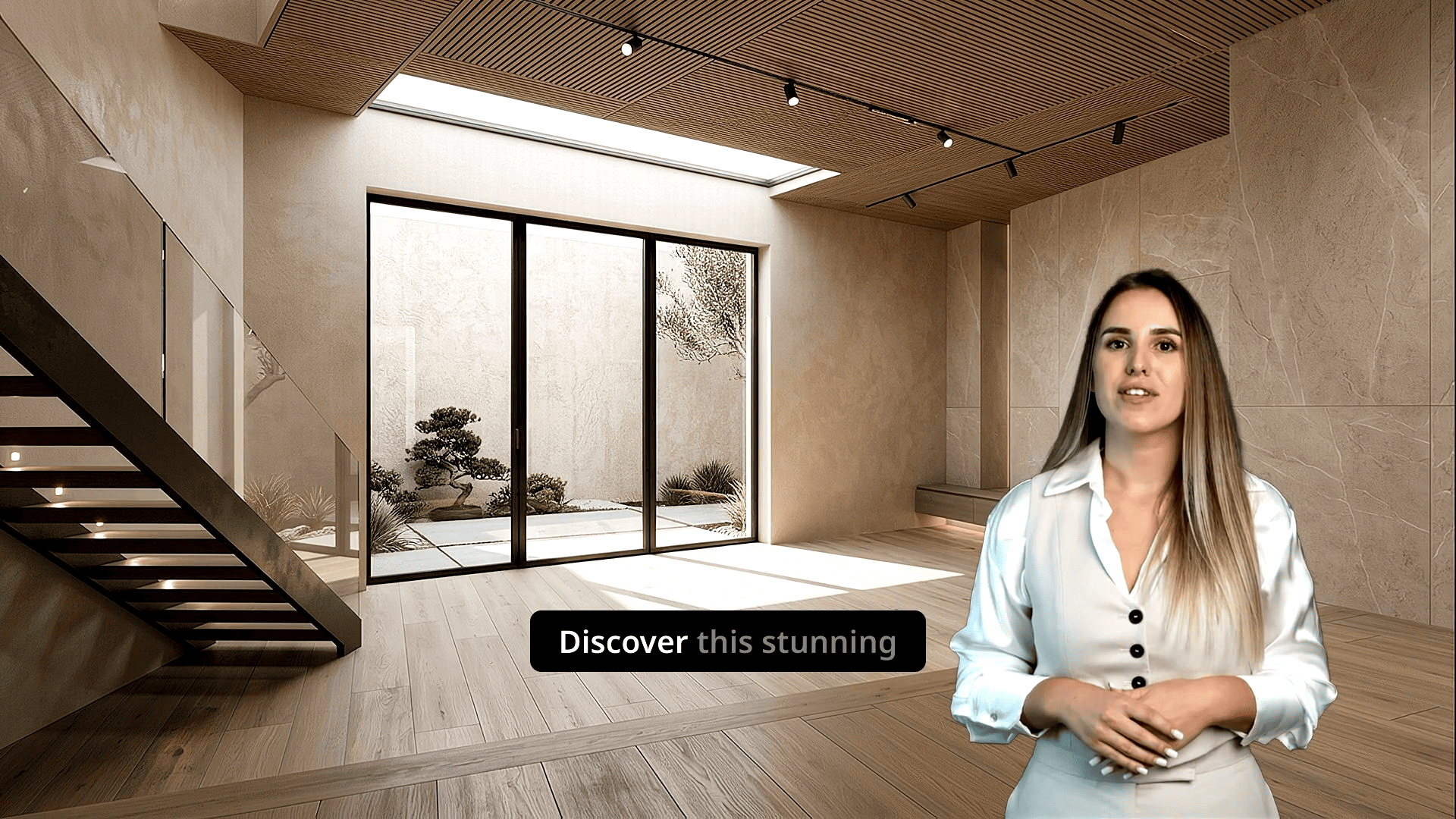
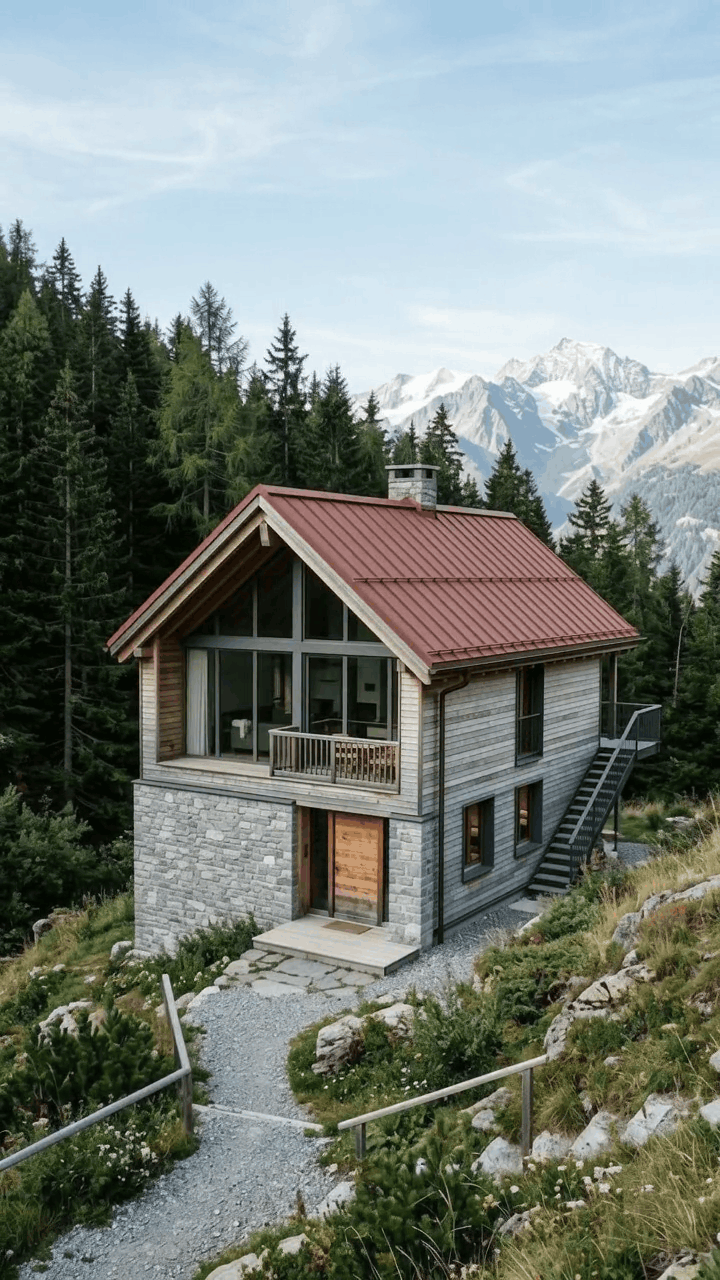
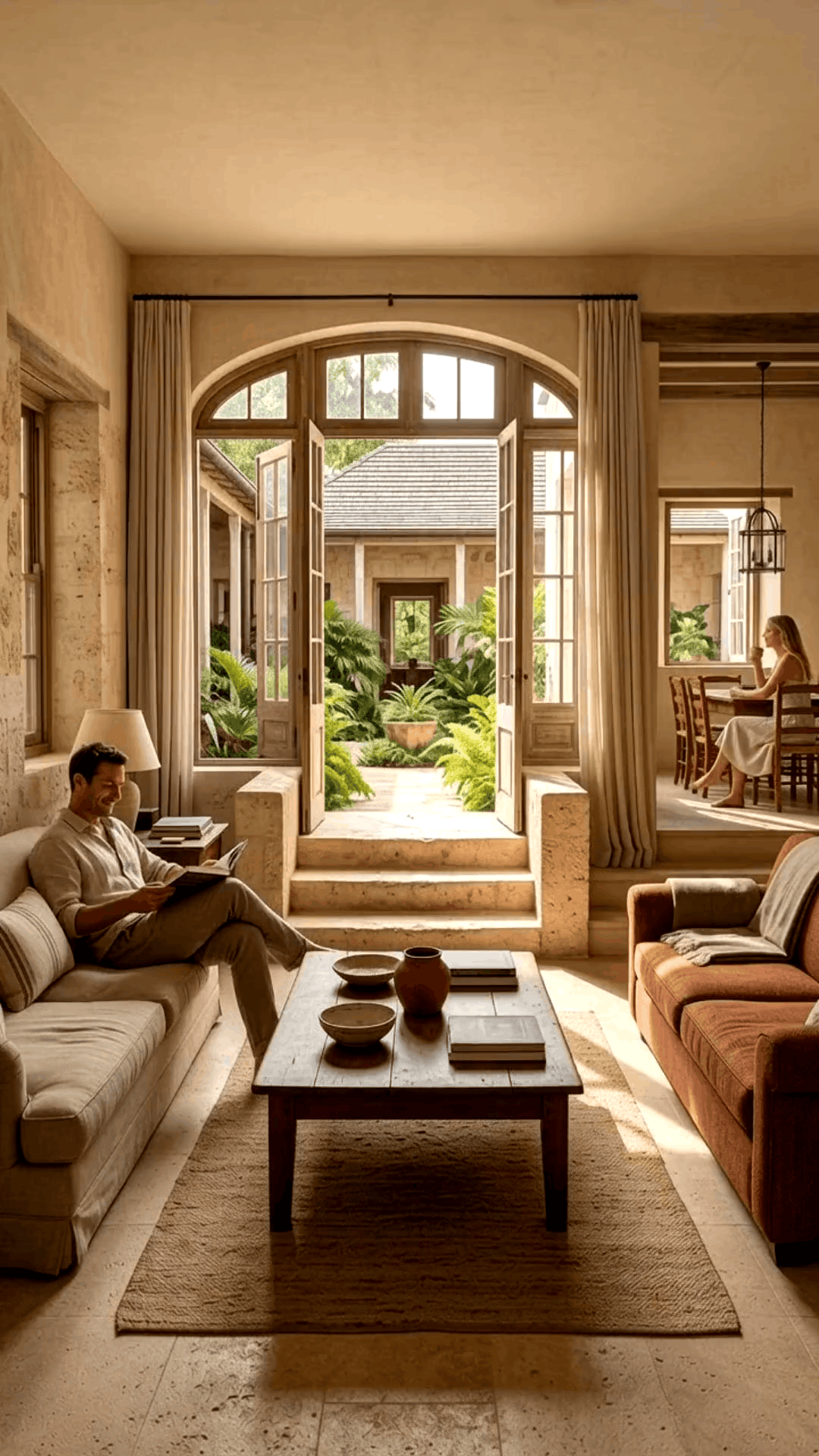
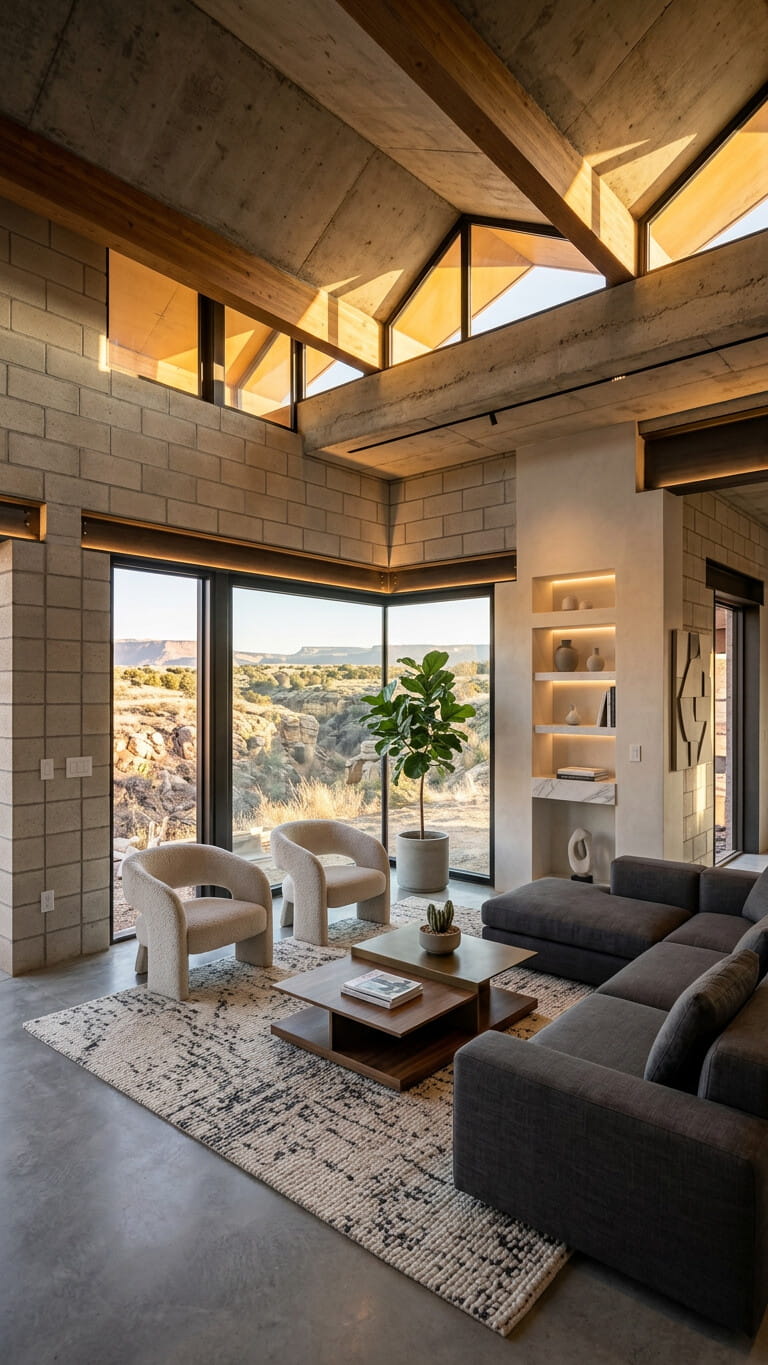
Many listings need similar production steps even when the creative finish should feel unique.
Videomakers repeatedly organize photos, clean stills, build sequences, add transitions, format for channels, place music, captions, voice, and branding, and export similar structures.
That production work is required, yet creative judgment adds the most value in review and polish, not in rebuilding the same first pass every time.
VideoEstate.ai helps with the repetitive first pass so you can focus on review and polish. It does not claim that every editing task is fully automated.
The production steps that show up again and again across listings.
VideoEstate complements videomakers rather than trying to replace professional creative work.
Generate an initial video from property assets, with optional AI image prep, voice, and music, so you start from a structured draft instead of a blank timeline.
Review and customize the result. AI creates a usable starting point; you decide what goes to the client.
VideoEstate complements videomakers rather than trying to replace professional creative work or every creative decision.
Handle more listings and recurring client work with faster first drafts.
Move through standardized formats without rebuilding every project from a blank timeline.
Start from an AI-generated version so review and customization happen sooner.
Reduce time spent on the same sequencing and formatting work across similar properties.
Customize the generated result with the controls that matter for client work.
Turn listing photos into publish-ready images and videos in simple steps, no editing experience required.
Add your property photos from any device. VideoEstate accepts common formats and keeps every image organized in your project.
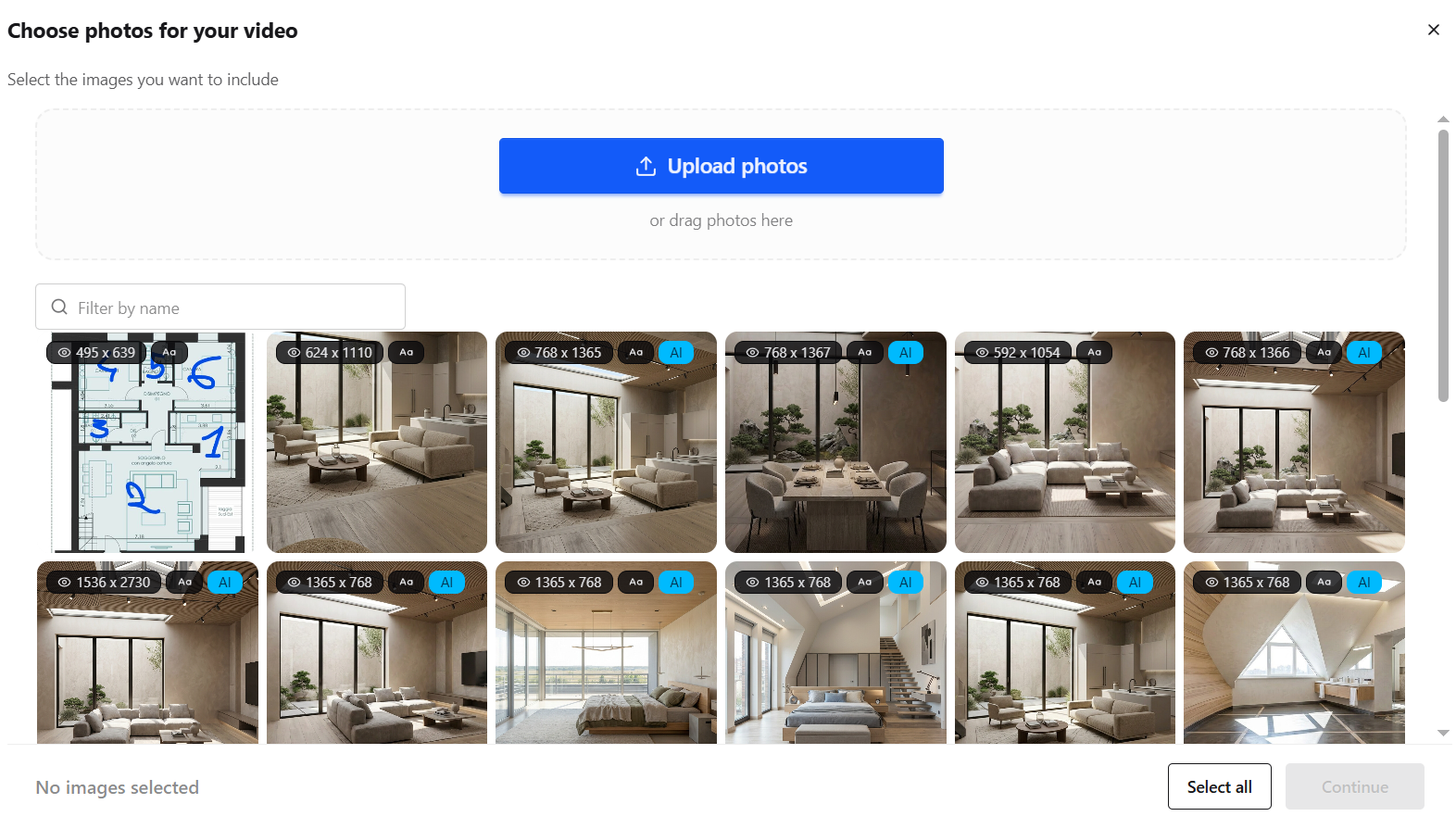
Enhance lighting, remove clutter, and polish every shot with AI so each frame looks its best, or generate new listing visuals.


Transform still photos into smooth camera moves, renovations, virtual staging and more.
Layer AI voiceovers, talking avatars, on-screen captions, and royalty-free music.
Finish in the built-in editor, then export images and videos ready for social, marketplaces, and presentations.
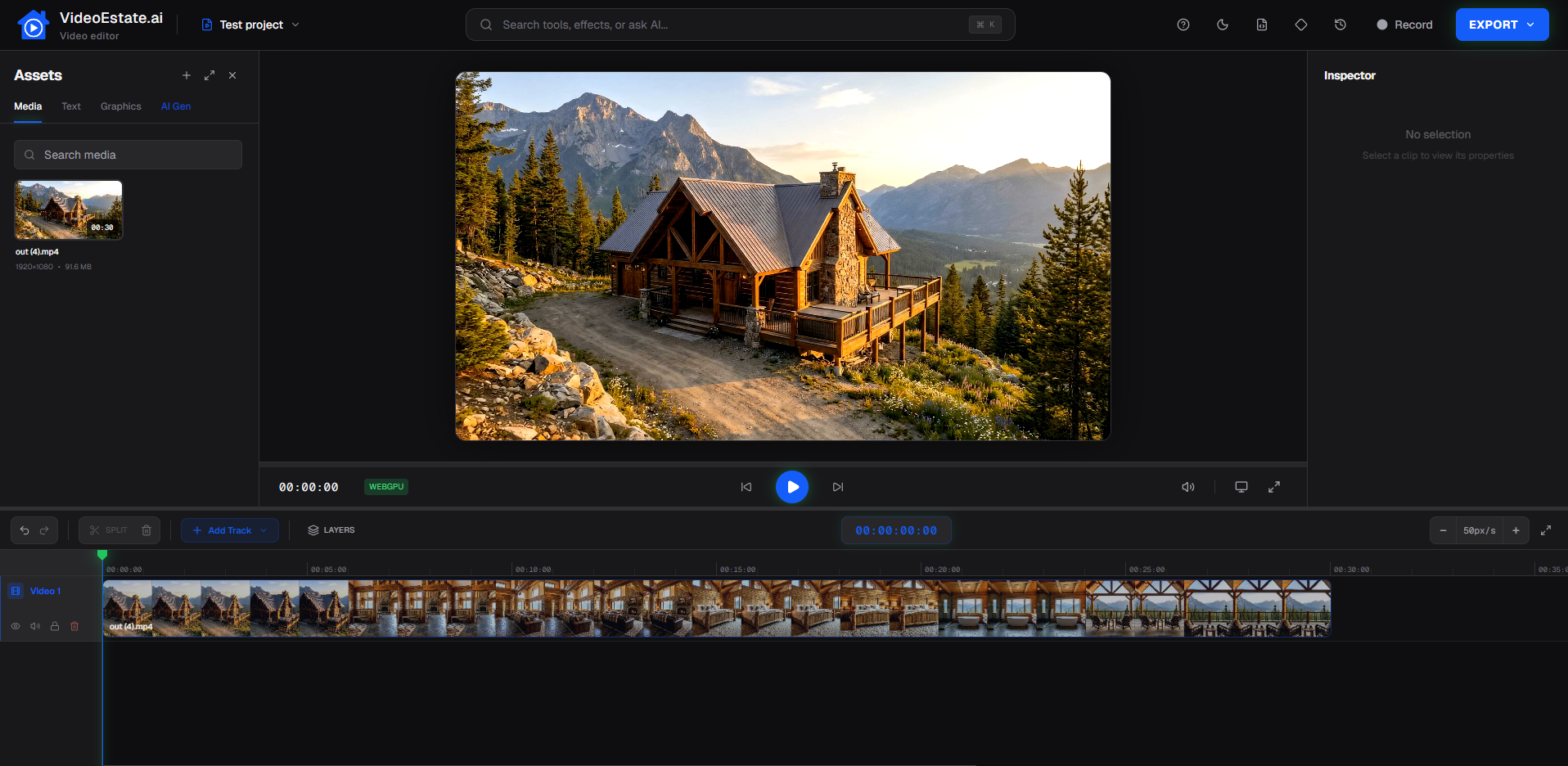
Examples of AI-assisted property videos you can review, customize, and deliver.
For freelancers, studios, and in-house video teams.
Freelance videomakers · Real estate production studios · Property media companies · Marketing agencies with video teams
Answers for videomakers accelerating real estate video production with AI.
Professional videomakers can use AI to generate a first version of a property video from photos, enhance source images, add voice or avatars, then review and polish the result. VideoEstate.ai is built for that workflow, it does not replace your creative judgment.
Yes. Upload property photos, generate a first version, then customize and export. See also our photos-to-video workflow for real estate.
Use AI for repetitive first-pass work, image prep, sequences, pacing basics, voice, music, and a usable draft, then spend your time on creative review and customization across more listings.
Yes. After generation, you can adjust supported options such as style, branding, music, voiceover, captions, avatars, and other editing controls before export.
VideoEstate.ai is built for that workflow: generate property videos from photos, customize them, and export for clients and marketing channels.
AI can accelerate repetitive production steps, but professional creative judgment and customization remain valuable. VideoEstate.ai is designed to complement videomakers, not claim that every creative decision should be automated.
Generate a first version from property photos with AI image prep, voice, and music, then customize and polish for your clients.
