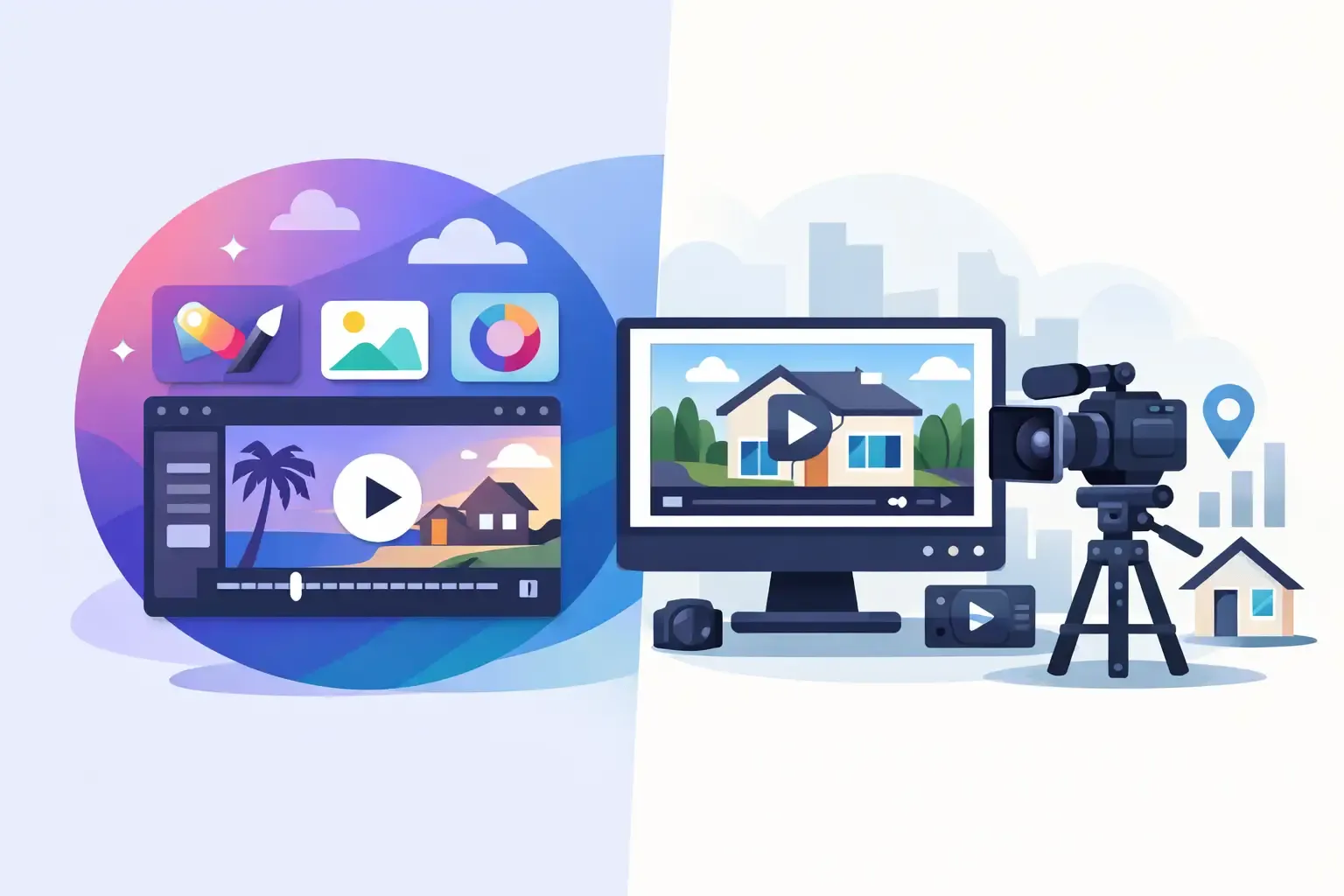
Creating real estate marketing content has never been easier—or more competitive.
Today’s agents need more than listing photos. Sellers expect professional marketing, buyers engage more with video content, and social platforms reward visual storytelling. As discussed in our guide on how to market a property listing that sells, the quality and speed of your marketing assets can directly influence listing performance, buyer engagement, and seller perception.
That is why many real estate professionals eventually face the same question: Should I use Canva or a dedicated real estate video tool?
The answer depends on what you’re trying to accomplish.
While Canva is an excellent general-purpose design platform, specialized real estate video software is built specifically for turning listing photos, virtual staging images, and property information into professional marketing videos quickly and consistently.
If your goal is simply creating occasional graphics, Canva may be enough. If your goal is scaling listing marketing, generating more seller leads, and producing videos in minutes, dedicated real estate video tools offer a significant advantage.
Canva vs real estate video tools: understanding the difference
This comparison is not about which platform is “better.” It’s about which platform is better suited to your workflow.
Canva
Canva was designed as a versatile visual design tool. It supports social media graphics, presentations, flyers and brochures, marketing materials, and basic video editing.
Real estate video tools
Specialized platforms are built around a single objective: transforming property assets into professional marketing videos with minimal effort.
Instead of starting with a blank canvas, specialized platforms provide workflows designed specifically for:
Listing photos
Turn professional photography into structured property videos without manual timeline editing.
Property descriptions
Pair visuals with listing copy, captions, and on-screen text built for real estate marketing.
Virtual staging images
Showcase furnished or enhanced rooms alongside standard listing photography.
AI voiceovers
Add narrated walkthrough-style audio without recording sessions for every property.
Branded real estate templates
Apply logos, agent details, and brokerage branding consistently across every export.
Social media video formats
Export vertical, square, and landscape versions optimized for Reels, Shorts, and feeds.
This specialization dramatically reduces production time while improving consistency.
| Aspect | Canva | Real estate video tools |
|---|---|---|
| Primary strength | General design and graphics | Listing video production at scale |
| Starting point | Blank canvas or generic templates | Property photos and listing assets |
| Video workflow | Manual layout, timing, and export decisions | Automated sequencing and formatting |
| Best for | Occasional graphics and simple videos | Regular listing videos and social reels |
| Production time at volume | Increases with every manual decision | Stays low across multiple listings |
Where Canva works well for real estate agents
Canva remains a valuable tool for many real estate professionals.
Easy graphic design
Create open house flyers, just-listed graphics, social posts, agent branding materials, and presentation slides quickly.
All-in-one marketing platform
Brokerages often appreciate having a single platform for multiple asset types rather than maintaining separate design software.
Beginner-friendly interface
Canva requires little training and allows agents to create professional-looking materials without hiring a designer.
For occasional video projects, Canva can be perfectly adequate. You can upload listing photos, add animations, insert text overlays, and export a simple promotional video.
However, challenges begin to appear when video production becomes a recurring business process.
The limitations of Canva for listing video creation
The biggest issue is not quality.
The biggest issue is time.
Every listing video requires manual decisions:
- Selecting layouts
- Ordering images
- Adjusting transitions
- Timing scenes
- Creating captions
- Resizing for multiple platforms
One video may only take a short amount of time. Ten videos per week become a different story.
Canva gives creative freedom; real estate video software gives a proven workflow
For busy agents, marketing teams, photographers, and developers, workflow efficiency often matters more than creative flexibility.
What specialized real estate video tools do better
Dedicated real estate video tools are designed around listing marketing. Instead of building videos manually, users simply upload their property assets and let the platform handle much of the production process.
A platform like VideoEstate.ai enables professionals to generate marketing assets that align with today’s real estate content trends, where short-form video, AI-powered content creation, and faster publishing cycles are becoming standard expectations among buyers and sellers.
With VideoEstate.ai, agents can:
Generate listing videos from property photos
Turn a complete photo gallery into a branded property video in minutes.
Create social media reels automatically
Export vertical clips optimized for Instagram Reels, TikTok, and YouTube Shorts.
Add AI voiceovers
Narrate walkthrough-style videos without recording audio for every listing.
Enhance listing images
Improve visuals before they appear in video sequences and marketing assets.
Produce property slideshows
Build polished slideshow-style videos from existing photography.
Export in multiple aspect ratios
Generate vertical, square, and landscape versions from the same listing assets.
This is particularly valuable when paired with the strategies discussed in our article on listing videos that help sell faster, where video content consistently drives higher engagement than static property listings alone.
The result is a faster and more scalable marketing workflow. Instead of spending hours editing, agents can turn a complete photo gallery into a professional property video in minutes.
Speed to market matters more than ever
Modern buyers move quickly. Listings often receive the highest level of attention during their first days on the market. Delayed marketing can reduce momentum and visibility.
Many agents already have professional photography available on day one. The challenge is converting those assets into engaging video content quickly, which is why learning how to use listing photos for reels has become such an important skill for modern real estate marketing.
The faster you can launch listing videos, Instagram Reels, Facebook promotions, property showcase videos, and seller presentation materials, the stronger your marketing position becomes.
Specialized tools turn editing time into marketing time
Quality is about more than visual effects
Many people associate professional video with cinematic footage. In reality, effective real estate videos depend on:
Strong structure
A logical flow that helps buyers understand the property quickly.
Clear pacing
Scene timing that keeps attention without rushing past key rooms.
Consistent branding
Logos, colors, fonts, and music style applied across every listing.
Mobile-friendly formats
Vertical and square exports that look polished on phones and social feeds.
Smooth transitions
Professional motion between rooms without distracting effects.
Effective storytelling
A narrative arc that highlights the property's strongest selling points.
High-quality visuals also play a major role. Many agents now combine AI-powered video creation with modern staging techniques discussed in our guide to AI virtual staging trends that matter to create more compelling property presentations without the expense of traditional physical staging.
Canva allows skilled users to create excellent videos. But quality often depends heavily on the person creating the content. Dedicated real estate video tools reduce that dependency by providing optimized workflows and templates specifically designed for property marketing.
This helps brokerages maintain consistent marketing standards across entire teams.
The real cost: software vs production time
Many agents compare software based solely on subscription pricing. That comparison can be misleading. A cheaper platform may require significantly more labor to produce the same result.
Instead, evaluate:
Time and labor
Time spent per video, number of tools required, staff involvement, and revision cycles.
Business impact
Outsourcing costs, marketing turnaround time, and whether production bottlenecks limit listing coverage.
A platform that cuts production time by 50% can often generate greater savings than a lower monthly subscription fee.
For solo agents, this means more time prospecting and meeting clients. For teams, it means increased marketing capacity without increasing headcount.
Which solution is right for you?
Canva may be best if you
- Primarily create graphics
- Produce videos occasionally
- Need a broad marketing design platform
- Have limited video production requirements
A real estate video tool may be better if you
- Create listing videos regularly
- Manage multiple properties
- Need faster marketing turnaround
- Want consistent branding
- Produce social media video content at scale
- Deliver marketing services for clients
This is especially true if your marketing strategy involves publishing content consistently across websites, social media channels, email campaigns, and seller presentations.
Agents following a structured property listing marketing strategy often discover that specialized video tools reduce production bottlenecks while making it easier to maintain a consistent publishing schedule.
For most high-volume real estate professionals, specialized software becomes the more efficient option over time.
Why many real estate professionals use both
Interestingly, many successful agents do not choose one or the other.
They use Canva for
- Flyers
- Social graphics
- Presentations
- Branding assets
They use VideoEstate.ai for
- Property videos
- Listing reels
- AI-generated marketing videos
- Property slideshows
- Listing promotion campaigns
This allows each tool to do what it does best. Canva handles design. VideoEstate.ai handles video production at scale.
Browse real estate video examples or explore AI video creation tools for real estate to see how specialized platforms fit into a broader marketing stack.
Final thoughts
The Canva vs real estate video tools debate is really a question of workflow efficiency.
As video, AI-generated content, and virtual staging continue to shape modern property marketing, agents need systems that allow them to create, publish, and promote listings quickly while maintaining professional quality.
Canva remains one of the most useful design platforms available and can support many real estate marketing activities. However, when video becomes a core part of your listing strategy, specialized real estate video software offers significant advantages in speed, consistency, and scalability.
Whether you’re creating reels from listing photos, following emerging real estate content trends, or producing professional listing videos for every new property, the right workflow can make a measurable difference in both productivity and marketing performance.
If your objective is simply creating occasional content, Canva may be sufficient. If your objective is producing professional real estate videos in minutes, generating more marketing assets from every listing, and building a repeatable property marketing system, VideoEstate.ai is designed specifically for that purpose.
The most successful agents are not necessarily using the most flexible software. They are using the software that helps them market properties faster, impress sellers, and win more listings.
Review real estate video pricing plans or solutions for real estate agency marketing when you’re ready to scale video production across your team.
Frequently asked questions
Is Canva good for creating real estate videos?
Yes. Canva can create simple listing videos and promotional content. However, the process is largely manual and may become time-consuming for agents who produce videos regularly.
What is the best Canva alternative for real estate videos?
Dedicated real estate video platforms such as VideoEstate.ai are designed specifically for property marketing workflows, allowing agents to generate listing videos, reels, and slideshow content much faster.
Can AI create real estate listing videos automatically?
Yes. Modern AI-powered platforms can transform property photos, descriptions, branding elements, and marketing copy into professional videos with minimal manual editing.
Are real estate video tools worth the investment?
For agents and teams producing multiple listing videos every month, specialized tools often reduce production time significantly, improving marketing efficiency and overall return on investment.
Do listing videos help sell homes faster?
Video marketing can increase engagement, improve listing visibility, and create stronger first impressions, helping properties attract more buyer attention online.
Can I create social media reels from listing photos?
Yes. VideoEstate.ai can automatically convert listing photos into vertical videos optimized for Instagram Reels, TikTok, Facebook, YouTube Shorts, and other social platforms.