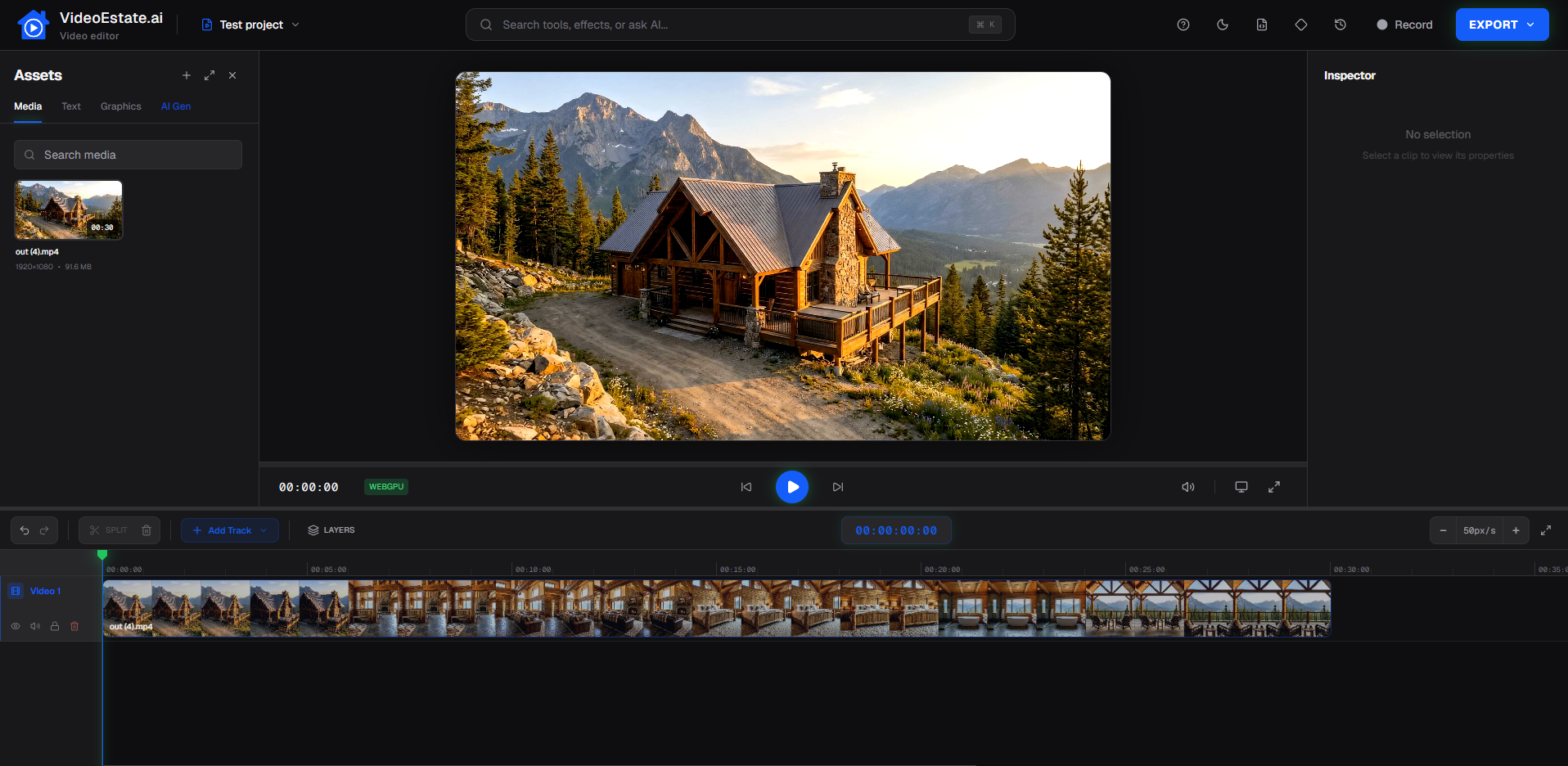
Create real estate videos in seconds

Turn property photos into real estate videos in seconds with AI, no editing skills required

  • Stand out on real estate marketplaces with video listings
  • Capture more attention on social media
  • Easily create professional videos

Videos help you get more buyers and sellers

Buyers scroll past static photos and sellers expect modern marketing. Video is what separates top-performing agents from the rest.

Sellers pick agents who market better

A video walkthrough signals professionalism and wins you the mandate over competitors relying on photos alone.

Video listings stand out on marketplaces

Listings with video get more views and inquiries. A video thumbnail is the difference between a click and a scroll-past.

Social media prioritizes video content

Instagram, TikTok, and Facebook push video far more than images. Property reels mean more reach and more leads — without paying for ads.

Traditional video is slow and costly

Hiring a videographer and waiting days for edits doesn't scale. You need professional videos for every listing in minutes, not weeks.

Real estate videos that convert

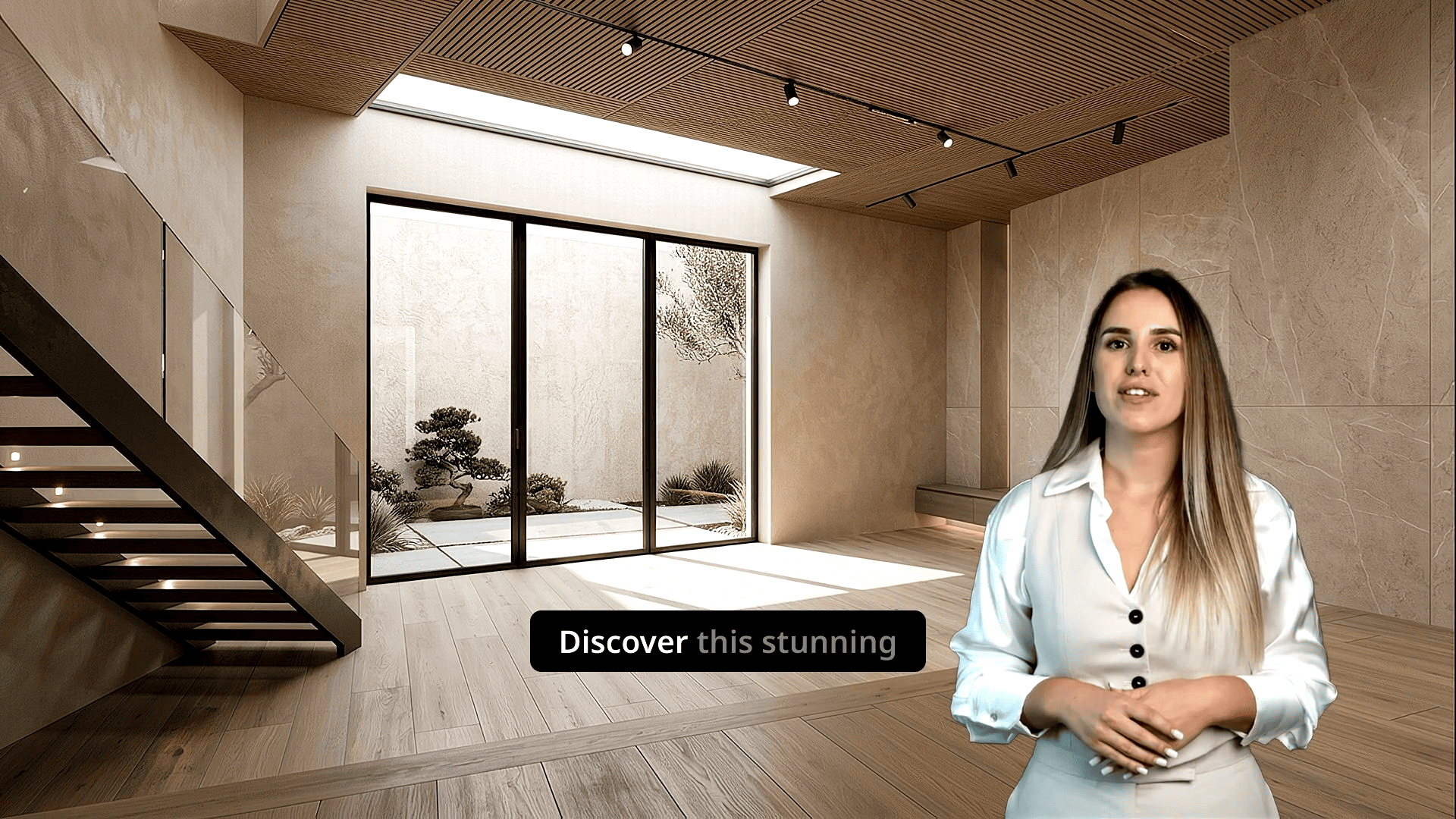
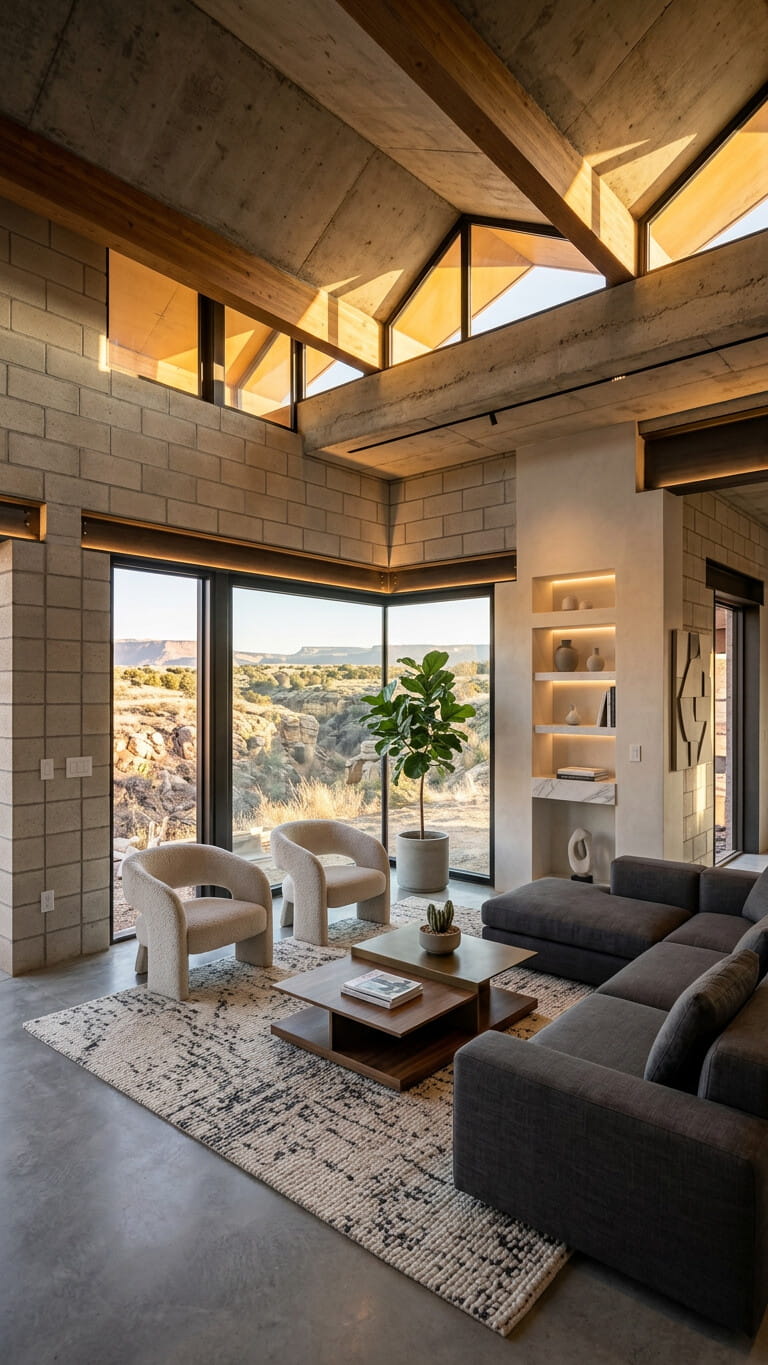
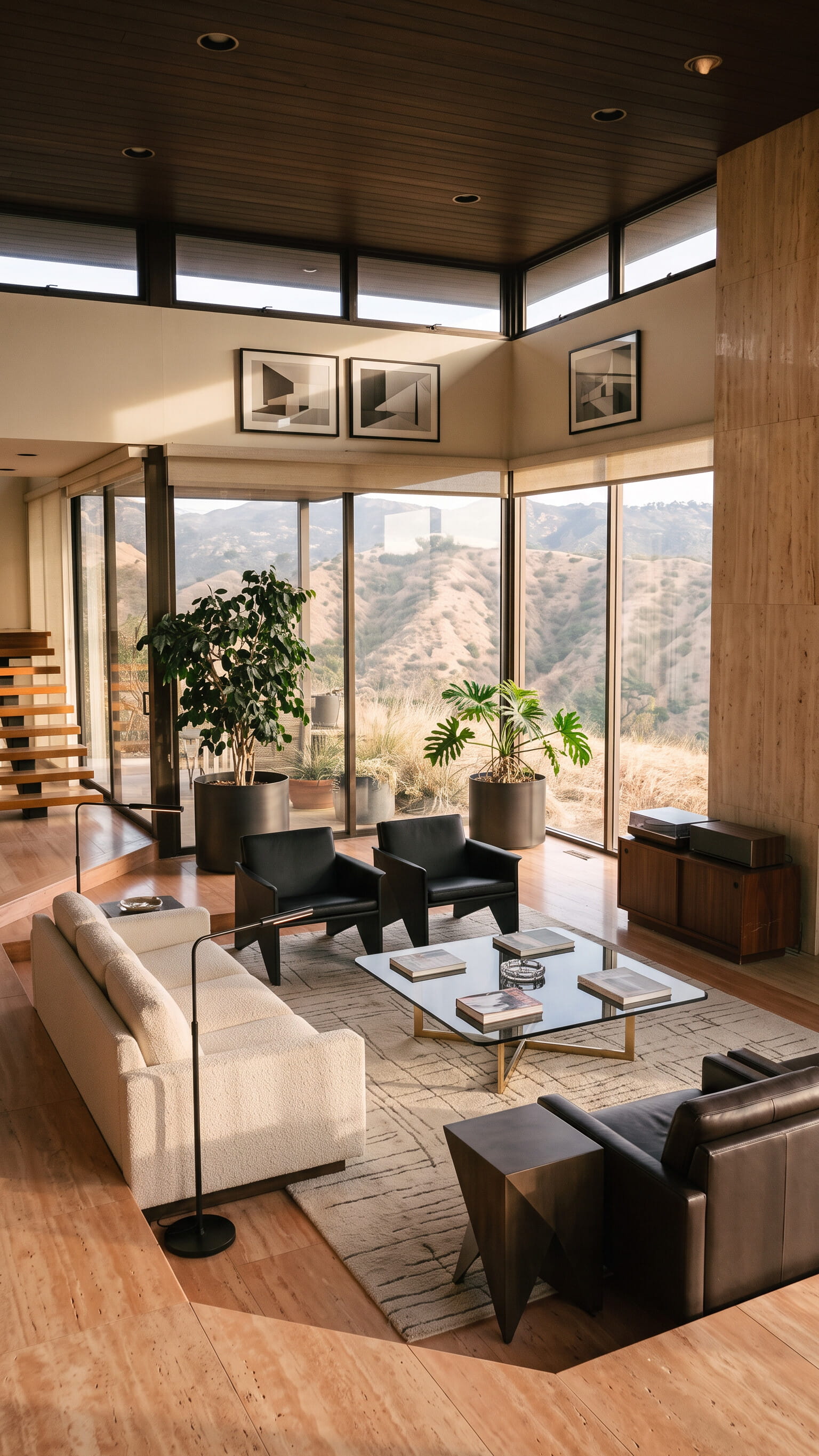
See examples of AI-generated property videos that attract buyers and sellers.

HorizontalCamera animation
VerticalConstruction transition
VerticalLifestyle stagingCamera animation
VerticalSeason transitionTime transition

Cheaper, faster, and easier

Traditional video creation is expensive, slow, and requires expertise. VideoEstate.ai is affordable, instant, and easy to use — create realistic real estate videos in seconds.

Traditional video creation

Price

$50-$200

Time

Hours

Skill level required

Videographer required

Equipment needed

Professional cameras, lighting, editing software

VideoEstate.ai

Price

From $1

Time

Seconds

Skill level required

No skills required - anyone can use it

Equipment needed

Just your computer or phone

From photos to professional video in seconds

Transform your property photos into high-converting videos in four easy steps — no technical skills required.

Step 1

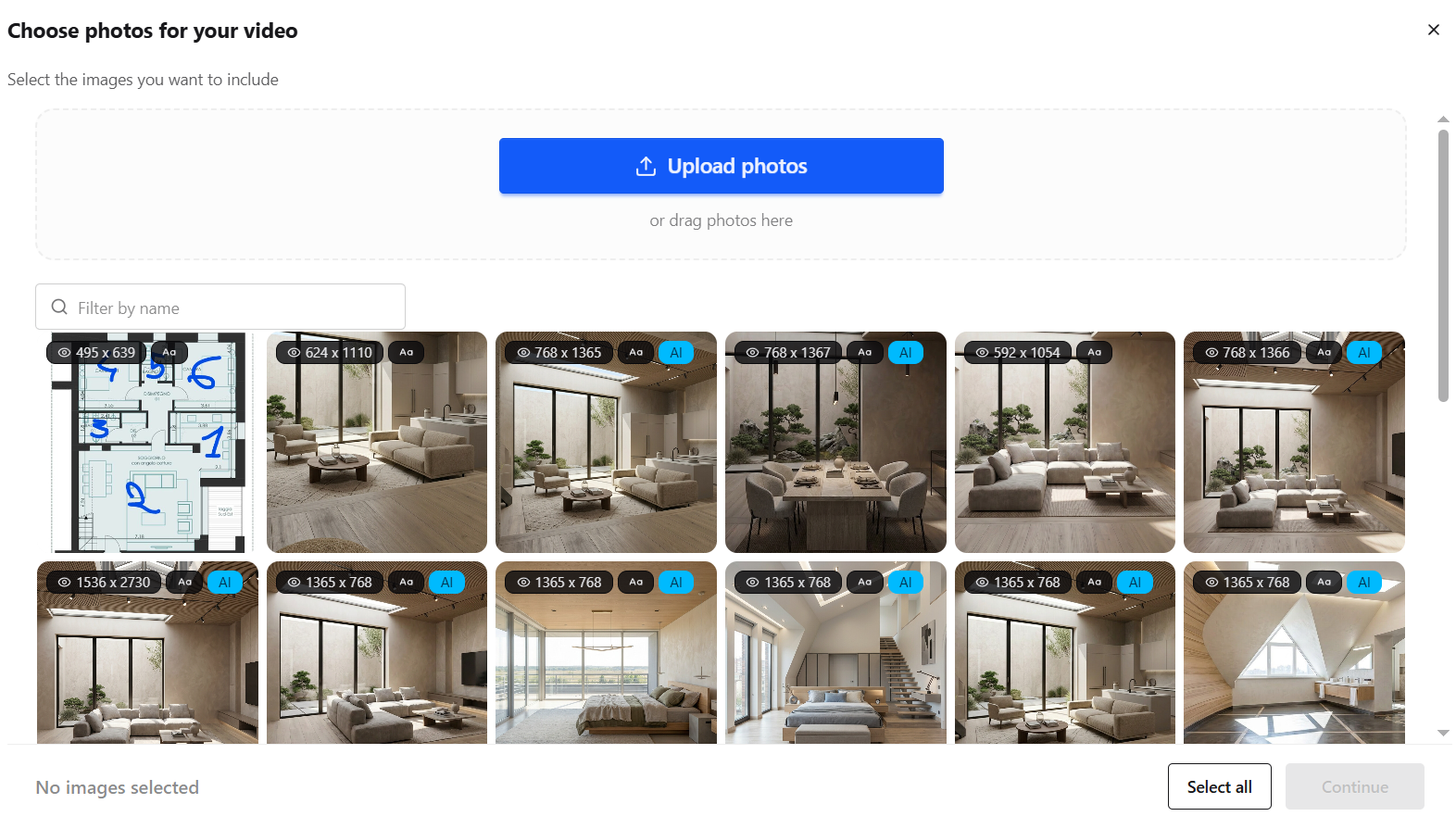
Upload images

Upload your property listing images. Our AI supports multiple formats and automatically optimizes them.

Step 2

Edit with AI

Enhance and edit your images with AI before video generation. Adjust lighting, remove objects, or improve composition.

Step 3

AI generates

Our advanced AI analyzes your images and creates a professional video with smooth transitions and effects.

Step 4

Download & share

Download your video in reel format and share it across all your social media platforms instantly.

One platform. Every tool. Zero hassle.

Everything you need to create professional real estate videos

AI video generation

Turn listing photos into cinematic clips with the latest generative AI. Pick a prebuilt template or craft something uniquely yours.

Learn more

AI image editing

Clean up shots in seconds: remove distractions, add or tweak details, or give photos a fresh style — all with a few clicks.

Learn more
featureMotionVideo

Motion video generation

Turn listing photos into smooth motion clips with presets or custom settings — perfect for long, simple showcase videos.

Learn more
featureVideoEditor

Video editor

Trim, cut, and polish in one place. A full video editor built for real estate, so you never leave the platform.

Learn more
featureListingDescription

Listing description

Generate property listing descriptions and social media captions — so your listings look professional wherever they are shared.

Learn more
featureMusic

Music library

Set the mood with curated tracks or drop in your own. The right soundtrack makes every property feel like home.

Learn more

Built for real estate professionals

AI video tools that help agents, agencies, and marketers create high-performing property content.

Realtors

Turn your listing photos into professional property videos in seconds — and walk into every mandate meeting with marketing your competitors can't match.

View use case

Real estate agencies

Give every agent on your team the ability to create professional property videos in seconds — consistent quality, every listing, without hiring a single videographer.

View use case

Property developers

Showcase off-plan developments with professional marketing videos before a single brick is laid — turn renders and concept images into compelling content that sells units early.

View use case

Marketing agency

Scale your video content with AI. Create campaigns, social posts, and marketing materials in seconds.

View use case

Video editors

Speed up your workflow with AI video clips and motion clips. Create base footage from photos, then polish in our built-in video editor.

View use case

Photographers

Turn the photos you already shoot into video packages clients will pay more for — no video editing skills or extra equipment required.

View use case

Frequently asked questions

Everything you need to know about VideoEstate.ai

How does the AI video generation work?

Our AI analyzes your property images and automatically creates professional videos with smooth transitions, camera movements, and effects. Simply upload your images and let our technology do the rest.

What video formats are supported?

We support both horizontal (16:9) and vertical (9:16) formats, perfect for reels and social media. Videos are generated in high quality suitable for professional use.

Can I customize the videos?

Yes! You can control camera motions, video length, and number of clips.

What happens if I exceed my monthly video limit?

You can upgrade your plan at any time to get more videos per month, or you can pay for additional credits. Unused videos roll over to the next month, so you can use them when you need them.

Is there a free trial?

Yes! Our free tier allows you to generate 2 videos with a watermark to test the platform. No credit card required.

How do I get started?

Simply sign up for a free account, upload your property images, and start creating videos. It's that easy!

Ready to transform your property listings?

Start creating stunning real estate videos with AI. Free trial — no credit card required.