Furniture
en Voiceover
Turn your property photos into listing images, social posts, carousels, portal descriptions, and professional videos, without spending hours in separate tools.
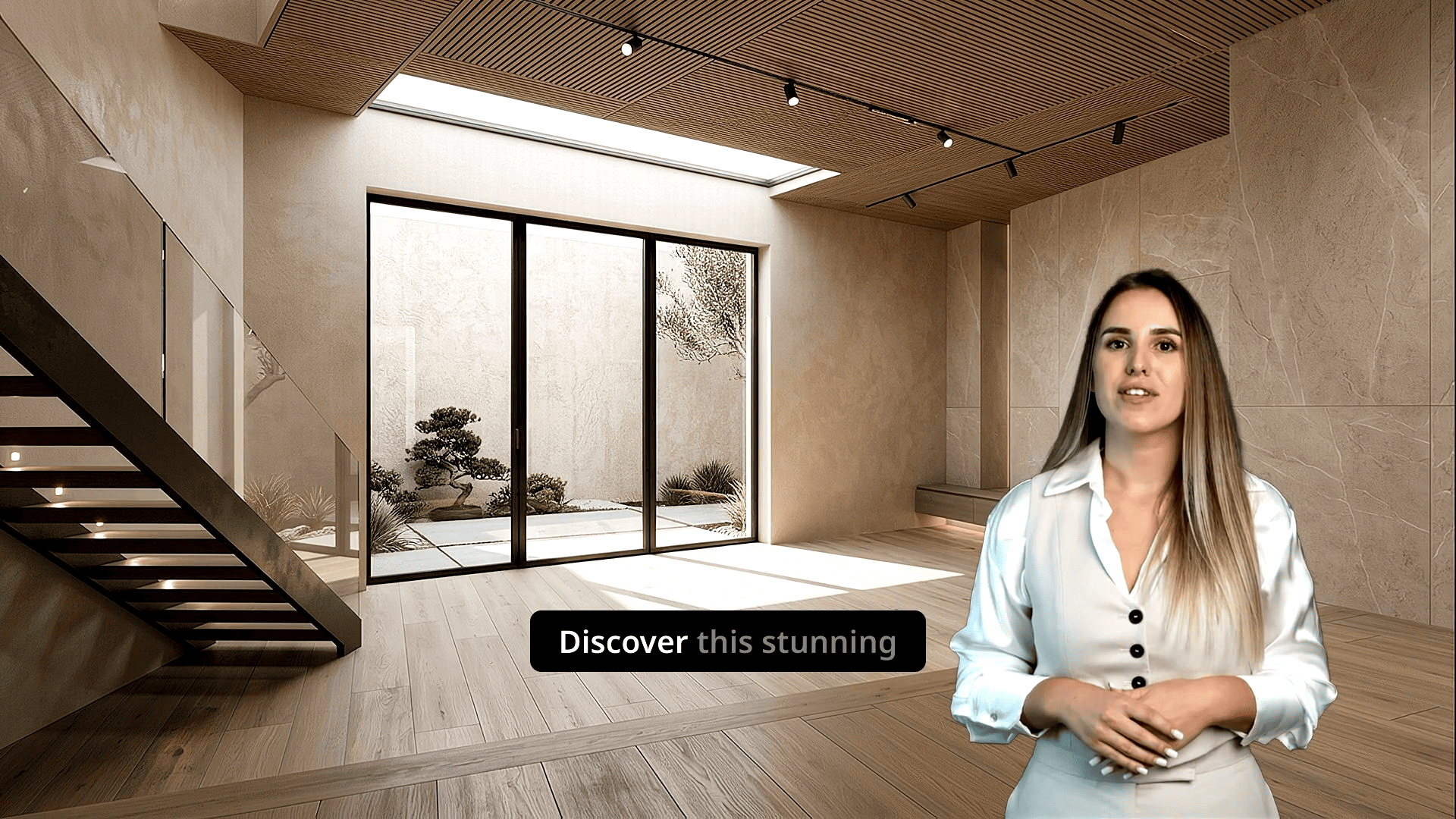
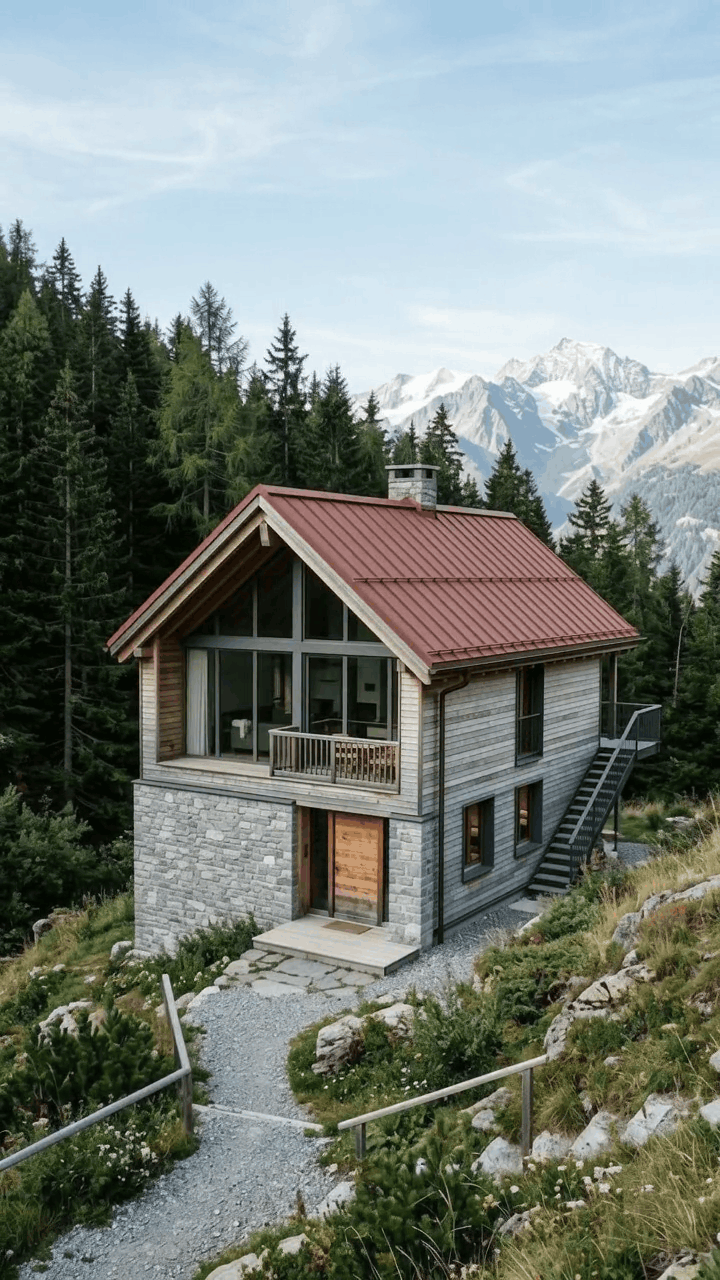
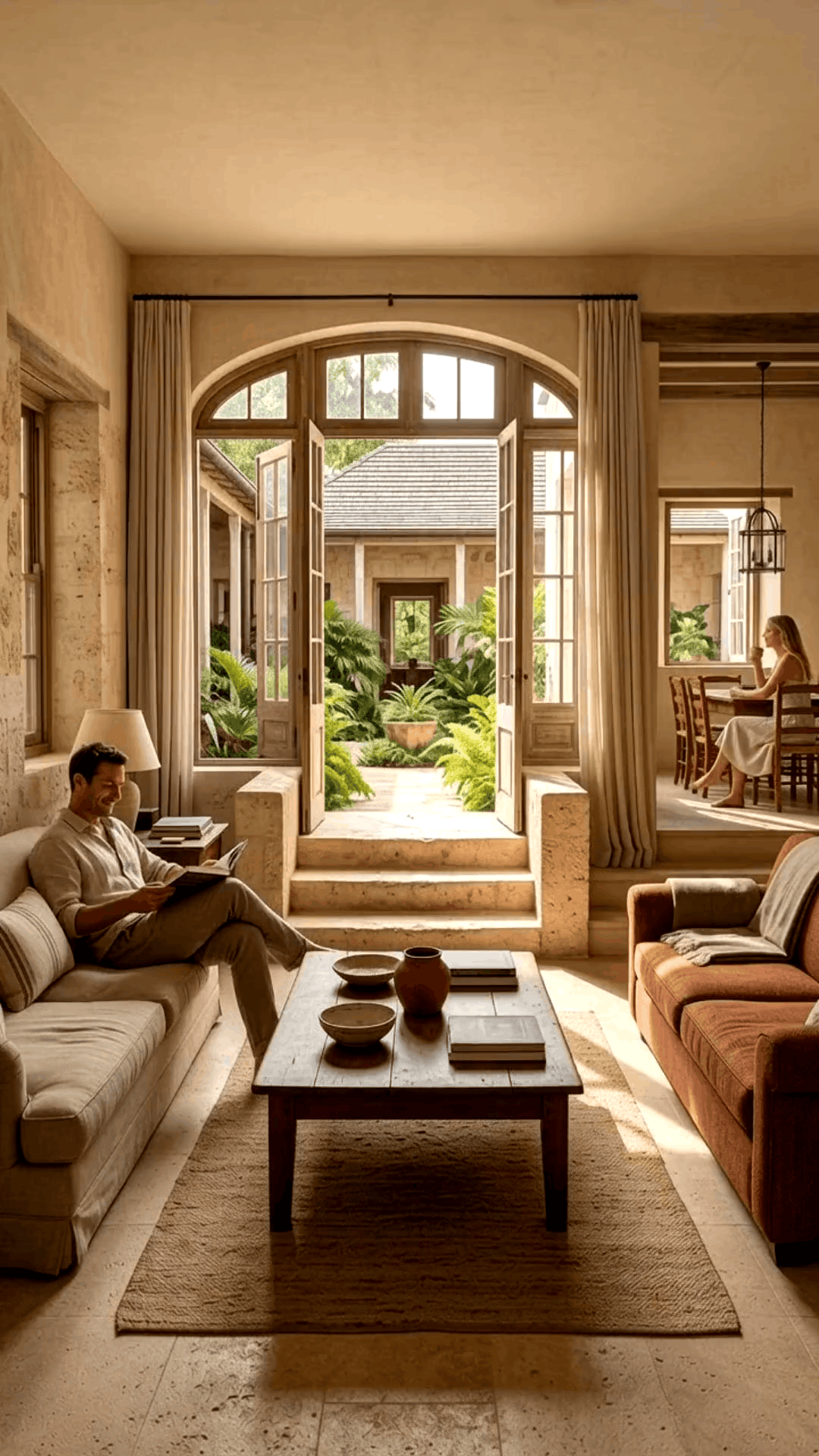
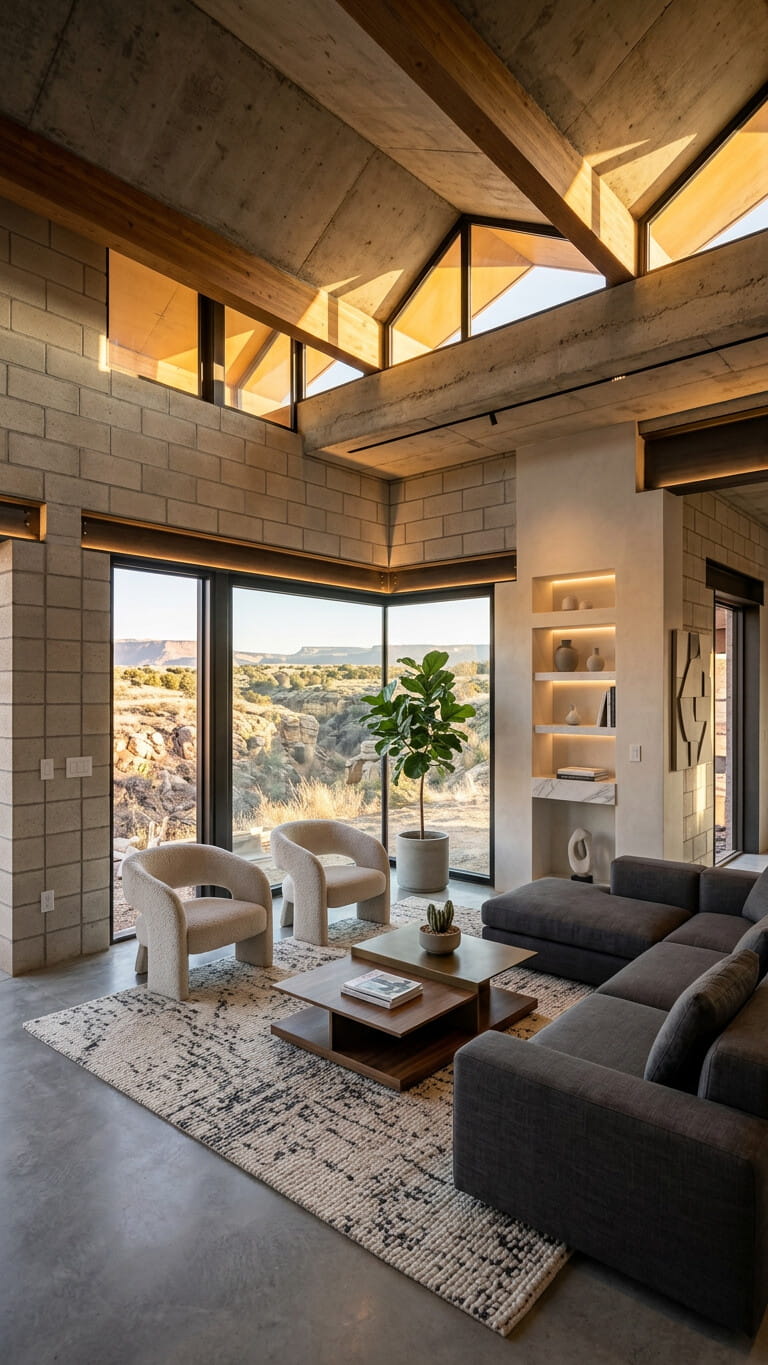
Images, video, and social content help you compete for seller attention, make listings stand out, and stay visible where buyers actually browse.
Sellers compare how agents market properties. Listing videos, polished images, and social content help you look more prepared than photos alone.
Video and clear listing visuals show layout and atmosphere more clearly than a static gallery, so buyers grasp the property sooner.
Hiring video and design help for every property does not scale. One AI marketing platform turns the photos you already shoot into listing images, videos, reels, and copy.
Turn listing photos into publish-ready images and videos in simple steps, no editing experience required.
Add your property photos from any device. VideoEstate accepts common formats and keeps every image organized in your project.
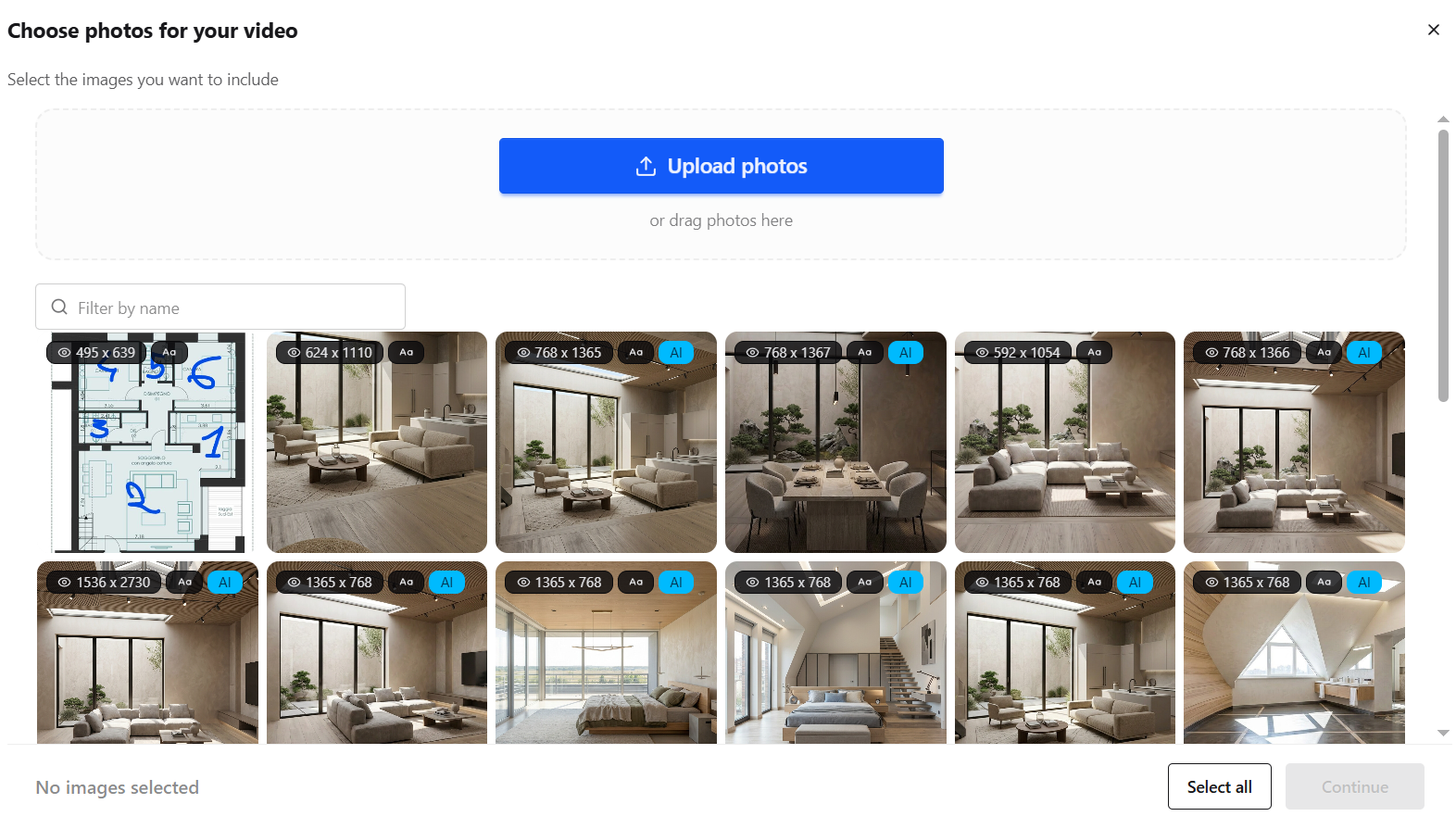
Enhance lighting, remove clutter, and polish every shot with AI so each frame looks its best, or generate new listing visuals.


Transform still photos into smooth camera moves, renovations, virtual staging and more.
Layer AI voiceovers, talking avatars, on-screen captions, and royalty-free music.
Finish in the built-in editor, then export images and videos ready for social, marketplaces, and presentations.
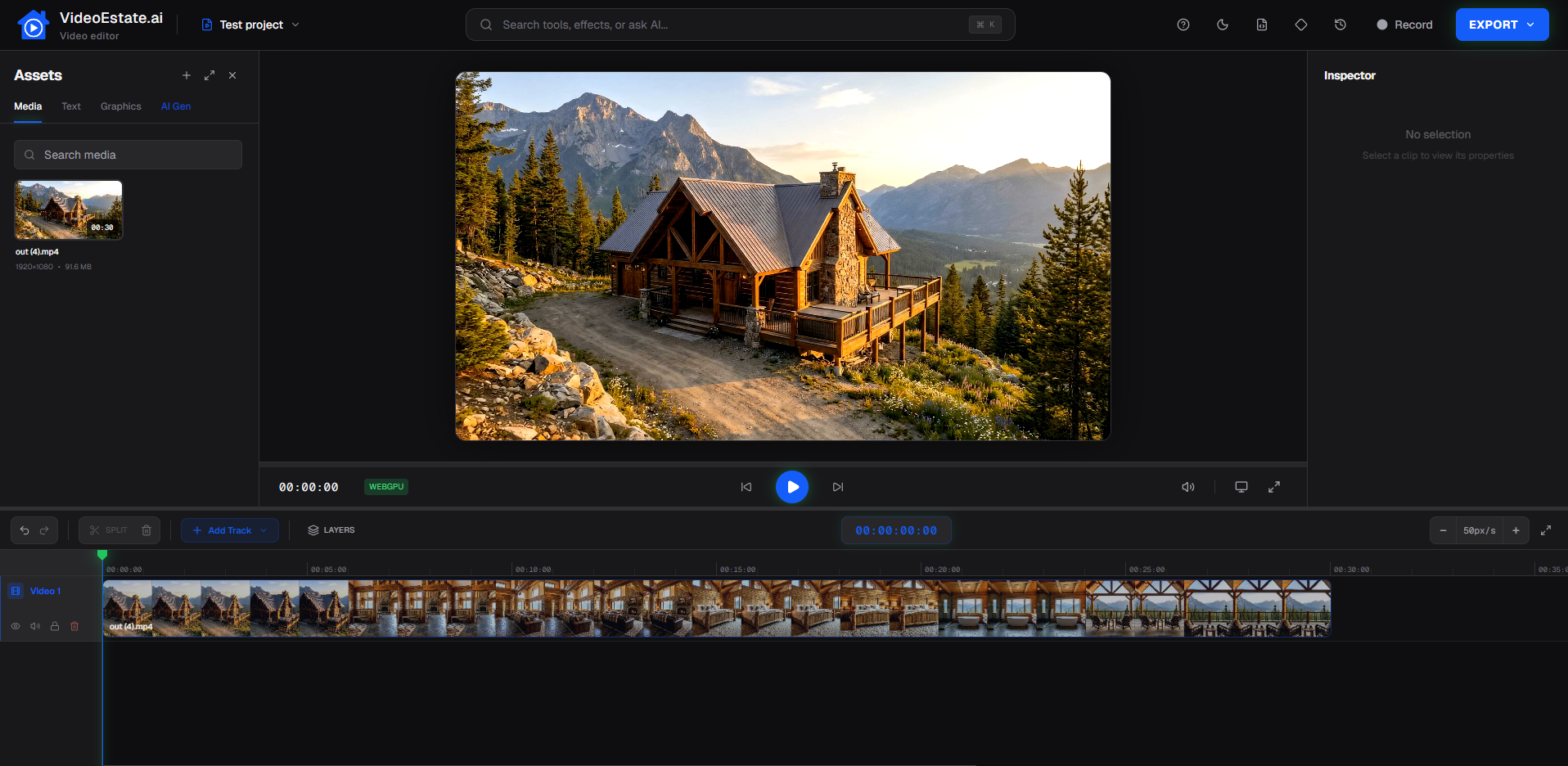
One set of listing photos can support images, video, social posts, and copy across multiple channels.
Practical advantages when images, video, and social content become part of every listing launch.
Turn property photos into marketing-ready images and videos without building every edit and caption by hand.
Make it practical to add polished images, video, and social posts to more of your listings, not only the highest-value ones.
Create short-form videos, social images, and carousels for Instagram, TikTok, Facebook, and YouTube Shorts from the same photo set.
Present a professional look across listings so sellers see the same quality every time you market a property.
Spend less time on the same sequencing, formatting, and listing-description tasks that every launch requires.
Get a polished starting point with AI for images, video, and copy, then refine the details that matter for your listing and brand.
Match the format to the channel and the stage of the listing.
Present rooms and highlights in a clear sequence buyers can watch on portals, websites, and messaging apps.
Create vertical videos sized for Instagram Reels, TikTok, and YouTube Shorts so listings show up in feeds.
Produce branded just-listed, open-house, and tip posts, plus multi-slide carousels, from the same listing photos.
Prepare clean listing photos and AI-written descriptions so sellers and buyers associate the marketing with your name.
Compare a traditional multi-tool path with an AI-assisted workflow.
| Traditional | VideoEstate.ai | |
|---|---|---|
| Starting point | Collect property photos | Upload property photos |
| Production | Manual edits across image, video, and copy tools | AI-assisted images, video, and listing copy |
| Polish | Add music, captions, and posts by hand | Customize branding, text, music, and social assets |
| Delivery | Export and reformat per channel | Export and publish where you market |
Vertical reels, listing videos, and social-ready visuals you can create with VideoEstate.ai.
A practical way to produce images, video, and social content, whether you work solo or with partners.
Individual realtors · Residential agents · Luxury agents · Agents with multiple listings
Answers for realtors exploring AI listing images, videos, and social property content.
Many realtors start with listing photos, enhance images with AI, generate video and social assets, customize branding, then export for portals and social platforms. VideoEstate.ai is built around that workflow so you do not need a full design and editing suite for every listing.
Yes. Upload property photos, enhance or generate listing visuals, create video and social posts, and customize supported options before you export. This is the core workflow for turning still listing images into full marketing media.
Use a clear listing walkthrough for websites and portals, and vertical short-form video for Instagram Reels, TikTok, and YouTube Shorts. Many agents create both from the same photo set so each channel gets a format that fits.
Short-form social clips often work best between about 15 and 60 seconds. Longer listing videos can run a few minutes when you need more room-by-room detail. Match length to the platform and how much attention the viewer is likely to give.
AI can generate strong first versions of listing images, property videos, social posts, carousels, and listing descriptions. You still review and customize branding, text, music, and other details before publishing.
Video and polished visuals help listings stand out in feeds and on portals where static photos are easy to scroll past. Short-form property videos, social images, and carousels are a practical way to keep your listings visible between open houses and portal updates.
Yes. You can customize branding and text options so images, videos, and social assets reflect your personal brand before you export them for clients and marketing channels.
Yes. Export videos, social images, and carousels and upload them to Instagram, Facebook, TikTok, YouTube Shorts, and other channels you already use. VideoEstate.ai helps you create the files; publishing still happens in each platform.
Upload listing photos and generate polished images, social posts, listing copy, and property videos you can share with sellers and buyers.
