A property listing can have stunning photography, professional staging, and an attractive price point, yet still struggle to capture attention online. The reason is simple: buyers increasingly consume content through video.
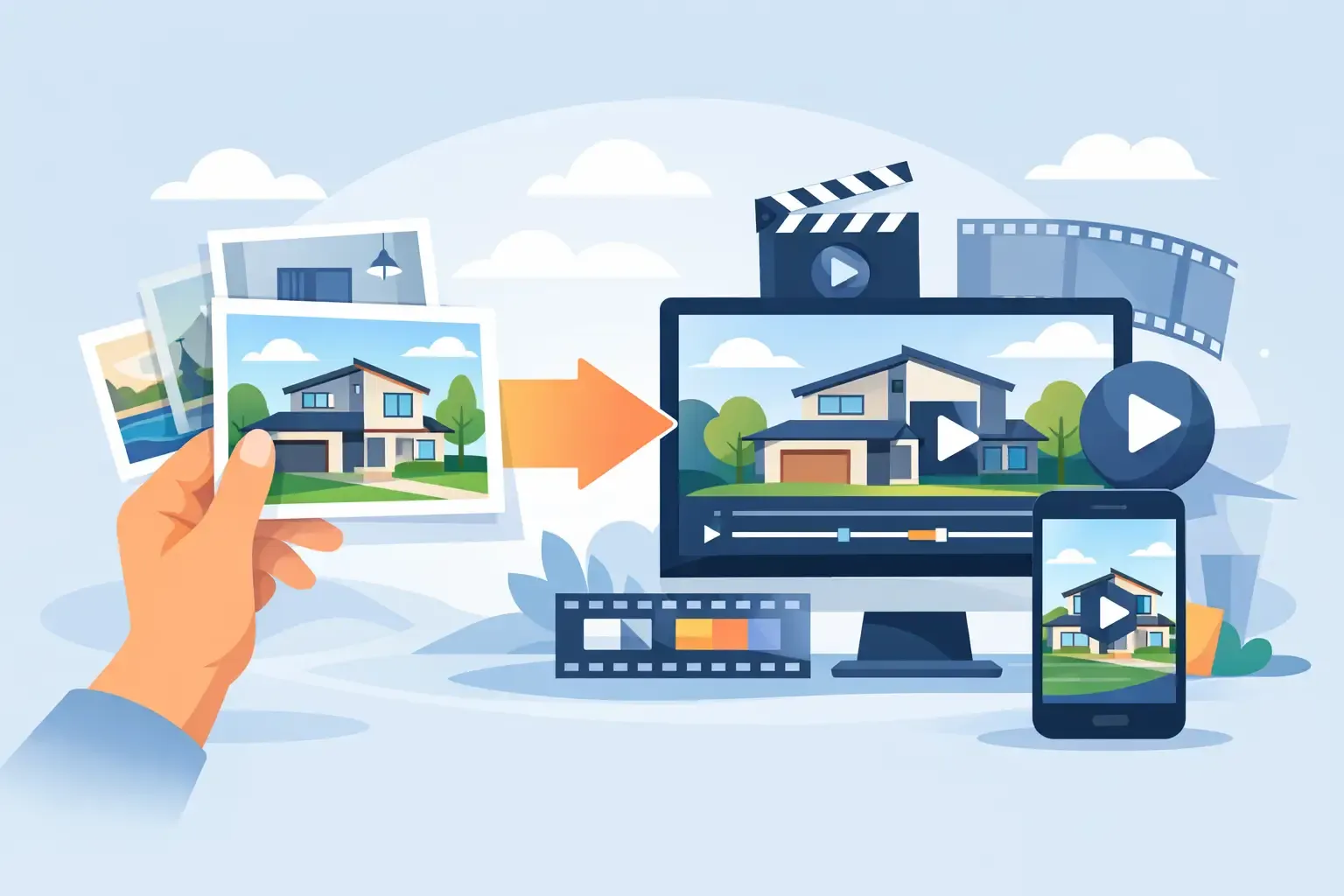
A property video from photos allows real estate professionals to transform existing listing images into engaging marketing assets without scheduling a separate video shoot. Instead of hiring a videographer, coordinating editing timelines, or learning complicated editing software, agents can create professional listing videos from existing photos in minutes.
For real estate agents, brokers, developers, photographers, and marketing teams, this creates an opportunity to generate more content, reach more buyers, and provide a stronger marketing package to sellers without increasing production costs.
The best part is that the photos already exist. You’re simply unlocking more value from assets you’ve already invested in.
- 10-25
- Photos for most effective property videos
- 30-60s
- Ideal length for social media
- Minutes
- From listing photos to finished video
Why property videos are becoming essential
The way buyers search for properties has changed dramatically.
People scroll through social media feeds, browse listings on their phones, and make split-second decisions about which properties deserve further attention. While photos remain important, video often generates significantly more engagement because it naturally captures attention and keeps viewers focused longer.
A property video helps buyers understand a home faster. Instead of clicking through dozens of images, they can experience the property as a complete story.
This is one reason many agents have started creating videos for every listing using a dedicated workflow rather than relying solely on photo galleries or a traditional real estate slideshow maker.
Video helps buyers understand the home faster
Video allows potential buyers to understand:
- The flow of the home
- The relationship between rooms
- Key selling features
- The overall lifestyle the property offers
As video continues to dominate social platforms and property marketing, creating a video from listing photos is becoming less of a competitive advantage and more of an industry expectation.
Can you really create a professional video using only photos?
Absolutely.
Many successful listing videos today are created entirely from photographs.
Professional real estate photography already contains the visual quality needed for effective video marketing. With the addition of motion effects, transitions, music, branding, and text overlays, still images can become highly engaging video content.
Residential homes
Turn polished listing galleries into scroll-stopping property videos for every launch.
Apartments and rentals
Create fast, repeatable video content for high-volume rental and multifamily marketing.
New developments
Showcase renders, amenities, and unit types with consistent branded motion.
Commercial properties
Highlight layout, scale, and location with a structured photo-to-video sequence.
Luxury listings
Pair premium photography with subtle motion, music, and optional voiceover.
Off-plan projects
Market pre-construction inventory before walkthrough footage is available.
Before generating a video, many professionals improve their listing photos using AI image editing to enhance lighting, remove distractions, replace skies, or improve overall presentation. Better photos almost always lead to better videos.
While some premium properties may benefit from drone footage or walkthrough videos, photos alone are often more than enough to create a professional marketing asset.
Benefits of creating a property video from photos
Faster production
Create marketing-ready videos within minutes instead of waiting on filming, editing, revisions, and delivery.
Lower costs
Use existing photos to eliminate additional filming costs while still delivering a shareable video asset.
More content from every listing
One photography shoot can fuel galleries, social posts, property videos, email campaigns, and ad creatives.
Better seller presentations
Show professional property videos during listing appointments to demonstrate modern marketing and stand out from competitors.
How to create a property video from photos
The most effective workflow focuses on storytelling, pacing, and polish — not spending hours in a generic video editor.
Start with your best images
One of the biggest mistakes agents make is including every photo available.
More images do not automatically create a better video.
Instead, focus on the photographs that tell the strongest story.
A typical property video might include:
- Exterior hero shot
- Entryway
- Living room
- Kitchen
- Dining area
- Primary bedroom
- Bathrooms
- Outdoor spaces
- Closing feature image
Most effective property videos use between 10 and 25 carefully selected photos.
Follow a logical property journey
Imagine walking through the property in person.
Your video should follow a similar path.
For example:
- Front exterior
- Entrance
- Living areas
- Kitchen
- Bedrooms
- Bathrooms
- Outdoor spaces
- Closing hero shot
This structure helps viewers understand the home naturally.
Guide viewers like an in-person tour
Add motion carefully
Motion is what transforms photos into video.
Subtle effects such as:
- Zoom-ins
- Zoom-outs
- Slow pans
- Smooth transitions
help create movement without distracting from the property itself.
Today, many professionals use dedicated AI video generation tools that automatically add professional camera movements and transitions to static listing photos.
The result feels dynamic without requiring manual video editing skills.
Add property information
Text overlays should support the visuals, not overwhelm them.
Useful information may include:
- Property address
- Asking price
- Bedroom count
- Bathroom count
- Square footage
- Key selling features
Avoid turning the video into a presentation slide deck. The property should remain the main focus.
Use music or voiceover
Audio plays a major role in how buyers perceive a property.
For social media videos, music is often enough.
For premium listings, luxury homes, and developer marketing, voiceover can add valuable context and create a more polished experience.
Many agents now create a real estate video with voiceover to explain unique features and guide viewers through the property’s highlights.
The soundtrack matters too. Using a professional music library helps ensure the video feels polished and aligned with the property’s style.
Common mistakes that make property videos look cheap
Using too many photos
Long videos often lose viewer attention. A concise 30 to 60-second video generally performs better than a lengthy slideshow.
Poor image quality
Video can enhance photography, but it cannot fix bad photography. Always start with the highest-quality images available.
Excessive motion effects
Overusing zooms, transitions, and animations can quickly make a video feel amateurish. Subtle movement almost always performs better.
Generic templates
Many video editors were built for general marketing rather than real estate, so the final output often feels disconnected from property marketing.
Real estate-specific workflows win
How AI is changing property video creation
Historically, creating a property video required:
- Video editing software
- Editing expertise
- Manual scene construction
- Audio synchronization
- Export management
Today, AI automates much of that process.
Modern platforms can:
- Analyze uploaded photos
- Create scene sequences automatically
- Add transitions
- Generate captions
- Apply branding
- Create voiceovers
- Export multiple formats
This dramatically reduces production time while maintaining professional quality.
As a result, more agents are using an AI real estate video generator to turn listing photos into marketing-ready videos in just a few minutes.
How it works in VideoEstate.ai
VideoEstate.ai was built around the photo-to-video workflow described throughout this guide. Instead of treating motion, music, branding, and export as separate tasks, the platform combines them into one real-estate-focused process.
From photos to professional video in minutes
Transform your property photos into high-converting videos in four easy steps — no technical skills required.
- Step 1
Upload images
Upload your property listing images. VideoEstate.ai supports multiple formats and automatically optimizes them for video generation.
- Step 2
Edit with AI
Enhance listing photos with AI before generating the video. Adjust lighting, remove distractions, or improve composition without leaving the workflow.
- Step 3
AI generates
The platform analyzes your images and creates a professional property video with smooth transitions, camera movement, and real-estate-ready pacing.
- Step 4
Download and share
Export vertical, square, or horizontal formats and share the finished video across listing pages, social media, email campaigns, and ads.
That workflow maps directly to the best practices covered earlier: start with strong photos, follow a logical property journey, add motion carefully, layer in property details, and finish with music or voiceover when the listing calls for it.
You can add branding, choose from a music library, generate voiceovers, and refine the result in the editor before publishing. For a closer look at the output, browse real estate video examples or explore AI video generation on the platform.
Where to use your property video
One property video can support your entire marketing strategy.
Social media
Property videos perform exceptionally well on Instagram Reels, Facebook, TikTok, LinkedIn, and YouTube Shorts.
Listing websites
Video helps visitors spend more time engaging with property pages and understanding the home layout.
Email marketing
Video can improve engagement rates and generate additional interest in new listings.
Paid advertising
Video ads often attract more attention than static image ads across social and display campaigns.
Seller presentations
Showing your marketing process helps sellers understand the value you provide and can improve listing conversion rates.
What to look for in a property video maker
Not all video tools are built for real estate.
When evaluating software, look for:
- Fast video generation
- Real estate-focused templates
- Multiple aspect ratios
- Branding controls
- Voiceover support
- Music integration
- AI-powered automation
- Easy editing tools
The best platform is not necessarily the one with the most features.
It is the one that your team can consistently use across every property.
The real payoff
A property video from photos is one of the fastest ways to increase the marketing value of every listing.
Instead of treating video production as a separate project, agents can transform existing photography into professional video content within minutes. The result is greater visibility, stronger seller presentations, more social media content, and a more modern marketing experience for buyers.
The economics are compelling.
The photos already exist.
The audience already prefers video.
The technology now makes creation simple.
For agents, brokers, developers, and marketers, turning property photos into video is one of the easiest ways to modernize property marketing while saving time and reducing production costs.
If you’re ready to put this workflow into practice, browse real estate video examples or review real estate video pricing plans.
Frequently asked questions
Can I make a property video without filming?
Yes. Many professional property videos are created entirely from listing photos using specialized real estate video software.
How many photos should I use in a property video?
Most effective videos use between 10 and 25 carefully selected images depending on the property's size and complexity.
How long should a property video be?
For social media, 30 to 60 seconds is often ideal. Luxury property videos may extend to 90 or 120 seconds when additional storytelling is required.
Are property videos from photos effective?
Yes. When professionally edited, photo-based property videos often generate significantly more engagement than static image galleries.
What is the fastest way to create a property video from photos?
Using an AI-powered real estate platform allows agents to upload listing photos and automatically generate professional property videos within minutes.