Social image generation for real estate
Turn listing photos and a short argument into a branded social post. Pick a real-estate template or write your own prompt, apply your brand, choose a format, and generate a feed-ready image in minutes.
Post-ready in minutes
- Start from listing-focused templates or a custom prompt.
- Apply your brand colors and logo automatically.
- Export square, vertical, or horizontal for every platform.
Social images agents can generate
Branded posts for listing announcements, open houses, and market tips, ready for every platform.
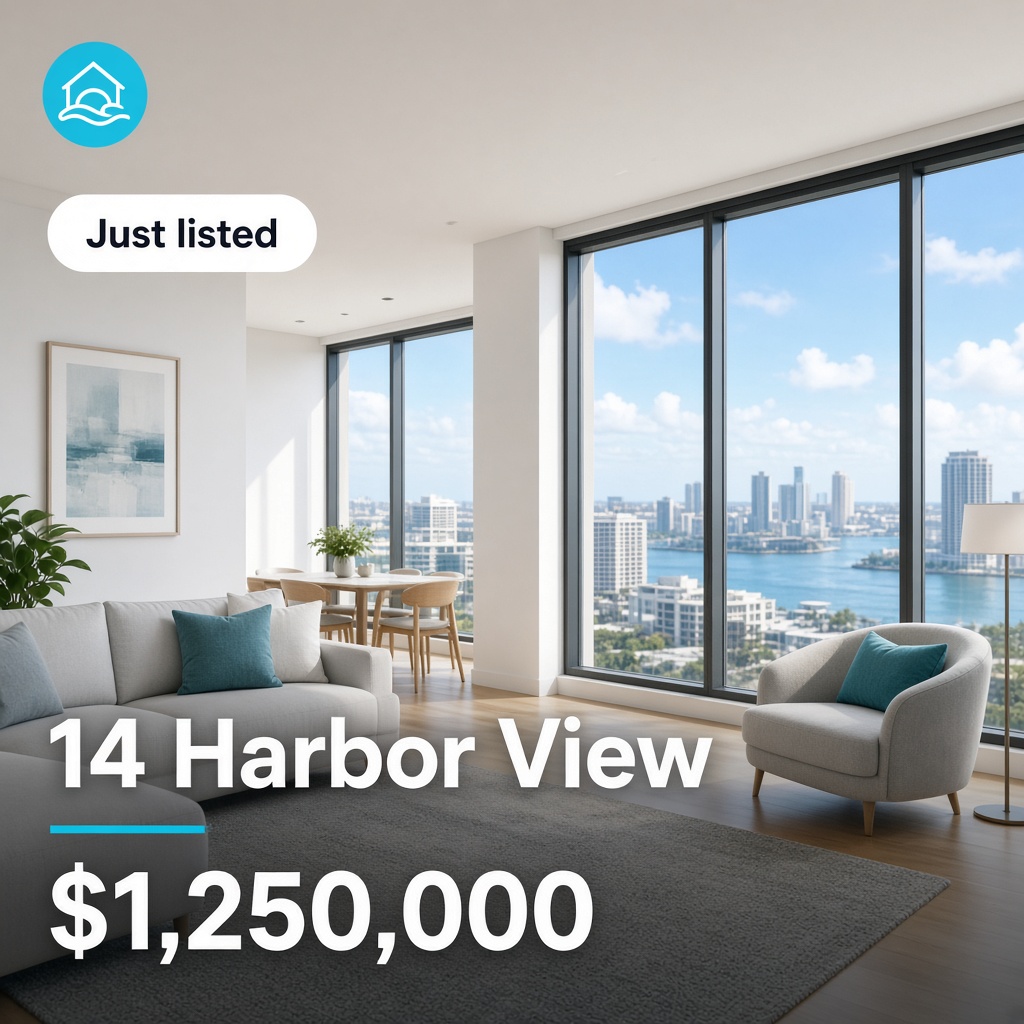
New on the market
Announce a property that just went live and invite inquiries.
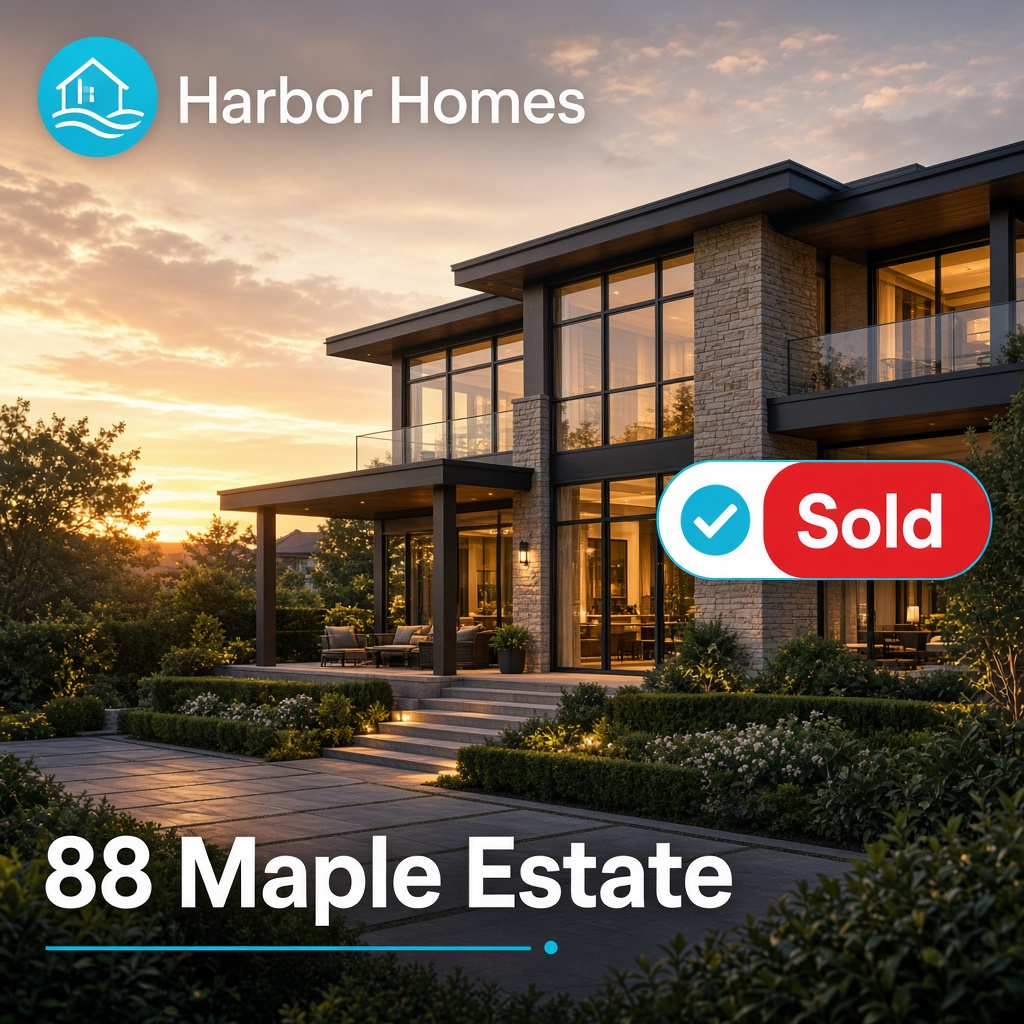
Sold / Rented
Celebrate a successful sale or rental with an on-brand win post.
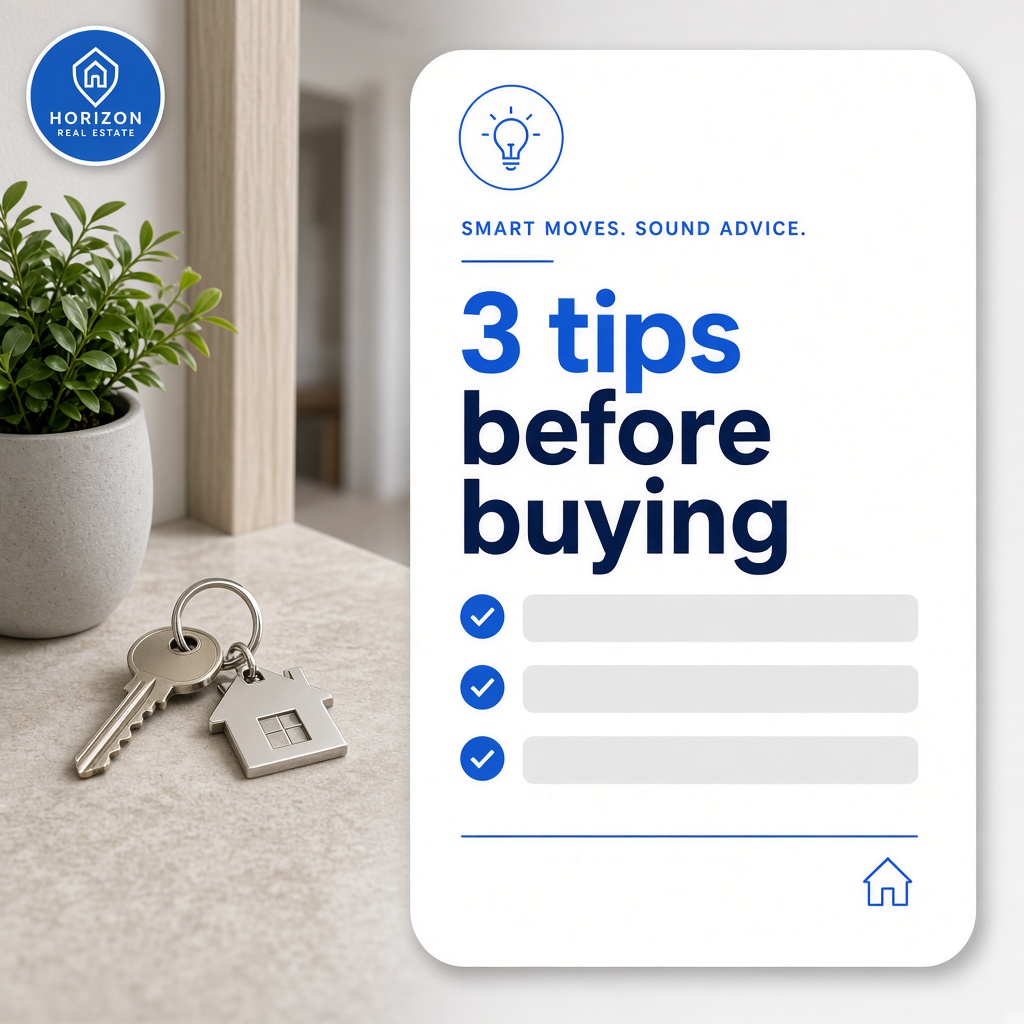
Real estate advice
Share a useful tip for buyers or sellers between listing posts.
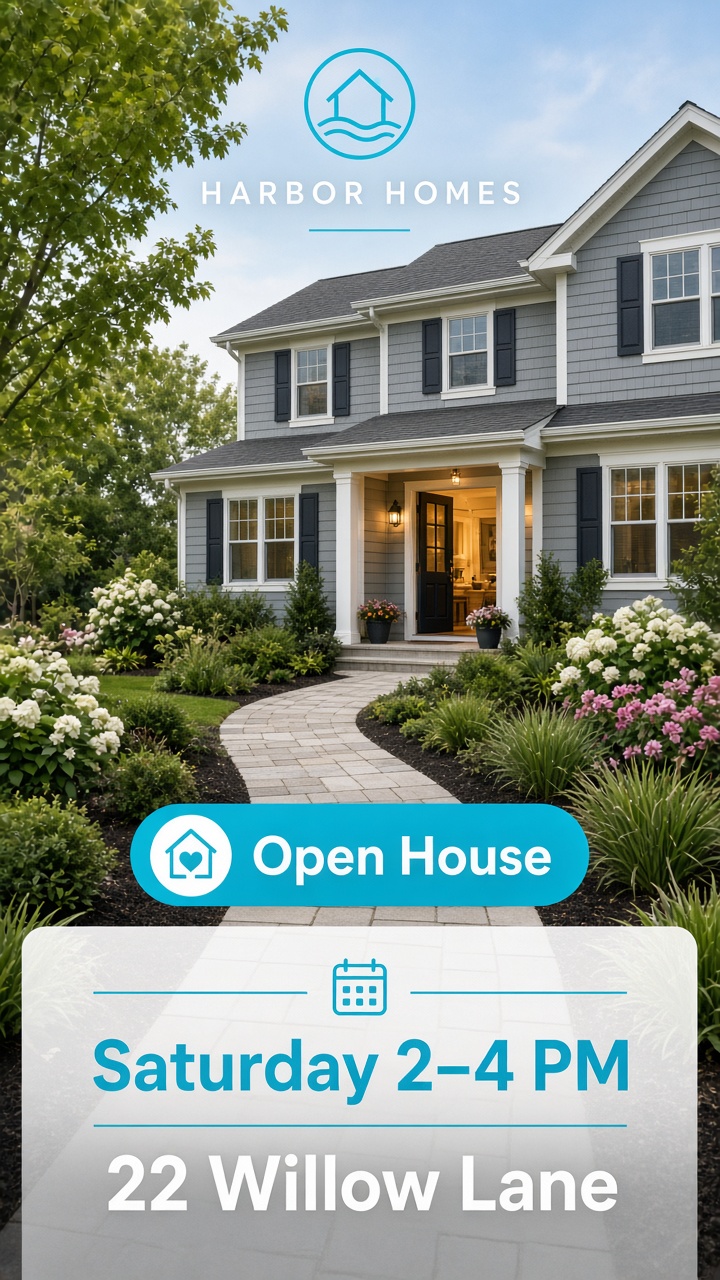
Open house
Invite people to a viewing with date, vibe, and property visuals.
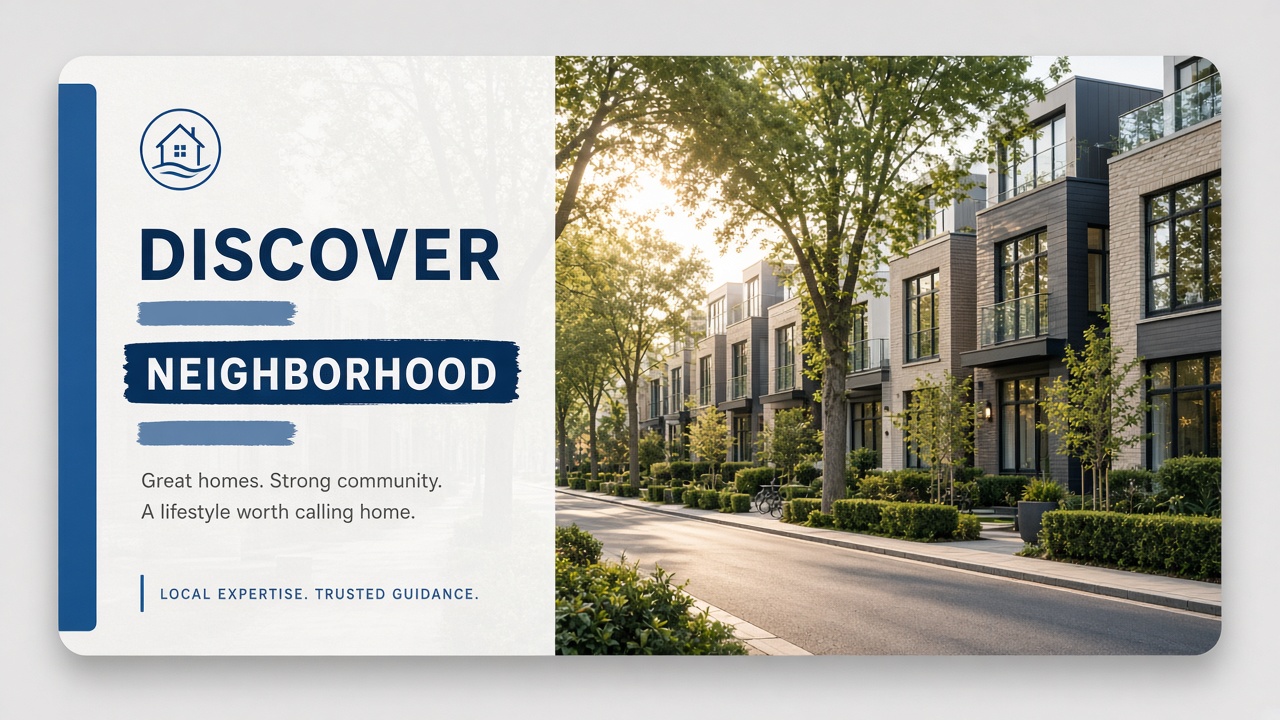
Area / Neighborhood
Promote the lifestyle of a location around your listings.
Social posts get stuck in the design queue
Agents need listing announcements every week, without opening Canva for every post.
No time for design
Between showings and follow-ups, designing a polished post for every listing rarely happens.
Off-brand visuals
When every agent builds posts differently, your feed looks inconsistent and less trustworthy.
Generic templates that miss the listing
Stock social templates rarely use your photos, brand, or the argument that makes the property stand out.
From listing idea to publish-ready image
Choose your brand, pick a template or write a prompt, set the format, and generate.
Select your brand
Use your organization brand so colors, logo, and style stay consistent across every post.
Pick a template or prompt
Start from presets like Just listed or Open house, or describe the argument in your own words.
Choose format and references
Pick square, vertical, or horizontal. Optionally add up to four listing photos as reference images.
Generate and refine
Create the image, download it, or regenerate with an edit instruction while keeping version history.
Real estate templates that match how you post
Presets for the announcements and tips agents publish every week, or skip them and write a custom argument.
Property presentation
Introduce a listing with its key features and a clear visual hook.
New on the market
Announce a property that just went live and invite inquiries.
Sold / Rented
Celebrate a successful sale or rental with an on-brand win post.
Open house
Invite people to a viewing with date, vibe, and property visuals.
Real estate advice
Share a useful tip for buyers or sellers between listing posts.
Market data
Highlight a market figure or trend for your local audience.
Before / After
Show a transformation or renovation result in one scroll-stopping frame.
Area / Neighborhood
Promote the lifestyle of a location around your listings.
Platform-ready formats
Generate once in the ratio that fits your feed, stories, or landscape posts.
1:1
Square 1:1
Ideal for Instagram and LinkedIn feed posts.
9:16
Vertical 9:16
Built for Stories, Reels cover frames, and TikTok-style posts.
16:9
Horizontal 16:9
Works for YouTube, Facebook, and landscape LinkedIn posts.
Built for real estate social workflows
Branding, listing photos, and iteration, without leaving VideoEstate.ai.
Your brand on every post
Generate with your organization brand so agent posts stay consistent across the team.
Listing photos as references
Attach up to four property photos so the creative reflects the real listing, not a generic stock look.
Regenerate with history
Refine with an edit instruction, keep previous versions, and download when it is ready to post.
Create your next branded social image
Generate listing announcements and market tips in minutes, on brand, in the right format, ready to post.
