Furniture
en Voiceover Avatar
Upload your listing photos and create a polished property video in minutes. Add motion, AI transformations, voiceovers, music, captions and branding without manual video editing.
Turn listing photos into publish-ready images and videos in simple steps, no editing experience required.
Add your property photos from any device. VideoEstate accepts common formats and keeps every image organized in your project.
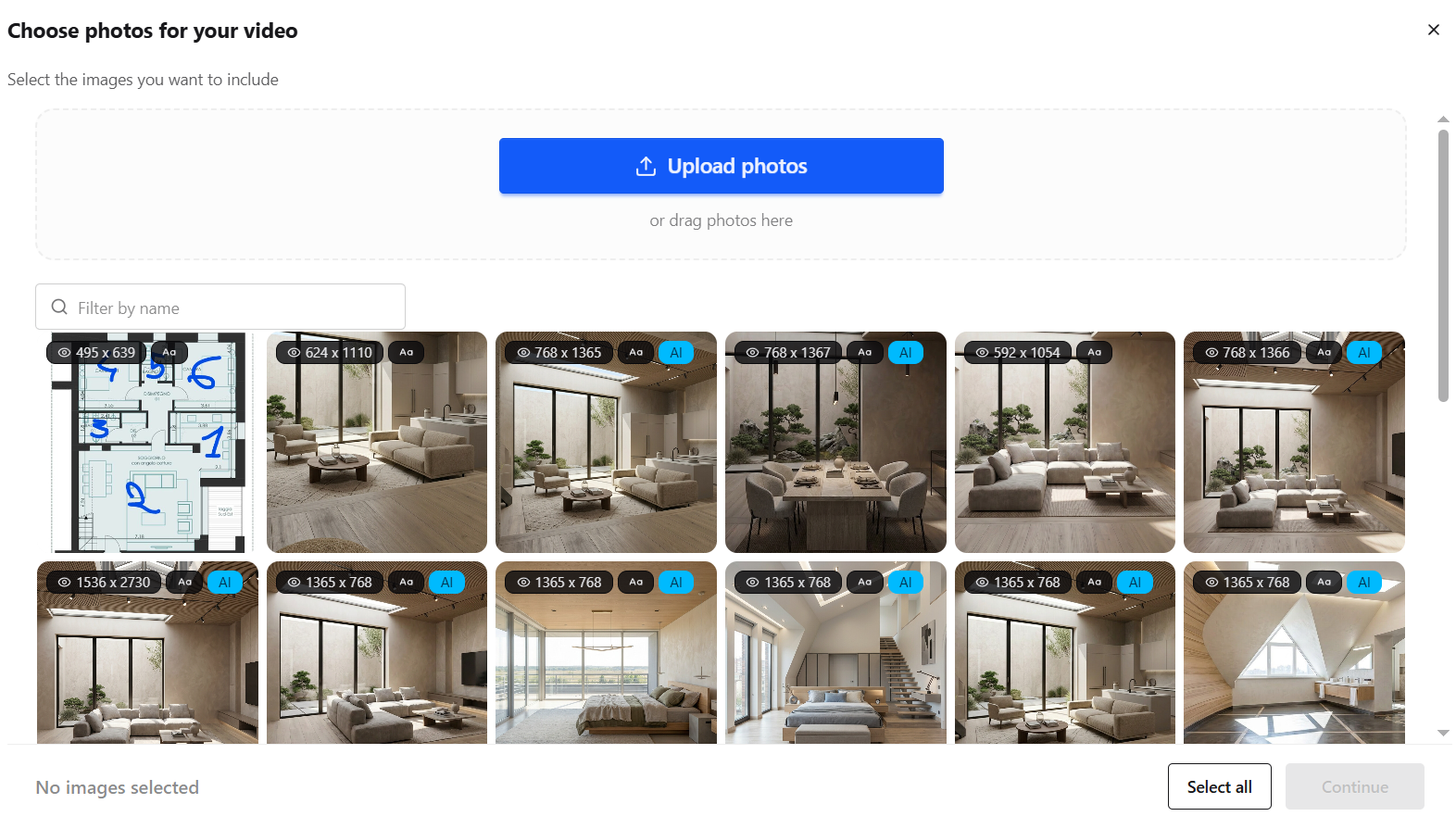
Enhance lighting, remove clutter, and polish every shot with AI so each frame looks its best, or generate new listing visuals.


Transform still photos into smooth camera moves, renovations, virtual staging and more.
Layer AI voiceovers, talking avatars, on-screen captions, and royalty-free music.
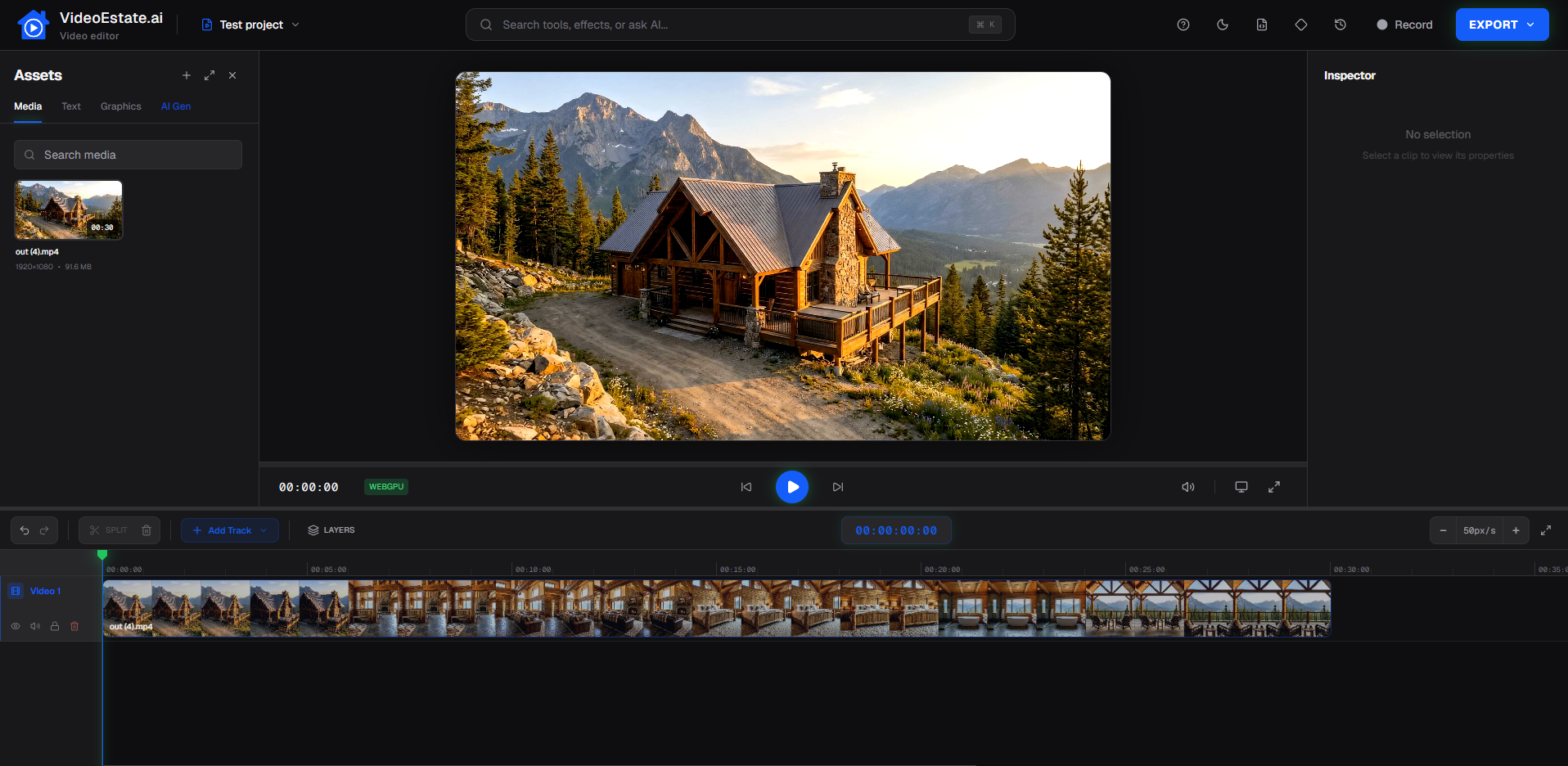
Finish in the built-in editor, then export images and videos ready for social, marketplaces, and presentations.
Choose the production style that matches your listing and timeline.
Smooth camera movement and transitions, best for fast, low-cost listing videos.
Generate cinematic motion from individual property images with presets or custom configurations.
Combine images, AI clips, voiceovers, captions, music and branding into one polished piece.
Apply the effects that fit the listing, nothing is forced automatically.
Improve clarity and listing-ready quality.
Crop and compose for vertical or horizontal output.
Remove distractions before animation.
Add cinematic motion to stills.
Restyle rooms for stronger visuals.
Show before-and-after stories when supported.
Use supported visual transitions where they fit the listing.
Produce both 9:16 and 16:9 from the same photo set.
A practical workflow advantage for busy listing teams.
Use the photography you already shot.
Skip complex manual video production.
Get more marketing value from every shoot.
Make video part of a repeatable process.
Export social and presentation versions from the same assets.
Standardize quality across agents and properties.
Browse examples that start with listing photography.
Upload photos and create your first property video.
Questions about turning listing photography into video.
Yes. Upload multiple listing photos and combine them into a single property video.
Yes. Customize timing in the editor so each frame fits the pace you want.
Yes. Add camera movement and motion effects to still listing images.
Yes. Generate AI motion clips from individual property images when you want a more cinematic look.
Yes. Layer narration, captions and music onto the finished video.
Yes. Export 9:16 videos for social platforms alongside horizontal formats.
Yes. Use the built-in video editor to refine the result before export.
