Furniture
en Voiceover Avatar
Turn your property photos into polished listing videos with AI. Add cinematic camera movement, property transformations, voiceovers, music, captions and branding, without spending hours editing.
Listing photos are useful but static. Manual video production does not scale across inventory.
Buyers expect motion-first content, but most listings still ship as photo grids.
Producing a polished video in a generic editor can eat hours per property.
Blank canvases and endless decisions slow down agents who need repeatable output.
Brokerages need a specialized workflow that works the same way for every listing.
Turn listing photos into publish-ready images and videos in simple steps, no editing experience required.
Add your property photos from any device. VideoEstate accepts common formats and keeps every image organized in your project.
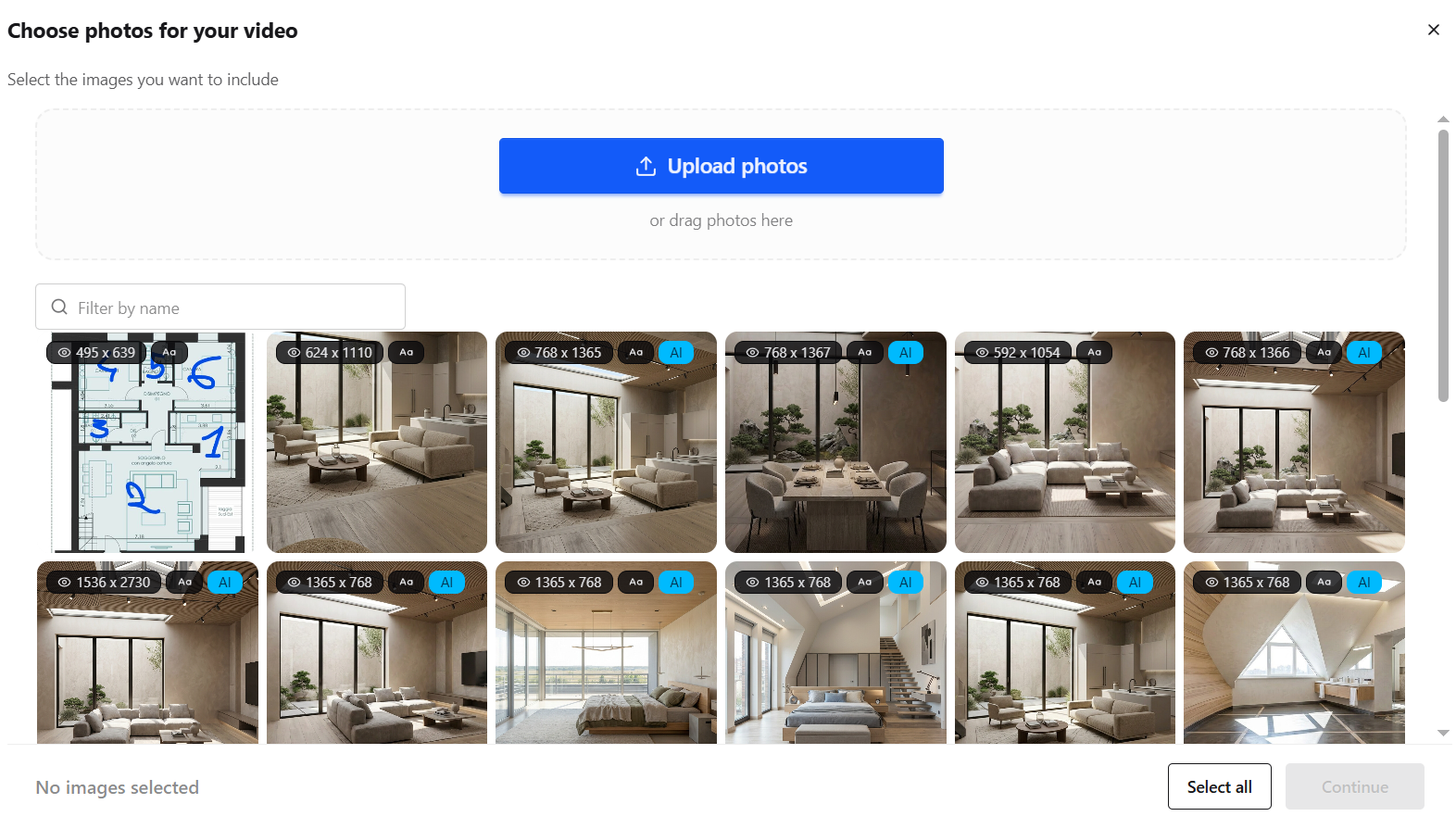
Enhance lighting, remove clutter, and polish every shot with AI so each frame looks its best, or generate new listing visuals.


Transform still photos into smooth camera moves, renovations, virtual staging and more.
Layer AI voiceovers, talking avatars, on-screen captions, and royalty-free music.
Finish in the built-in editor, then export images and videos ready for social, marketplaces, and presentations.
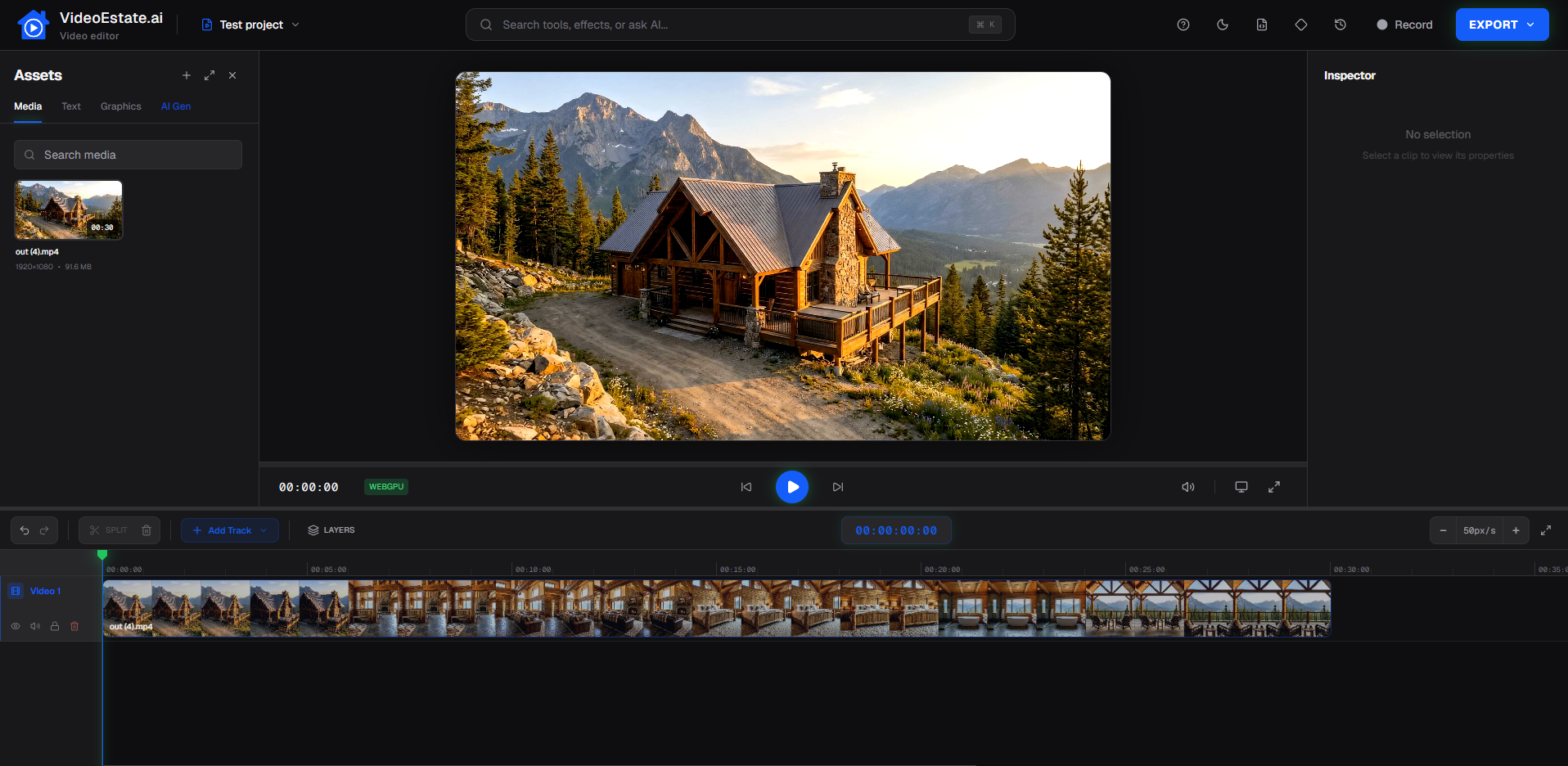
One platform for the property video formats agents actually need.
Polished property presentations for portals and client pitches.
Guide buyers through rooms with motion and narrative flow.
Vertical clips built for Instagram, TikTok and Shorts.
Fast motion slideshows when you need speed and volume.
Show transformation stories with AI transitions.
Animate furniture and lifestyle staging effects.
Present new builds and off-plan projects with visual polish.
Everything you need to go from listing photos to publish-ready video.
Add cinematic motion to still property photos.
Visualize updates with AI renovation effects.
Restyle rooms for stronger listing visuals.
Clean up and enhance photos before animation.
Add professional narration without a studio.
Keep social viewers engaged with on-screen text.
Add soundtrack options that fit property storytelling.
Introduce an AI presenter when your brand needs one.
Publish vertical social clips and horizontal presentations.
Trim, refine and brand without leaving the platform.
A specialized real estate workflow beats a blank canvas.
| Capability | Generic editor | VideoEstate.ai |
|---|---|---|
| Focus | Blank canvas for any project | Built for real estate |
| Starting point | Manual import and setup | Starts from property photos |
| Templates | Generic templates | Real-estate-specific presets |
| Production | Manual editing | Automated listing workflow |
| Transformations | Limited or none | AI property transformations |
| Scale | More setup time per video | Repeatable listing production |
| Formats | Extra export work | Social-ready formats built in |
Whether you market one listing or an entire portfolio.
Create listing videos without becoming a full-time editor.
Standardize video quality across teams and offices.
Showcase developments with polished visual stories.
Expand packages with video from existing shoots.
Produce client property content faster and more consistently.
See vertical Reels, horizontal listing videos, renovations, staging and camera movement.
Common questions about creating property videos with VideoEstate.ai.
A real estate video maker turns property assets, usually listing photos, into polished videos for marketing, portals and social media. VideoEstate.ai is built specifically for that workflow.
Yes. Upload your listing photos, apply motion or AI effects, add audio and branding, then export a finished property video.
The workflow is designed for agents and marketers who want professional results without a traditional editing timeline.
Yes. Export 9:16 vertical videos for Reels, TikTok and Shorts, plus horizontal formats when you need them.
Yes. Add AI voiceovers, captions and music to support the story of each listing.
Yes. Add logos, agent details and brand elements so every video stays consistent.
Yes. Reuse preferred settings and branding to produce videos across many listings.
