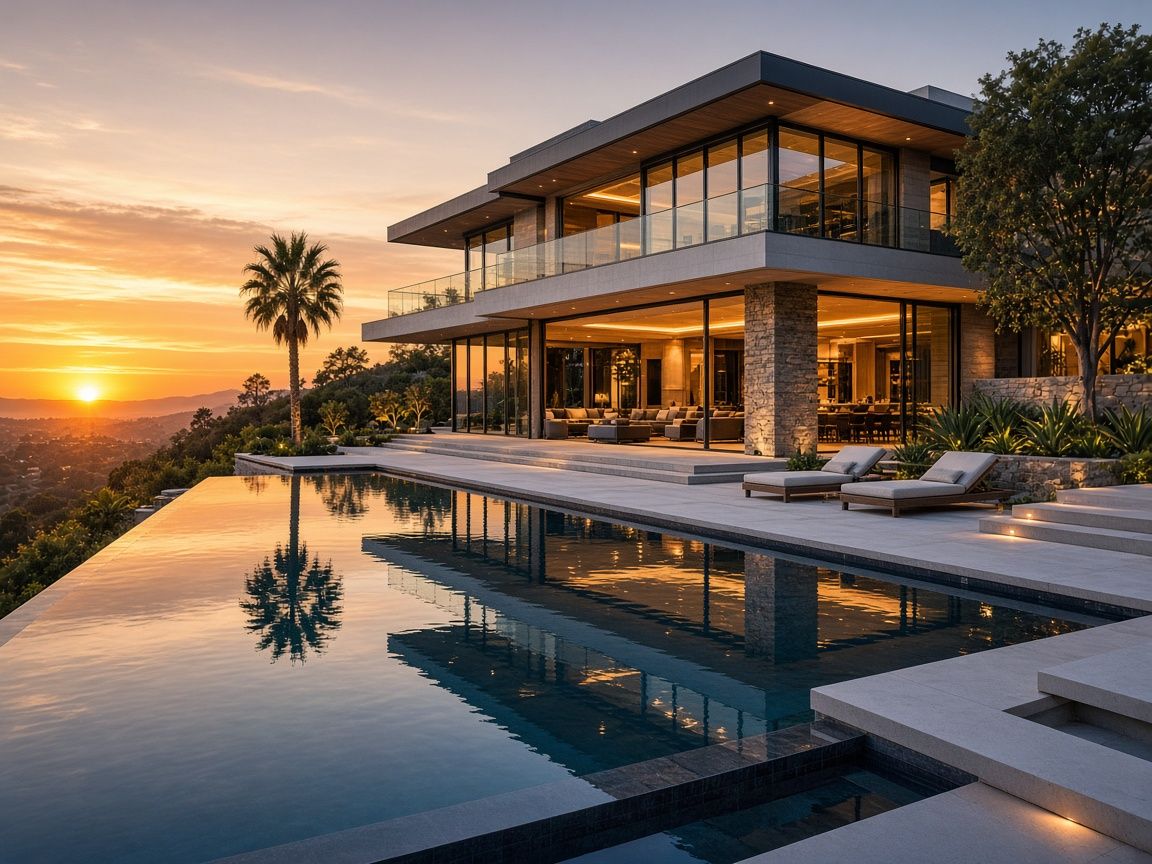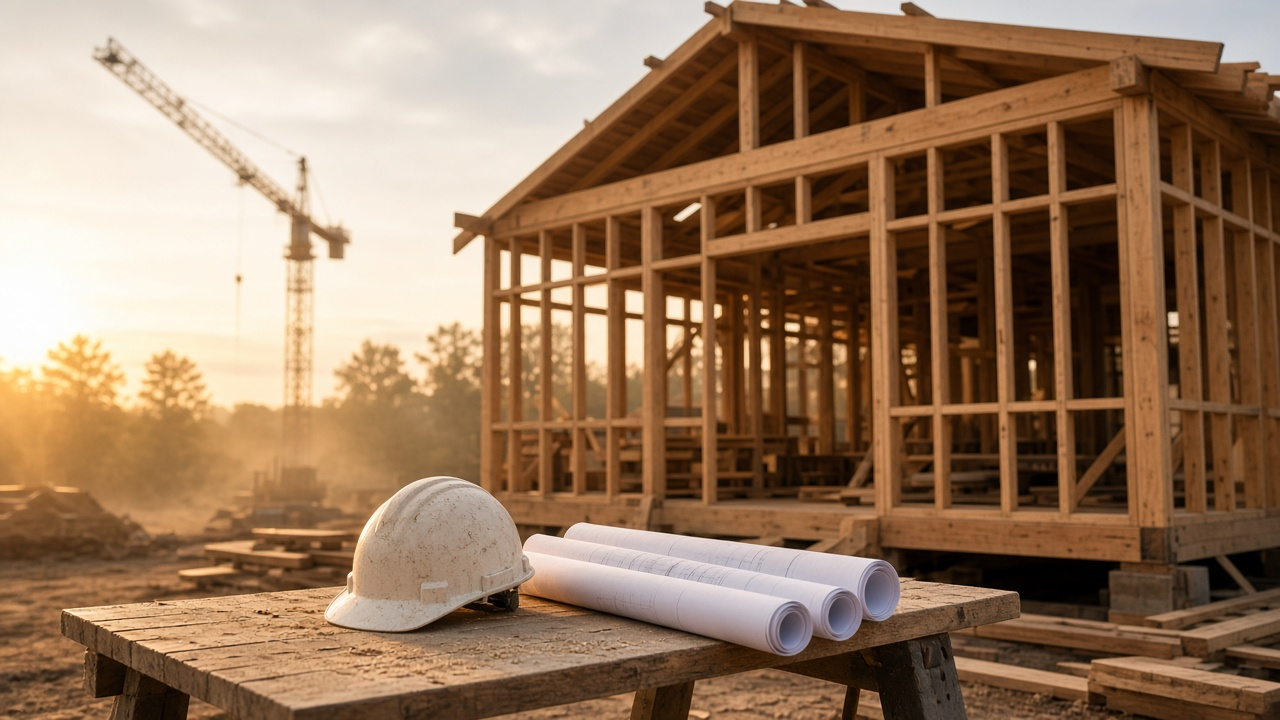
A finished listing video assumes a finished house. New construction rarely gives you that on launch day.
Sales teams still need motion: a way to show the intended home, the actual progress on site, and why this release is worth a visit to the gallery. The useful cut is a clear sequence of renders and real photos, labeled so nobody confuses a visualization with a completed room.
Three assets, one story
Do not hide the construction. Sequence it.
| Asset | Use it to | Label it |
|---|---|---|
| Exterior and interior renders | Show the intended architecture and finishes | “Render” or “Artist impression” |
| Site and progress photos | Prove the project is real and underway | “On site” plus a month if progress matters |
| Plan, amenity, and area frames | Explain layout, shared spaces, and location | Room name or amenity name |
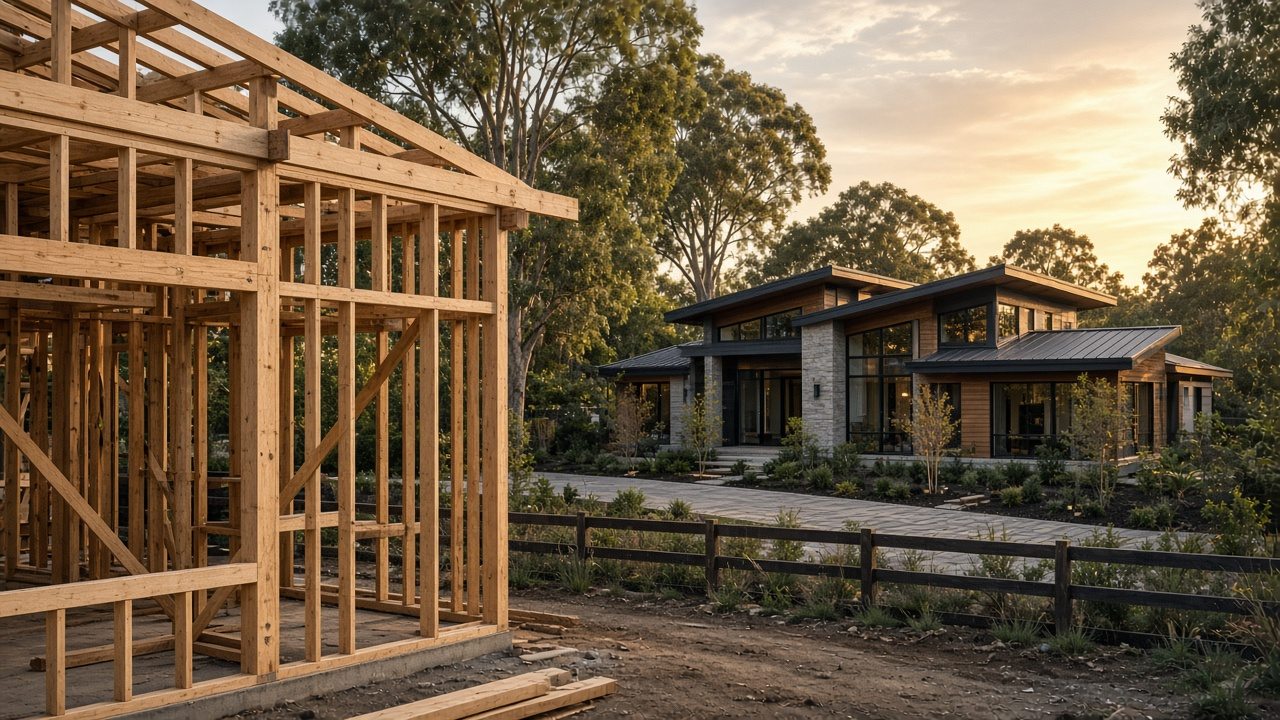
Buyers forgive an unfinished kitchen. They do not forgive a render presented as a photograph of a home they can move into next month. On-screen labels are part of the edit, not a footnote in the brochure.
If the only interiors you have are empty white boxes, pair them with a restrained stage so the room reads. That is a different job from a lifestyle shoot, and it sits near AI virtual staging trends. Keep the label honest.
A launch structure that stays honest
Use this order unless the site story is the product, such as a view that already exists.
- Location in one shot. Street, lot, or a simple area frame. Save the district essay for neighborhood videos that sell the area
- The intended exterior. Render or current elevation, labeled
- The plan in motion. Entry, living, kitchen, a bedroom, outdoor space. Name each room
- What is real today. A short site sequence: structure, facade, or amenity already built
- The visit. Gallery hours, release name, or a single registration ask
Separate available homes from the vision
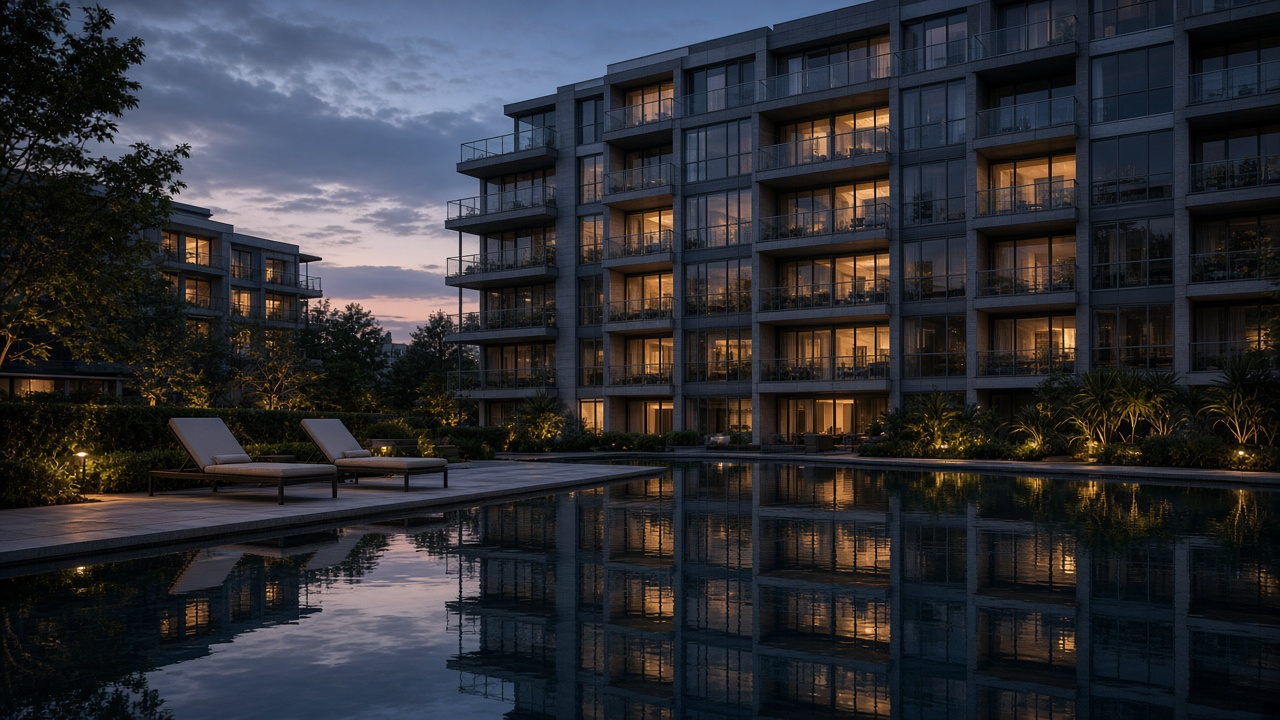
Amenities deserve their own beat when they are a reason to choose the project, not a substitute for the home.
Progress updates
A 20-second site recut each month keeps the launch video from going stale. Same branding, new photos, same end card.
Release versus masterplan
Open on the homes you can sell now. Show later phases only after you have said they are future.
Finish levels
If buyers choose kitchens or floors, show one named scheme. Do not imply every option is included.
Gallery cut and social cut
A 60–90 second 16:9 piece for the sales screen. A 20 second 9:16 piece for the release announcement.
Pacing still matters when the frames are renders. Hold a room long enough to read the label, which is the same discipline as music, pacing, and room order for listing tours.
From files to a sales-gallery loop
Build the launch cut
You can start before the model home exists.
- Step 1
Collect renders, plans, and the latest site set
Name files by room. Discard beauty shots that contradict the specification.
- Step 2
Generate motion in walk order
Exterior, entry, living, kitchen, bed, outdoor. Add labels in the same pass.
- Step 3
Insert a real site chapter
Four to eight seconds of what a visitor would see if they drove over today.
- Step 4
Export gallery and social versions
16:9 for the sales screen and listing page. 9:16 for the announcement, with one registration ask.
VideoEstate.ai can move still renders and site photos without a film crew on an unfinished lot. Start with motion video or photos to video. Developer teams comparing a full workflow can read the property developer use case.
Luxury pacing notes in luxury listing videos without a film crew transfer well once the home is complete. Until then, clarity beats atmosphere.
Turn renders and site photos into a launch video
Sequence the intended home and the real progress, then export a gallery cut and a social cut. 100 free credits included.
Final thoughts
New-construction video has one job before the model home exists: help a buyer picture the home without confusing a render for a photograph.
Label the frames. Show a little of the real site. End with a visit, not a vague brand line. When the first completed residence is ready, replace the render chapter with photography and keep the same structure so the campaign still feels continuous.
Compare options on pricing and browse example videos before the next release date.
Related resources
- How to make a property video from photos
- How to create realtor walkthrough videos
- AI image editing for real estate
- Motion video from stills
Frequently asked questions
Can I market with renders before construction finishes?
Yes, if you label them clearly as renders or artist impressions and you follow local advertising rules for off-plan property. Show site photos in the same video so progress is visible.
How long should a launch video be?
Sixty to ninety seconds for the sales gallery and listing page. About twenty seconds for the social announcement, with a single ask to register or book a visit.
Should drone footage lead the video?
Only when the site, view, or masterplan is the point. Otherwise open on the home you are selling, then use an aerial as a short location beat.
How often should we update the film?
When a phase releases, when a key amenity completes, or about once a month during visible structure work. Keep branding and room order stable so updates feel like the same campaign.
What if interior renders are not ready?
Lead with the exterior, the plan, and honest site photography. A short, accurate cut is better than waiting for a full interior set that will be outdated.
Do we need a separate film for each residence?
Make one project cut, then short variants for the residence types you are actually releasing. Swap the plan and hero render. Keep the location and amenity chapters.