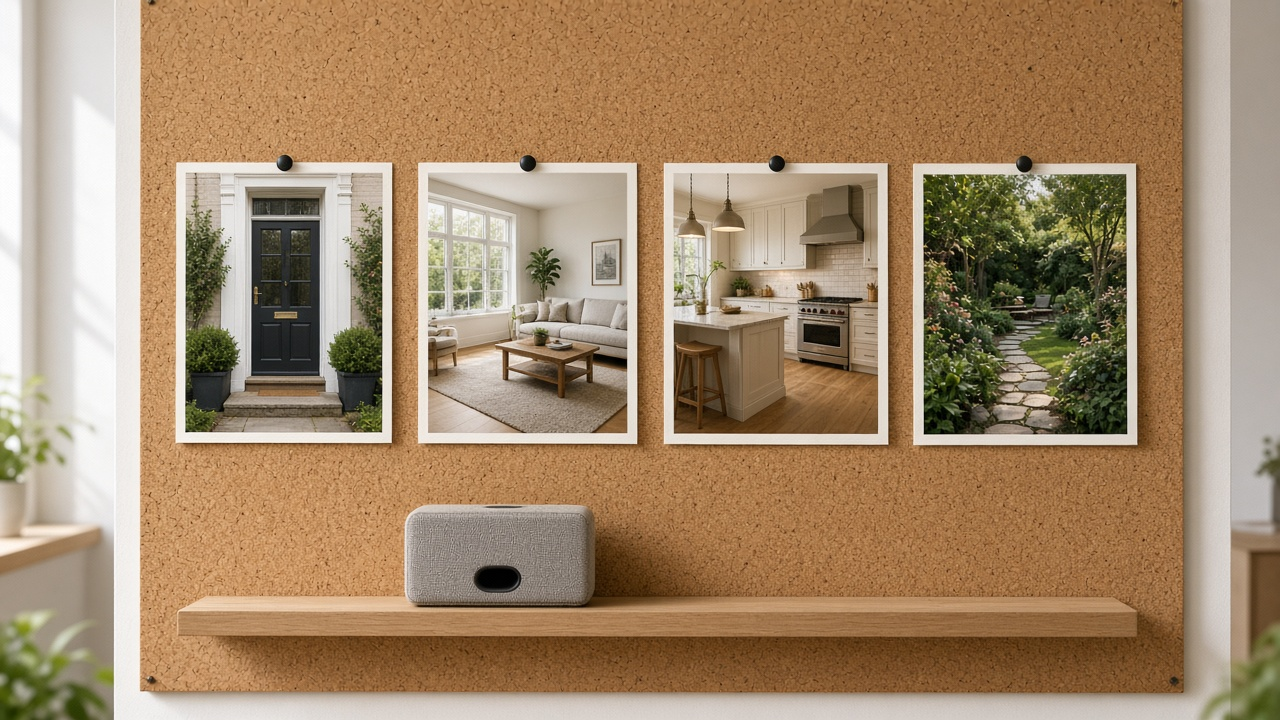
A listing tour fails quietly when the order is wrong. The kitchen appears before the front door, the bedroom flashes past, and the music is still building when the video ends.
Buyers are trying to build a floor plan in their head. Your job is to show rooms in an order they can walk, hold each shot long enough to read, and choose music that supports that pace instead of fighting it.
Room order is the script
Pick one path and stay on it. The usual path matches how a person enters.
| Moment | What to show | How long to hold |
|---|---|---|
| Open | Exterior or arrival | 3–5 seconds |
| Arrival inside | Entry, then the first living space | 3–4 seconds |
| The decision rooms | Kitchen, main living, primary suite | 4–5 seconds |
| The rest | Other beds, baths, storage | 2–4 seconds |
| Close | Outdoor space, view, or a return to the hero | 3–5 seconds, then end card |
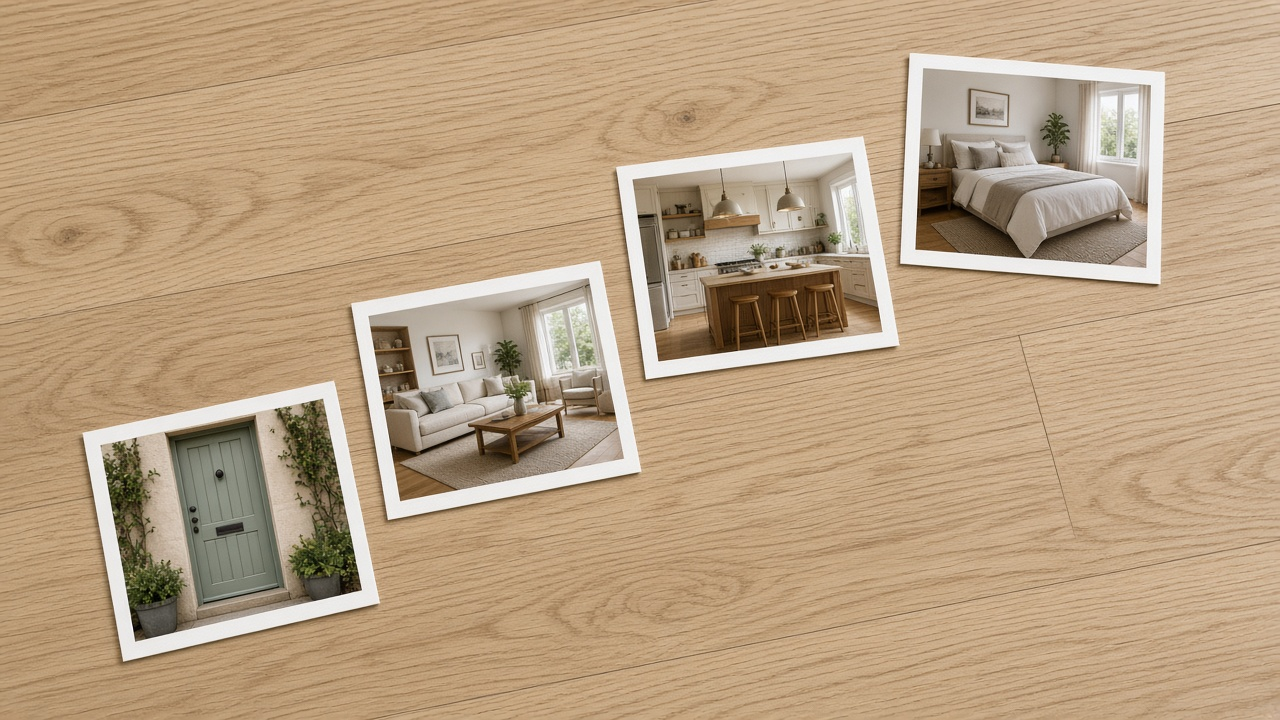
Do not open on the best room if the viewer then cannot tell how they got there. You can cut back to that hero at the end. The first half should feel like arrival.
Walkthrough technique is covered in how to create realtor walkthrough videos and the broader production steps in how to make listing videos. This piece is about the timing those steps need.
Pacing by channel
The same order can run at two speeds.
- Portal and website, 16:9: slower holds, minimal text, music low enough that a voiceover can sit on top later
- Reels, 9:16: shorter holds, a change about every two to four seconds, captions on, still the same room sequence
- With voiceover: leave a breath at the start of each room so the line does not crash into the cut. See real estate video with voiceover
- With on-screen facts: if you burn in a room name, hold long enough to read it once, out loud, at a normal speed
Count the rooms, then set the length
Music that fits the hold
Music should feel finished when the tour finishes. A chorus that peaks after your end card makes the edit feel accidentally cut.
Under the voice
If you will add narration, pick a bed with space in the midrange. Busy melodies fight the words.
One mood per listing
Calm for a family home, brighter for a small urban flat, slower for a luxury hold. Do not switch genres mid-tour.
License before you fall in love
Use music you can publish on portals and in ads. A personal streaming playlist is not a license.
End with the picture
Fade the track under the end card. Do not let a drop arrive after the logo.
Brokerages that want this choice to stay consistent should put three approved tracks in the system described in brokerage listing video brand kits. Script beats, if you use them, belong in how to write a property video script so the line and the room change together.
Lock pictures, then sound
Edit for comprehension first
Music is the last layer, not the brief.
- Step 1
Order the stills on a table or timeline
Exterior, entry, living, kitchen, beds, outdoor. Remove duplicates that do not add a fact.
- Step 2
Set holds for the channel
Longer for the portal cut. Tighter for the Reel, without changing the sequence.
- Step 3
Add music under the locked cut
Trim the track to the picture. Lower it where voice or captions carry the fact.
- Step 4
Watch once on a phone, muted and with sound
If you get lost, the buyer will too. Fix the order before you fix the grade.
VideoEstate.ai music and motion tools assume this order of operations. Build the tour from photos with motion video, then choose a bed on music for listing videos. Teams standardizing the feel across listings can save those choices with branding.
Set the walk, then add music that fits
Generate a listing tour in room order and score it without hunting for a random track. 100 free credits included.
Final thoughts
People do not remember your transition. They remember whether they understood the house.
Show the path a visitor would walk, hold each important room long enough to see it, and let the music end when the story ends. Speed is a choice for social cuts. Confusion is not a style.
Look through example videos and pricing when you are ready to make that order the default on the next shoot.
Related resources
- How to make listing videos
- Real estate video editor online
- Luxury listing videos without a film crew
- Music for listing videos
Frequently asked questions
What room order works for most homes?
Exterior, entry, main living space, kitchen, primary bedroom, other bedrooms and baths, then outdoor space. Adjust if a view or great room is the arrival, but keep one continuous path.
How long should each photo stay on screen?
About three to five seconds for a portal tour, and closer to two to four seconds for a Reel. Important rooms get the longer hold. Hallways can be shorter.
Should I cut on the beat?
Only after the room order is right. Cutting only on the beat often flashes past a kitchen or holds a hallway because the song said so.
Can I use any song from my phone?
No. Portal and ad use needs music you have the right to publish. Pick from a licensed library or tracks included with your video tool.
Where does voiceover sit?
Under a quieter bed, starting just after the cut into a room. Write short lines so they finish before you leave that room.
Should the Reel use a different order?
Keep the same path so the house stays coherent. You may open with a stronger frame and then return to the entry, but do not shuffle rooms at random.