One strong listing video does not make a brand. Ten videos that look unrelated make the brokerage look accidental.
Agents move fast. They pull different fonts, drop a personal logo over the company one, and pick whatever music was last in the editor. Buyers notice the mismatch before they notice the kitchen. A brand kit is the short set of rules that keeps every tour recognizable without slowing the listing down.
What belongs in the kit
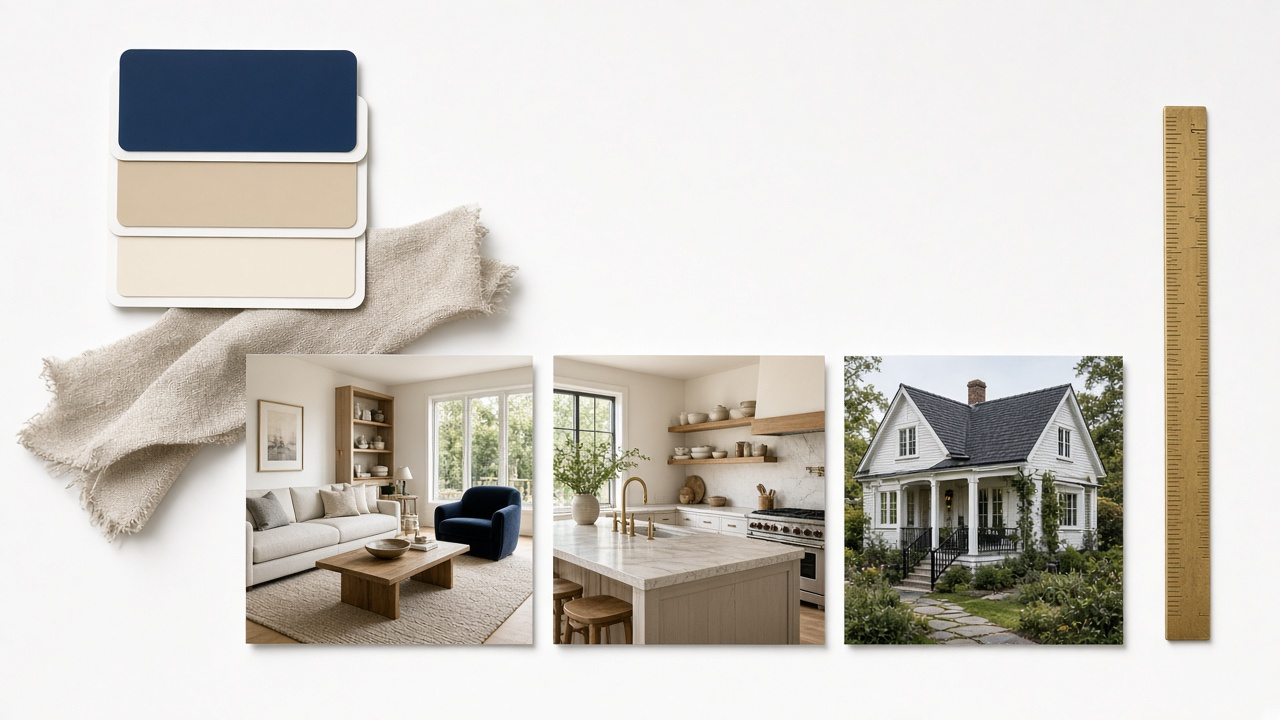
Keep the kit small enough that a new agent can apply it on the first listing.
| Element | Lock it | Let the agent change it |
|---|---|---|
| Colors | Primary, secondary, and a light background | None, except a seasonal campaign you approve |
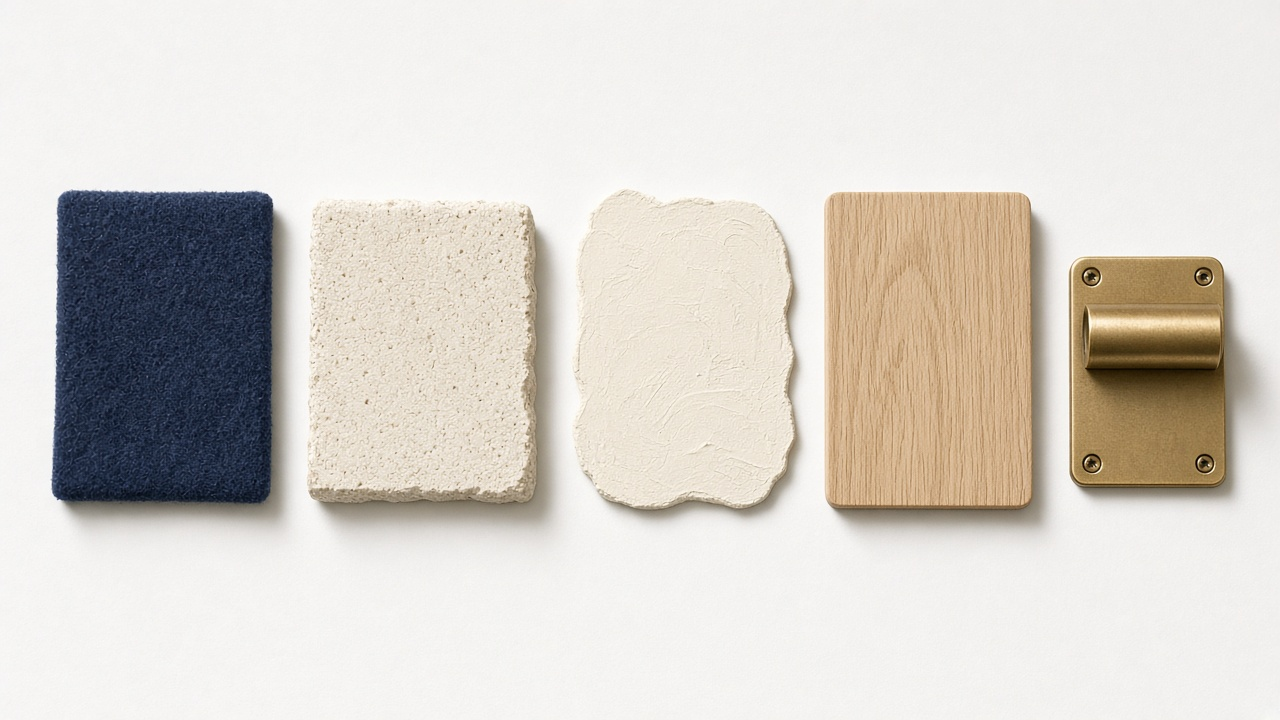
| Type | One heading face, one body face | None |
| End card | Logo, phone or URL, equal time on every cut | Agent name and direct line |
| Music | A short approved list by mood | Pick from the list, do not upload random tracks |
| Lower thirds | Address style, price style, sold banner | The facts for that property |
Personal brands still matter. The difference is that the agent sits inside the company system, which is the point of personal branding for realtors with video. The kit decides the frame. The agent decides the story of that home.
Where teams usually break consistency
Most drift is operational, not creative.
- The photographer delivers an unbranded file and the agent posts it before marketing sees it
- Reels get captions in a different typeface than the portal tour
- Sold and price-reduced updates reuse an old intro from a previous brokerage
- New hires never receive the music list, so they use whatever shipped with their phone
Brand the handoff, not only the template
If photographers are part of the delivery, align the package with how photographers package video with every shoot so the file that arrives already carries the end card.
One kit, three exports
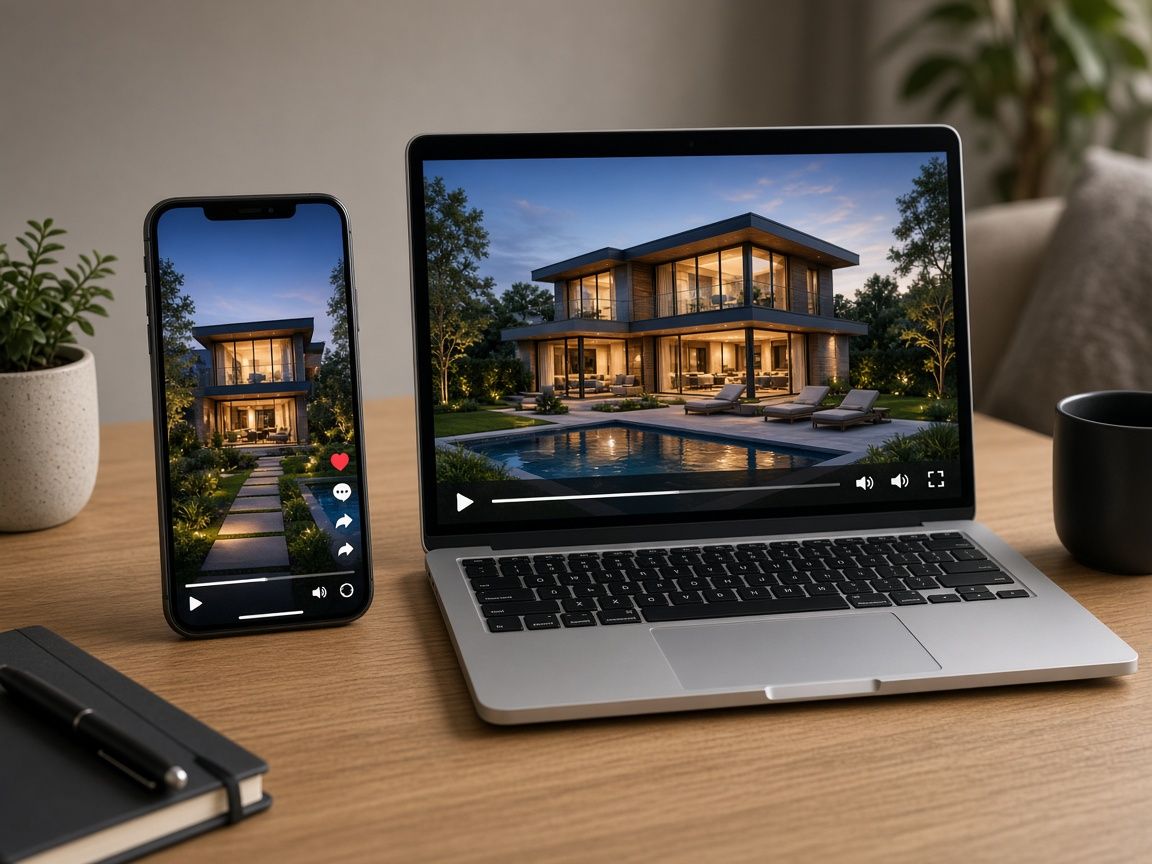
The same rules have to survive a horizontal portal tour, a vertical Reel, and a square ad. Safe areas change. Colors should not.
Intro under two seconds
A logo sting that runs longer than the first room trains people to skip. Flash the mark, then show the house.
End card with one contact
Company URL or the listing agent line. Two phone numbers and three social icons is a poster, not an end card.
Captions in the brand face
Social cuts need burned-in text. Use the body face and the light background color so Reels match the tour.
Sold and open-house states
Prebuild banners for just listed, open house, and sold. Agents should swap a state, not redesign a frame.
Format details live in property video formats for portals, Reels, and ads. The kit should name the export sizes so agents are not guessing aspect ratio on a Sunday night.
Roll the kit out in a week
From brand rules to the next listing
Write the kit once. Apply it on every new tour.
- Step 1
Pick the non-negotiables
Colors, two fonts, end card, and a music list of three tracks. Stop there.
- Step 2
Save a sample listing
One real property, exported as 16:9 and 9:16, that agents can duplicate.
- Step 3
Brief photographers and editors
Tell partners where the logo sits and which lower thirds are allowed.
- Step 4
Review five live posts
Once a month, check the last five tours for drift and fix the template, not each agent.
VideoEstate.ai branding settings are built for this handoff. Set the look once on listing video branding, then let each agent generate the tour from photos. Agencies comparing workflow options can start from the agency use case.
Music choices inside the kit should follow the pacing notes in music, pacing, and room order for listing tours.
Apply one brand kit to every listing video
Set colors, logo, and end card once, then generate tours agents can publish without reinventing the frame. 100 free credits included.
Final thoughts
Consistency is a publishing system, not a mood board. If an agent can duplicate last week’s listing, swap the photos, and ship a tour that still looks like the brokerage, the kit is working.
Document the few rules that show up on screen. Leave room for the agent’s name and the story of the house. Then check the live posts, because templates drift the moment they are optional.
See real estate marketing solutions and pricing plans when you are ready to standardize the next month of listings.
Related resources
- Property video automation
- Personal branding for realtors with video
- CapCut versus real estate video tools
- Video workflows for agencies
Frequently asked questions
What is a listing video brand kit?
A short set of locked choices: colors, fonts, logo placement, end card, music list, and lower-third styles. Agents apply it to every property instead of designing from scratch.
Should every agent use the same music?
Give them a short approved list grouped by mood, such as calm, bright, and luxury. One track for the whole company gets repetitive. An open folder of random songs gets inconsistent.
How long should the logo intro be?
Under two seconds. Buyers came for the house. A long sting before the first room hurts completion on social and feels dated on a portal page.
Can agents add their own headshot?
Yes, on the end card or a single lower third, inside the company layout. Avoid a second intro that competes with the brokerage mark.
Who owns the kit when agents leave?
The company owns colors, logo, music licenses it paid for, and templates. Departing agents should not keep posting the brokerage end card on new listings.
How do we keep Reels on brand?
Use the same typeface and colors for burned-in captions, and the same end card scaled for 9:16. The crop changes. The system should not.