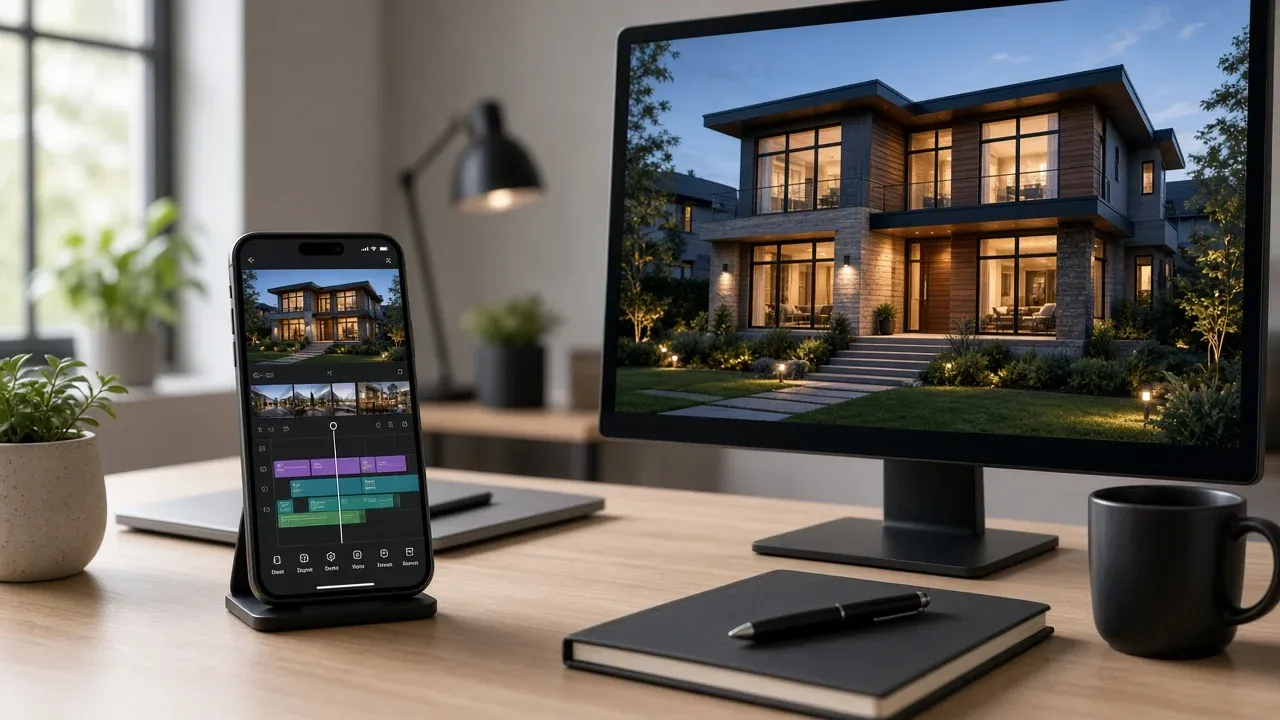
CapCut is everywhere in short-form video. Templates are fast, effects are trendy, and many agents already know the interface from TikTok and Reels.
So the question becomes inevitable: Should you edit listing videos in CapCut, or use a dedicated real estate video tool?
The honest answer depends on whether you are making the occasional social clip—or running listing marketing as a weekly system.
CapCut vs real estate video tools at a glance
CapCut
A general-purpose mobile and desktop editor built for creative short-form editing, trends, captions, and effects. Excellent when you enjoy timeline editing and custom motion design.
Real estate video tools
Purpose-built workflows that turn listing photos, staging images, and property details into branded videos quickly—often with AI generation, voiceover, avatars, and real-estate export presets.
This is the same decision pattern as Canva vs real estate video tools: general creativity versus specialized listing production.
Where CapCut shines
CapCut is a strong choice when you need:
- Trend-driven effects and transitions popular on TikTok
- Manual control over every beat of a creative edit
- One-off campaign videos with heavy custom styling
- A free or low-cost editor you already understand
If you love editing and have time to build each listing from a timeline, CapCut can produce excellent social clips.
Where CapCut slows real estate teams down
Listing marketing is repetitive by nature. Every property needs photos turned into vertical and horizontal videos, branded consistently, often with voiceover or captions—and usually by tomorrow.
That is where general editors create friction:
Manual assembly every time
You still import photos, sequence scenes, time transitions, and rebuild brand elements listing after listing.
Inconsistent team output
Each agent edits differently, so brokerage marketing looks uneven across the feed.
Limited real-estate AI workflow
CapCut is not built around listing photos → property video → portal/social exports as one real-estate system.
Harder seller-presentation proof
Showing a repeatable marketing machine is tougher when every video is a custom craft project.
Creative freedom is not the same as marketing throughput
What dedicated real estate video tools optimize for
Specialized platforms focus on the listing workflow:
Photo-to-video generation
Turn professional listing photography into polished motion videos without rebuilding a timeline from scratch.
Real estate branding
Apply logos, agent details, and consistent styling across every export.
Voiceover and avatars
Add narration or AI presenters designed for property storytelling and ads.
Multi-format exports
Create vertical social cuts and horizontal portal/presentation versions from one asset set.
Team scalability
Standardize quality so every agent can publish without becoming a full-time editor.
Listing-centric features
Pair video with image enhancement, music, and listing copy in one real-estate marketing stack.
VideoEstate.ai is built for that workflow—see the AI real estate video generator, avatars, and the CapCut alternative for real estate page.
Side-by-side comparison
| Factor | CapCut | Real estate video tools |
|---|---|---|
| Best for | Custom short-form creative edits | Repeatable listing video production |
| Speed per listing | Depends on manual editing time | Minutes with AI photo-to-video workflows |
| Learning curve | Familiar to social creators | Optimized for agents and teams |
| Brand consistency | Manual discipline required | Templates and presets across listings |
| Voiceover / presenter | Possible with extra steps | Often built into the listing workflow |
| Scaling 20+ listings/month | Time-intensive | Designed for volume |
Which should you choose?
Choose CapCut if you enjoy hands-on editing, post occasionally, and want maximum trend effects for creative campaigns.
Choose a real estate video tool if you need listing videos every week, want consistent branding across a team, and care about speed from photos to publish-ready exports.
Use both if you generate the listing base video in a real-estate platform, then do rare hero-campaign polish in CapCut. Most agents find they need the base system far more often than the manual polish.
Match the tool to the bottleneck
For editor-focused workflows, also read real estate video editor online and how to turn property photos into video fast.
Skip the timeline for every listing
Generate branded property videos from listing photos in minutes—built for real estate, not generic editing. 100 free credits included.
Final thoughts
CapCut is a capable editor. Dedicated real estate video tools are a listing marketing system.
If your business depends on publishing professional video for every property—social, ads, portals, and seller presentations—specialized software usually wins on speed, consistency, and scale.
Browse examples or compare pricing when you are ready to standardize listing video production.
Related resources
- Canva vs real estate video tools
- Property video automation
- AI real estate video generator guide
- CapCut alternative for real estate
Frequently asked questions
Is CapCut good for real estate listing videos?
Yes for custom social edits when you have time. It is less efficient as a primary system for producing branded videos on every listing each week.
What is the main difference between CapCut and real estate video tools?
CapCut is a general video editor. Real estate video tools are built around photo-to-listing-video workflows, branding, and exports for property marketing.
Can I use CapCut and VideoEstate together?
Yes. Many teams generate the listing base video with a real-estate AI platform, then only open CapCut for occasional high-touch campaign edits.
Which option is better for real estate teams?
Dedicated real estate video tools usually scale better because they standardize quality and reduce editing time across many agents and listings.
Does CapCut include AI avatars for property videos?
CapCut offers creative AI features, but real-estate platforms typically integrate presenter avatars, listing voiceover, and property export presets in one workflow.
How do I choose the right tool faster?
Time one listing: photos to finished vertical + horizontal videos with branding. Whichever path you can repeat for every property wins.