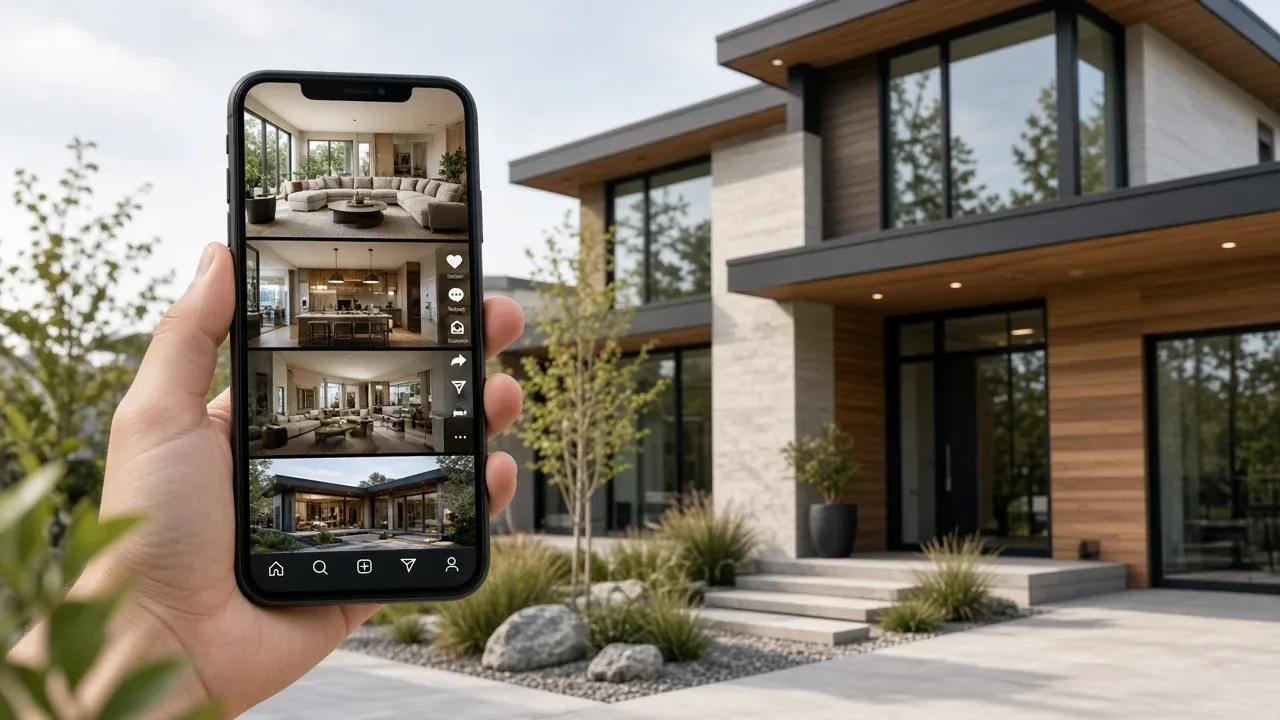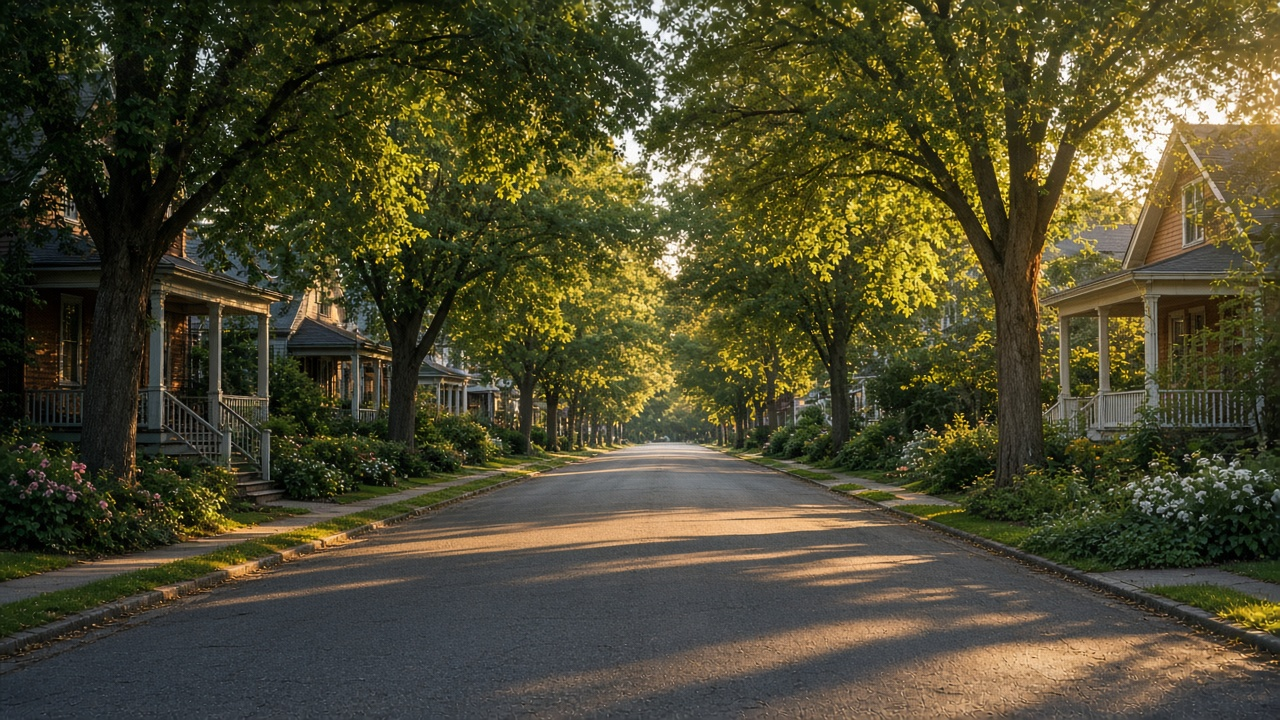
The listing video ends at the property line. The buyer’s decision often does not.
People move for a school run, a commute, a park, or a street they can picture on a Tuesday. If your only film is the interior, you are hoping the listing description does the location work. A neighborhood video is a separate, reusable cut: one area, many listings, filmed so it still makes sense next month.
Listing tour versus area video
Keep them apart. Mixing both into one three-minute file makes portals restless and social viewers leave.
| Listing tour | Neighborhood video | |
|---|---|---|
| Subject | This home | This area |
| Shelf life | Until the listing changes | A season, then refresh |
| Length | 45–120 seconds, 16:9 | 20–40 seconds, mostly 9:16 |
| Facts | Rooms, features, price when live | Street character, errands, parks, transit in plain language |
| Reuse | One property | Every listing you take on that map |
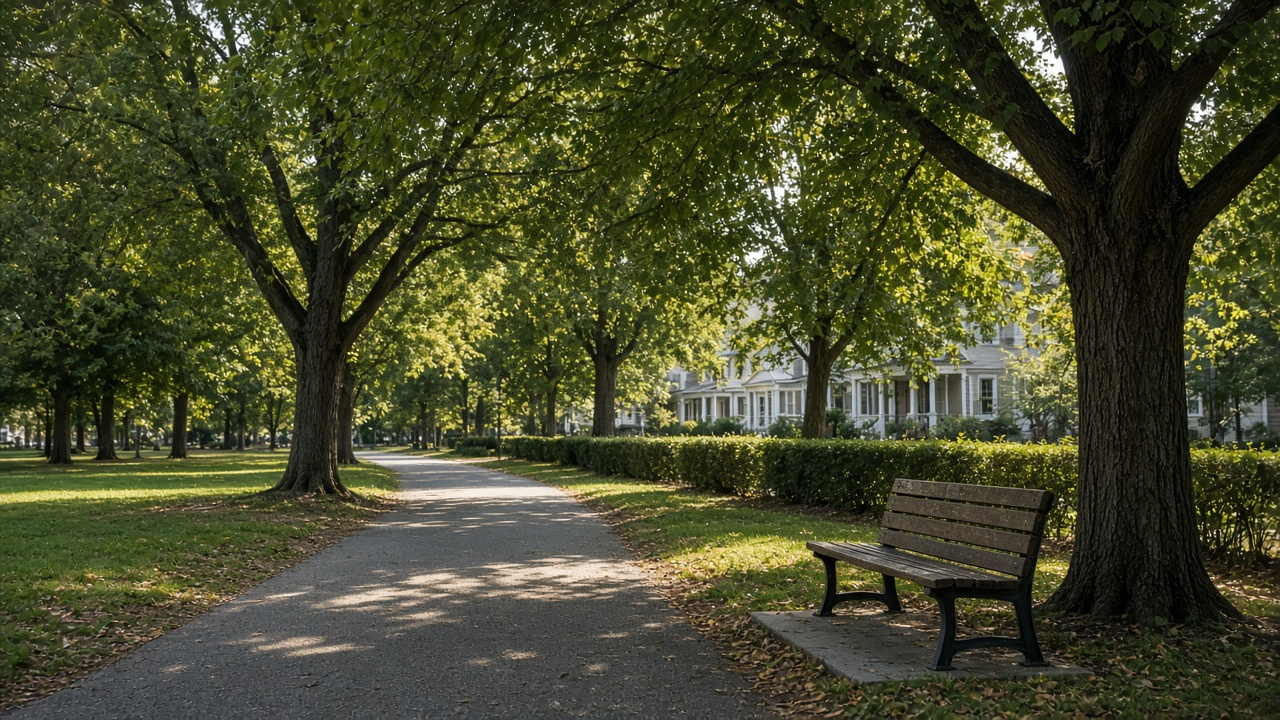
Choose three beats, not twelve. A useful set is: the street itself, one errand people actually do, and one open space. Name them on screen. “Near shops” is weaker than the specific kind of trip: morning coffee, school drop-off, or a park loop.
Area claims must stay accurate and fair. Avoid guarantees about school performance, crime, or investment return. If you mention schools or transit, describe proximity you can stand behind, and point viewers to official sources for the rest.
What to film in an hour
You can shoot this once a quarter per farm area.
- The approach a buyer would drive or walk, in daylight, without a staged crowd
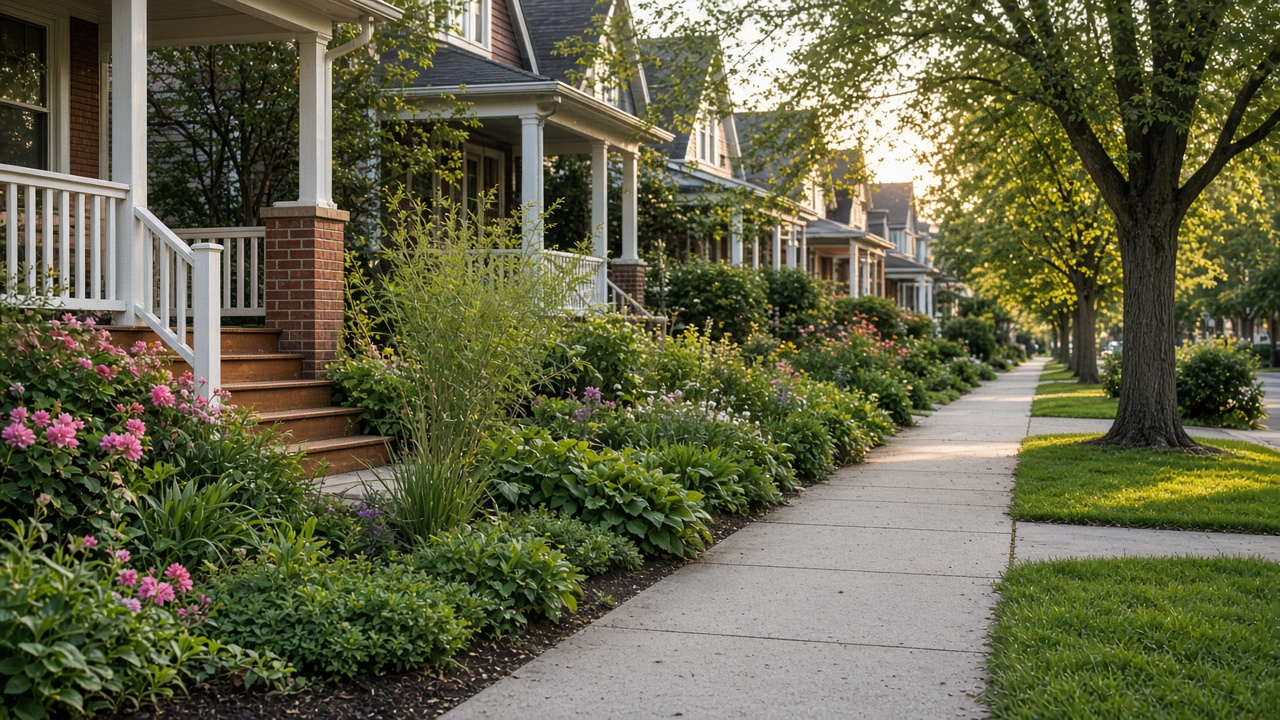
- One streetscape that shows scale: trees, porches, buildings, or a calm block
- One practical stop with no reliance on a business logo: a park entrance, a station exterior, a market street shot wide enough that signage is not the subject
- A detail that explains the housing: stoops, courtyards, new infill, or mid-rise entries
- Your voice, briefly, if you are the local guide. Two sentences. The pictures cover the rest
This is social content with a job, so it belongs in the plan from real estate social media strategy. Publish the area video on its own, then reply to comments with the active listing tour rather than burying the house inside the area cut.
Do not turn local businesses into unpaid ads
Pair it with the listing, do not merge it
When a property goes live:
- Post the neighborhood cut in the morning with a line about who the area suits
- Post or link the listing tour separately the same day
- Pin a comment or story sequence that connects them: area, then home, then viewing time
- Retire claims that are no longer true at the seasonal refresh
New projects can borrow the same chapter. Developers introducing a site should keep location short inside the launch film and point the longer cut here, as in new-construction videos from renders and site photos.
Agents who appear on camera can follow personal branding for realtors with video so the guide feels consistent from one neighborhood to the next. If you would rather not be on camera, a voiceover and captions still carry the three beats. See voiceover for that path.
One area, many listings
Film once. Attach it to each new instruction in that patch.
- Step 1
Pick the farm boundary
A neighborhood a buyer understands, not your entire city.
- Step 2
Capture three beats
Street, one daily errand, one open space. Daylight, no logo close-ups.
- Step 3
Cut 20–40 seconds with captions
Name the area in the first two seconds. End with an invitation to see current listings.
- Step 4
Link the active tour
When you list a home there, publish the property video beside it, not inside it.
Still frames from a phone can become the motion cut if you do not want a full production day. Photos to video and Reels workflows cover that route. More ideas in the same family sit in real estate video marketing ideas.
Cut a neighborhood Reel from a short photo walk
Turn street, park, and block photos into a captioned area video you can pair with every listing there. 100 free credits included.
Final thoughts
Buyers remember a street they can picture. Give them that picture in a short, reusable video, and keep the room-by-room tour focused on the house.
Three honest beats, captions, and a link to the current listing will do more than a scenic montage with no place names. Refresh it when the season changes, and keep using it until the area itself changes.
See workflows for marketers and pricing if area content is about to become a monthly habit rather than a one-off.
Related resources
- How to create realtor walkthrough videos
- Real estate content trends
- Property Reels that convert
- Social image generation
Frequently asked questions
Should the neighborhood video include the listing?
Keep them separate. The area video stays useful for the next instruction. Link or post the property tour beside it when a specific home is live.
How long should it be?
Twenty to forty seconds is enough for a Reel or short social post. Name the area immediately, show three beats, and end with a way to see listings.
How often should I reshoot?
Once a season is plenty unless a major street change makes the cut misleading. Leaf cover, light, and outdoor life are the usual reasons to refresh.
Can I mention schools?
You can mention that families ask about schools and point people to official information. Do not rank performance or promise outcomes you cannot control.
Do I have to appear on camera?
No. Captions plus a short voiceover are enough. On-camera helps if you are building a local guide reputation, and it should match your other videos.
What should I avoid filming?
Identifiable people without consent, close-ups of brand logos, private backyards over fences, and any claim about safety or investment that you cannot substantiate.