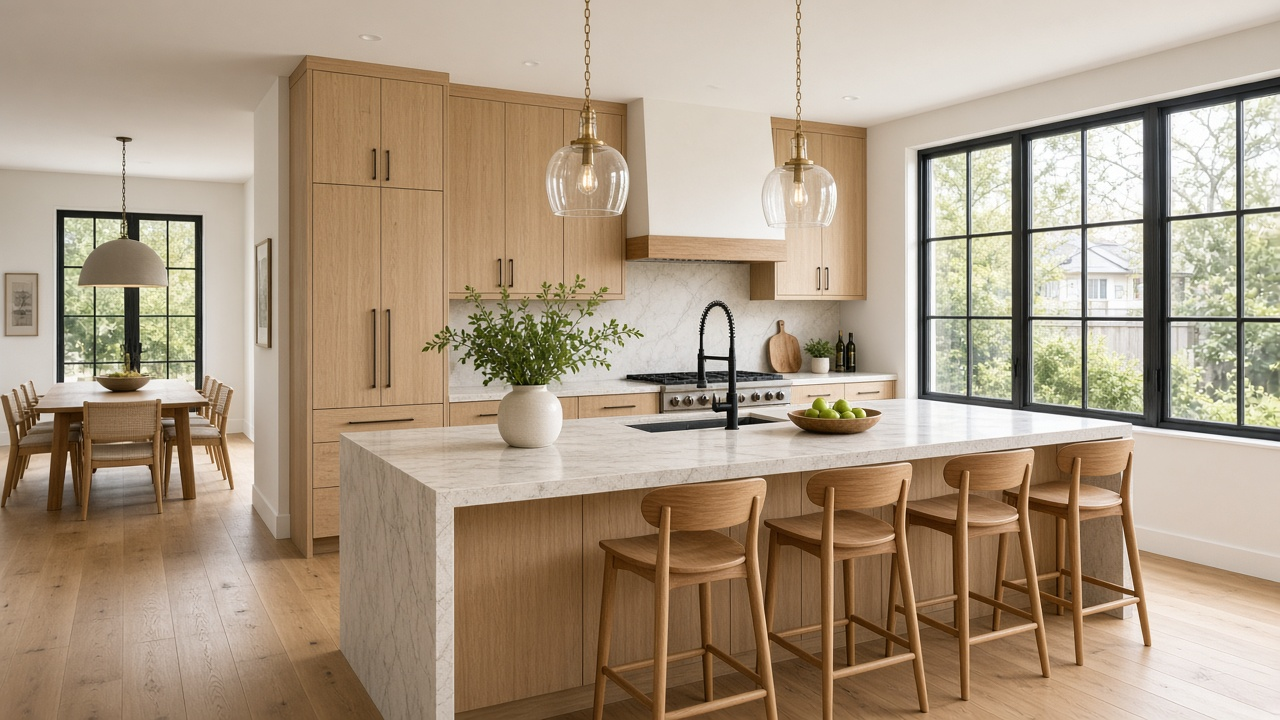
A tired kitchen can hide a sound house, and a beautiful render can hide a tired one. Buyers looking at a flip, a light renovation, or a home sold as-is need to see both truths: what they will walk into, and what you are suggesting they could build. A before-and-after video does that in one pass, if every proposed frame is labeled as proposed.
Unlabeled renders are how a showing turns into an argument.
Two kinds of frames, named out loud
The current condition is the listing. The after is a proposal, unless the work is already done and photographed.
| Frame | What it must be | On-screen label |
|---|---|---|
| Exterior and arrival | As it is today | None, or “as is” if the rest of the film mixes proposals |
| Rooms you did not change in the edit | Real photos | None |
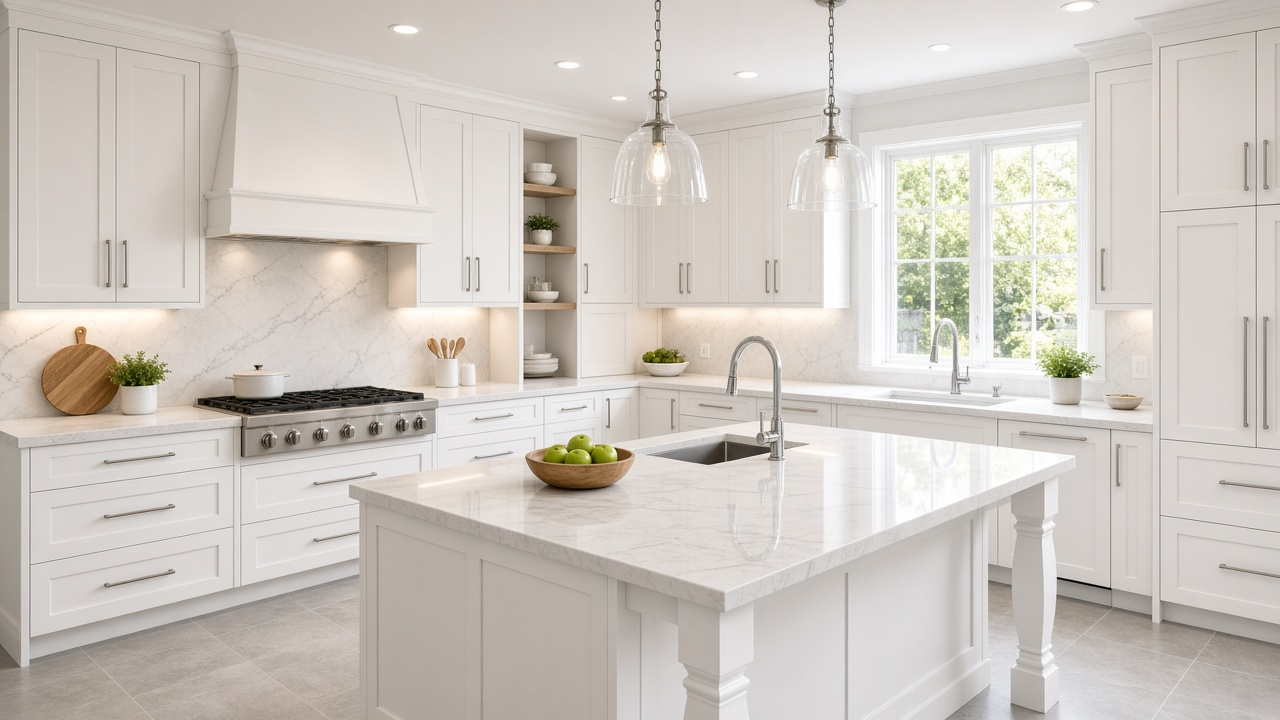
| Kitchen, bath, or facade you are proposing | A render or a staged concept | “Proposed” on every second it appears |
| A finished flip | Real after photos | “Completed” if you also show the old condition |
| Floor plan changes | Only if permitted drawings exist | “Proposed layout” |
Order that keeps the visit honest
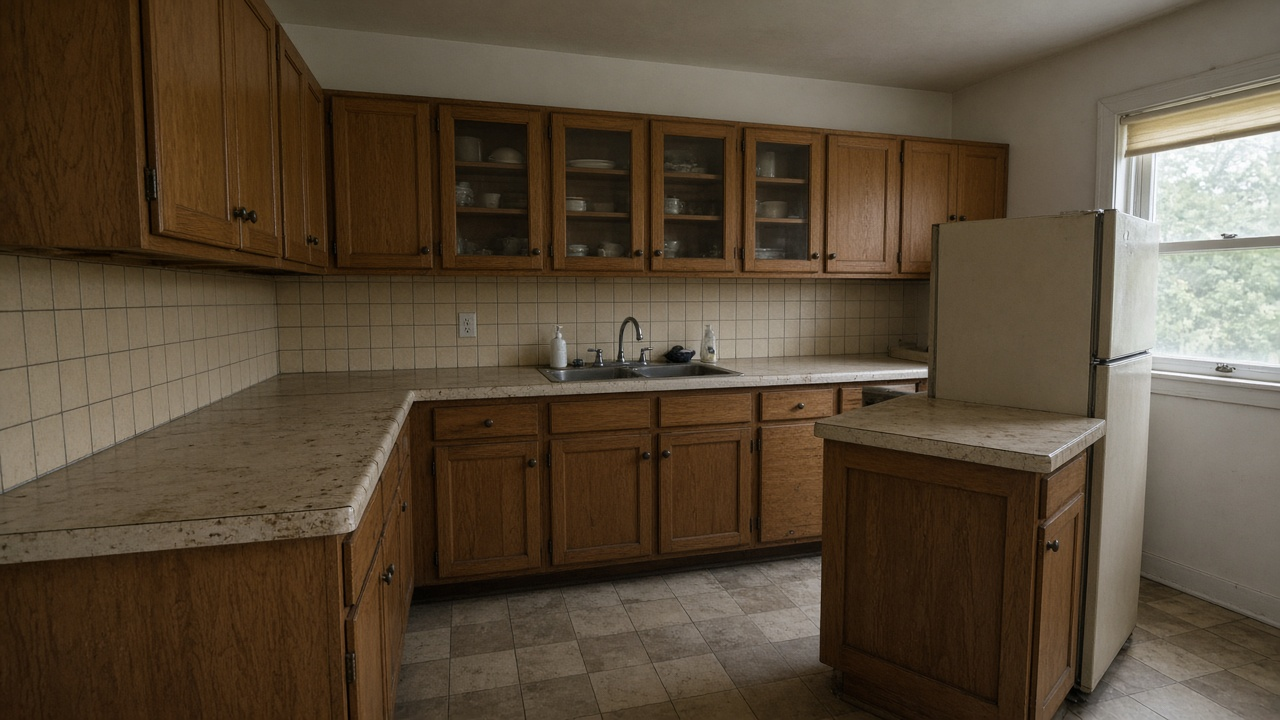
Show the real house first. Then show the idea. Then go back to the real house.
- Open on the true exterior and the room you are about to discuss, as it is
- Cut to the proposed version of that same angle, with “Proposed” burned in for the whole shot
- Say what the proposal includes and what it does not: cabinets, not a new foundation; paint, not a permitted addition
- Return to real photos for every room you are not redesigning
- Match the price story. An as-is price with only dream kitchens in the cut is a mismatch
Virtual staging that adds furniture to an empty but finished room is a different, narrower job. The boundary is in AI virtual staging trends. Renovation concepts change finishes or layout. They need a louder label than a sofa.
Proposed is not permitted
Same angle, then the rest of the house
New construction that is still a site has its own sequence in new construction videos from renders and site photos. A renovation listing is closer to occupied or vacant housing: the buyer can stand in the before.
A labeled before-and-after
Real room, proposed match, then the rest of the true house.
- Step 1
Photograph the current angle
The view you will propose against. Daylight, straight-on, no people.
- Step 2
Build the proposal from that photo
Same window, same footprint, unless you are explicit that the layout changes.
- Step 3
Burn in Proposed
On every frame that is not the home today. Do not rely on the voiceover alone.
- Step 4
Finish on real rooms
The buyer should leave the video knowing which spaces exist now.
Show the idea without hiding the house
Pair the current kitchen with a labeled proposal, then walk the rooms that are real. 100 free credits included.
Final thoughts
Buyers will renovate in their heads anyway. A clear before-and-after keeps that imagination attached to the house you are actually selling.
Label the dream. Photograph the fact. The showing should feel like the video, not like a correction of it. Finished homes that only needed furniture, not a rebuild, still belong in how to make listing videos.
Workflows for interior designers and pricing plans if proposals should ship as part of the listing, not as a separate deck nobody watches.Related resources
- AI virtual staging trends
- AI image editing for real estate
- New construction videos from renders and site photos
- Real estate photo editor
Frequently asked questions
Do I have to label a virtually renovated kitchen?
Yes. If the finishes, layout, or fixtures are not what the buyer will see, the frame needs a visible Proposed label for the whole time it is on screen.
Should the before or the after come first?
The current room first, then the proposal of the same angle, then the rest of the real house. Buyers should know which one they can touch.
Can the render replace the inspection photos?
No. The listing still needs real photos of the condition you are selling. The proposal is an extra sequence, not a substitute.
What if the renovation is already finished?
Use real after photos. If you also show the old condition, label that pair Completed and Before so nobody thinks the work is still a concept.
Is this the same as staging an empty room?
No. Staging shows furniture in a finished room. A renovation concept changes the room itself. It needs a clearer label and a more careful script.