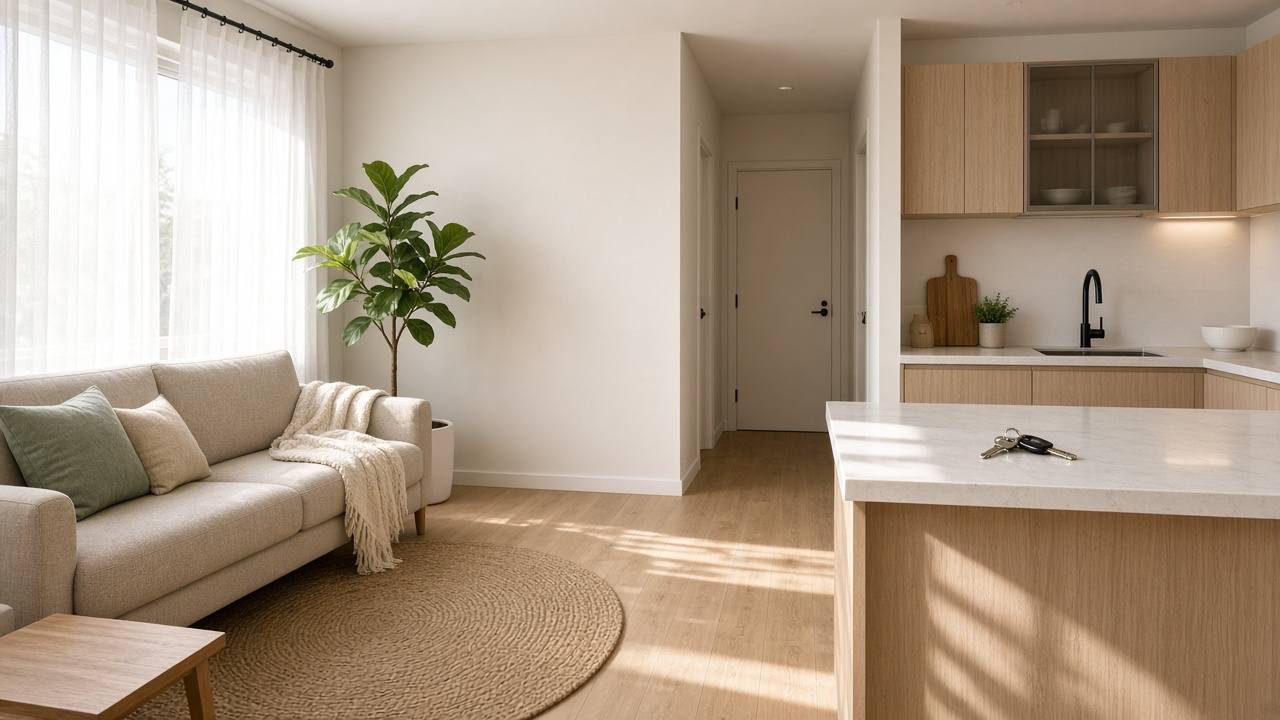
Sale listings can wait a week for the perfect twilight frame. Vacancies cannot.
Every empty day has a cost, and renters are comparing ten similar apartments on a phone between shifts. They are not looking for a cinematic brand film. They want to know whether the light is real, whether the kitchen works for two people, and whether they can book a viewing before someone else does.
A rental video should answer those questions in under a minute, then give one way to inquire.
What renters actually watch for
Treat the cut like a screening, not a lifestyle ad.
| Question in the renter’s head | Show this | Say this |
|---|---|---|
| Will it feel bright? | Windows in the main living space, daytime | Which way the main room faces, if you know |
| Can we cook and live here? | Kitchen, then the living area that connects to it | Approximate layout in one line |
| Is the bedroom usable? | Bed wall and closet, not just a styled corner | Bedroom count and storage, briefly |
| What does it cost to arrive? | Building entry or street once | Rent, deposit headline, available date |
| How do I get it? | End card | One contact: form, phone, or portal lead |
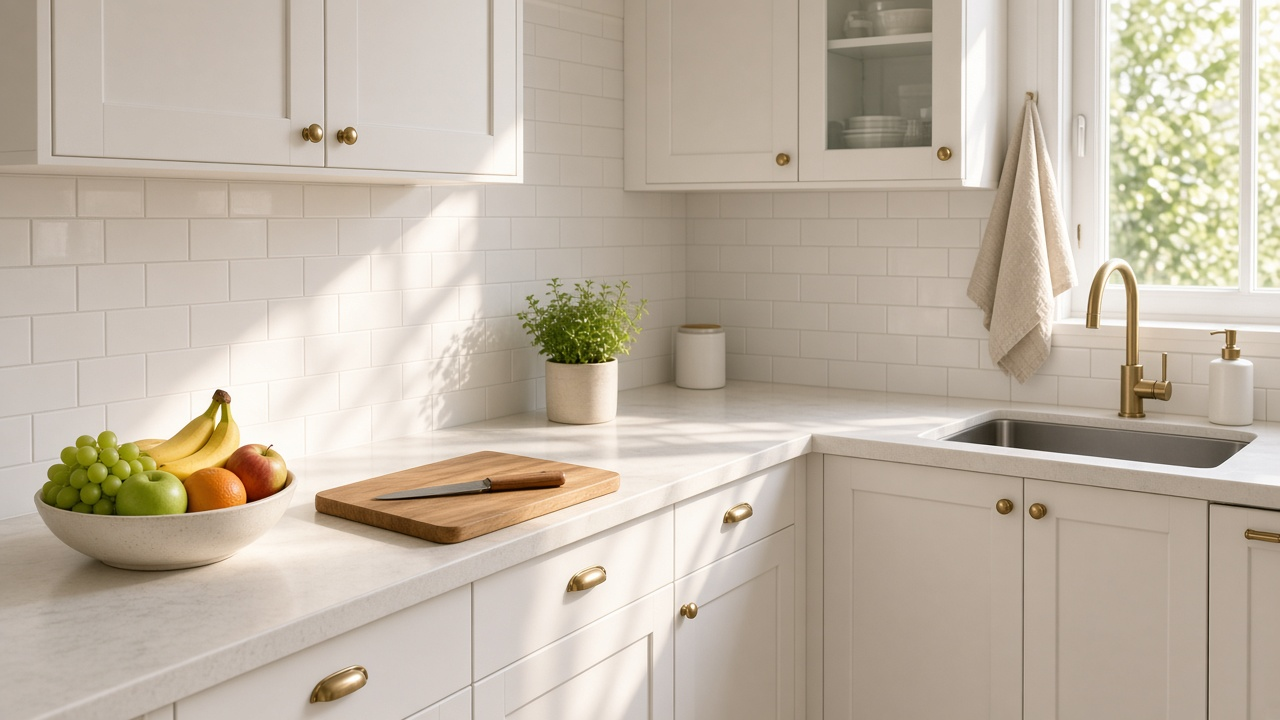
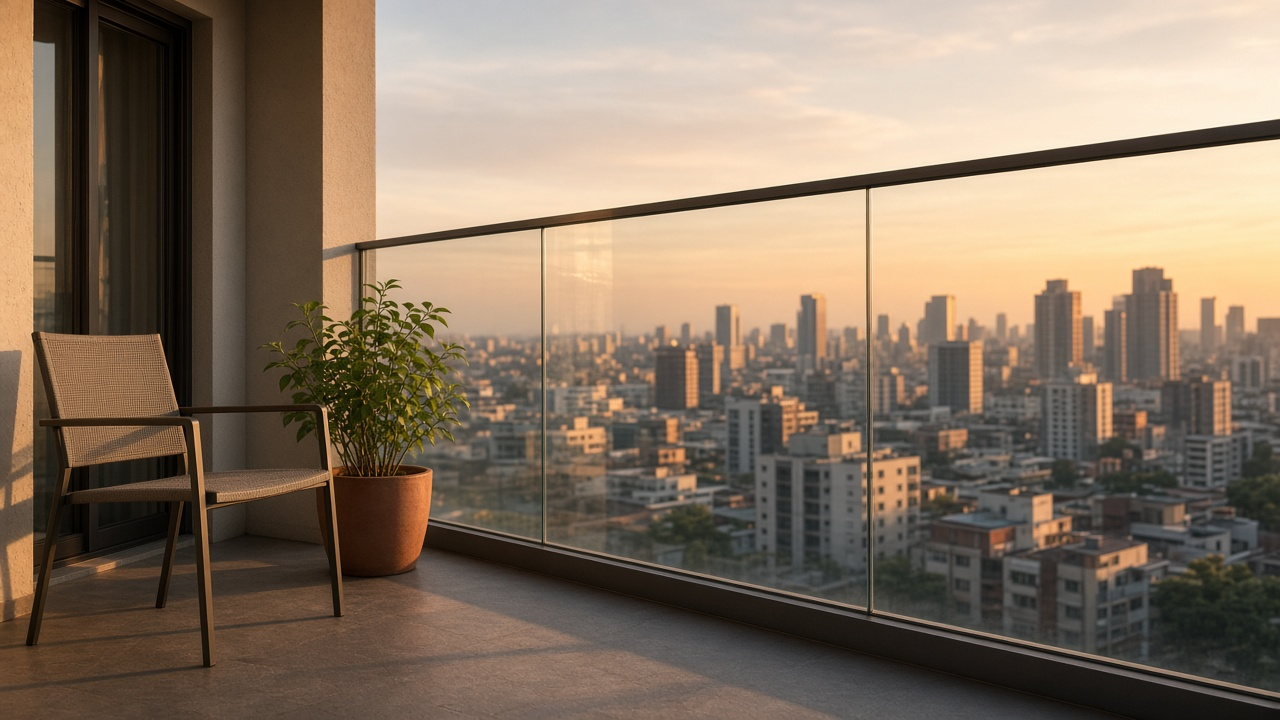
Skip drone openings unless the view is the reason someone would pay the rent. A 40-second walk from entry to bedroom outperforms a skyline shot that never shows the closet.
For the selling-side cousin of this idea, see listing videos that help sell faster. The editing logic is similar. The facts and the deadline are not.
Two cuts, one gallery
You still want a portal-friendly horizontal tour and a vertical inquiry cut. You do not need two shoots.
- 16:9, 35–70 seconds: full enough for the listing page. Order: entry, living, kitchen, beds, bath, outdoor or building amenity if it matters
- 9:16, 15–25 seconds: the three rooms that win the lease, available date on screen, captions on
- Story or ad, optional: only if you have a vacant week to fill and a clear offer, such as a weekend open viewing
Export sizes are covered in property video formats for portals, Reels, and ads. For rentals, keep on-screen text limited to rent band or exact rent, available date, and the ask. Everything else belongs in the listing description, which you can draft alongside the video using listing description tools.
Update the date the day it changes
Shoot and publish on a vacant-day clock
From keys to inquiry
Aim to publish both cuts within a day of access.
- Step 1
Photograph in lease order
Entry, living, kitchen, beds, bath, then any storage or outdoor space a renter will ask about.
- Step 2
Generate the horizontal tour
Keep motion gentle. Renters are judging rooms, not transitions.
- Step 3
Cut the vertical inquiry version
Three hero rooms, available date, one contact. Captions on, because most watches are muted.
- Step 4
Reply with the same link
When someone inquires, send the tour again plus two concrete viewing times.
Empty rooms photograph honestly, which renters prefer to heavy staging that hides scale. If a vacant unit looks unfinished, a light virtual stage on the hero frame can clarify use without pretending the furniture conveys. That workflow sits next to virtual staging.
Follow-up messages should include the video, not only a calendar link. The pattern in listing video follow-ups for email and CRM works for leasing teams too: first reply with the tour, second reply with times.
Publish a rental tour before the next vacant day
Turn listing photos into a horizontal tour and a short vertical inquiry cut. 100 free credits included.
Final thoughts
Speed and clarity beat polish when a unit is empty. Show light, kitchen, and beds in an order a renter can follow. Put the available date and one contact on the vertical cut. Then answer inquiries with that same video and two viewing times.
The marketing outline in how to market a property listing that sells still applies. For leases, compress the timeline and make the next step a viewing, not a long nurture.
Property managers and leasing agents can start from realtor workflows and compare plans on pricing.
Related resources
- How to use listing photos for Reels
- How to make listing videos
- Are property videos worth it
- Real estate Reels
Frequently asked questions
How long should a rental listing video be?
Thirty-five to seventy seconds for the listing page. Fifteen to twenty-five seconds for the social cut that asks for an inquiry.
Should I show the exact rent on screen?
If the rent is stable, yes. If it may change this week, show a band or leave the number in the listing text and keep the available date on screen.
Do empty apartments need staging before video?
Not always. Empty rooms read as honest scale. Stage or virtually stage only when the space is hard to understand, such as an awkward alcove that is meant to be a dining area.
What is the best room order?
The path a prospect walks: entry, living, kitchen, bedrooms, bathroom, then storage or outdoor space. Do not open on a gym two buildings away.
Where should the video live?
On the listing page, in the first inquiry reply, and as a vertical post the week the unit is vacant. Remove or update it when the status changes.
Can I reuse a sales-style luxury edit for a standard rental?
Slow fades and long music beds hide the facts renters need. Use a clearer pace, on-screen date, and a direct ask.