The full listing video is often ready a day too late.
Photos come back in the evening, the portal cut takes another pass, and the first wave of local buyers has already scrolled past a static “coming soon” graphic. A 15-second teaser, published while the shoot is still being edited, gives those buyers a reason to raise their hand before the address goes live.
This guide covers what to show, what to hold back, and how to turn the teaser into a waitlist you can email when the full tour is ready.
What a teaser is for
A coming-soon teaser is not a shortened tour. It is a lead capture asset.
| Piece | Teaser | Full listing video |
|---|---|---|
| Length | 12–20 seconds | 45–120 seconds |
| Address | Area or street only, if your rules allow | Full address when the listing is live |
| Rooms | One or two hero frames | Logical walk through the home |
| Ask | Join the list, DM a keyword, book a preview | Watch, save, request a showing |
| When | Same day as the shoot, before MLS | When photos, price, and copy are final |
What to show, and what to withhold
Buyers should feel the property. They should not be able to underwrite it from the teaser alone.
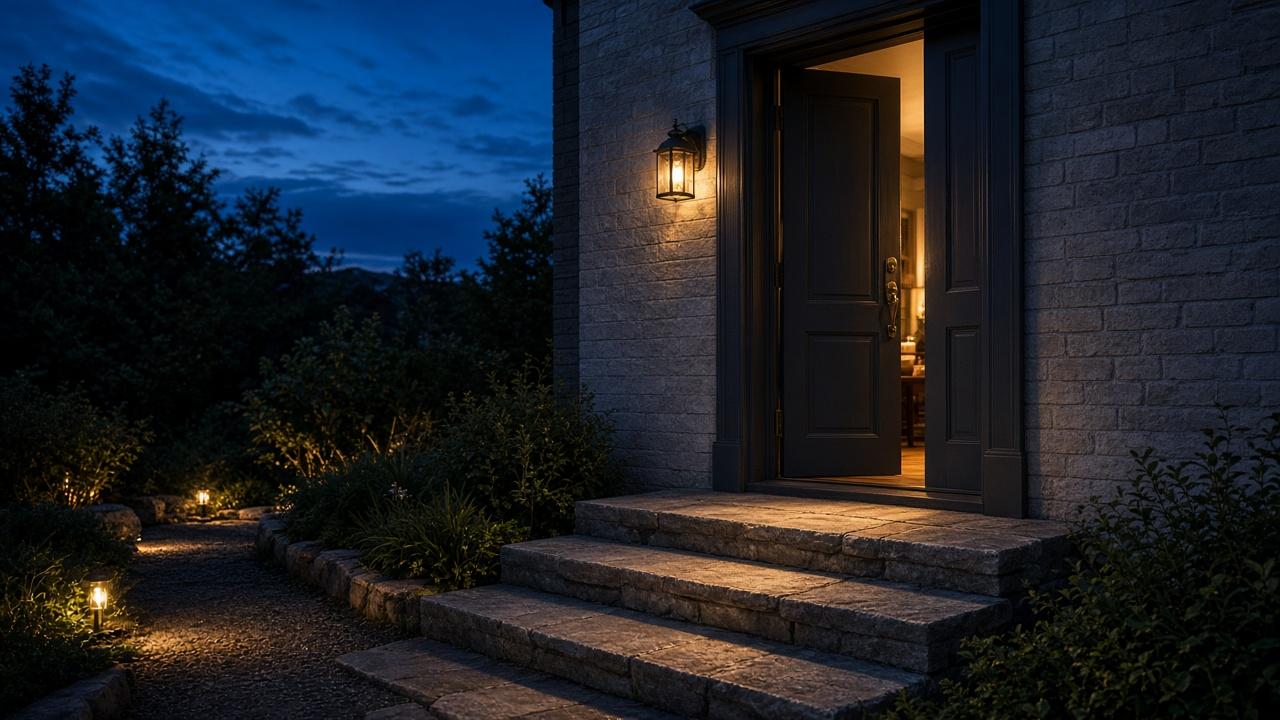
- Lead with the exterior at the best light you have, or the single room that will stop a scroll
- Name the neighborhood, school area, or property type if you cannot show the address yet
- State the reveal window in plain language: “Full tour Thursday” or “Preview list opens Friday”
- Hold back floor plan, exact price, and a complete room sequence until the listing is public
- Match the claim to your brokerage and portal rules. Some markets restrict “coming soon” language and off-market promotion
Pair the teaser script with the structure in how to write a property video script. Keep the voiceover to two sentences. The picture does the rest.
Check coming-soon rules before you publish
Build the waitlist, not just the view count
Views do not book previews. A specific ask does.
- Pick one action: comment a keyword, tap a link-in-bio form, or reply to a story sticker
- Say what they get: first look at the tour, a private preview slot, or the price when it is set
- Capture name, email or phone, and whether they are buying for themselves or a client
- Send the full video the morning the listing goes live, before you boost the public post
The follow-up itself is a separate asset. Use the sequence in listing video follow-ups for email and CRM so the waitlist hears from you twice, not once.
A one-evening production path
Teaser before the full tour
Ship a vertical cut the day of the shoot. Finish the portal version next.
- Step 1
Pull two hero frames
Exterior plus the best interior. You do not need the whole gallery to start.
- Step 2
Cut a 15-second vertical
Hook, neighborhood, reveal date, one call to action. Burn in captions.
- Step 3
Open a short form
Keyword, link, or story sticker. Store replies where your CRM can see them.
- Step 4
Replace the teaser with the tour
When price and photos are final, publish the 16:9 cut and email the list.
VideoEstate.ai can turn those first stills into a motion cut while the rest of the gallery is still being delivered. Start from photos to video, then export the vertical teaser and the later portal cut with the checklist in property video formats for portals, Reels, and ads.
Cut a coming-soon teaser from the first photos
Turn a hero exterior and one interior into a captioned vertical video, then build the full tour when the set is complete. 100 free credits included.
Final thoughts
A coming-soon post with no motion and no ask is a placeholder. A teaser with one hero, a reveal date, and a list to join is a pipeline.
Publish the short version the day you have a usable frame. Follow it with the full tour, and with a personal note to everyone who asked to see it first. That is how pre-market attention becomes appointments, which is the same job as open house videos that fill appointments, just earlier in the week.
Review workflows for realtors and pricing plans if you want every new listing to start with a teaser instead of a blank weekend.
Related resources
- How realtors generate leads with property videos
- Personal branding for realtors with video
- Real estate social media videos
- AI real estate video generator
Frequently asked questions
How long should a coming-soon teaser be?
Twelve to twenty seconds is enough. One exterior, one interior or detail, a reveal date, and a single ask.
Should I show the address?
Only if your brokerage and local listing rules allow pre-marketing of the address. Otherwise name the area and save the street for the live listing.
Can I make a teaser before all photos are edited?
Yes. Use the two strongest frames you already trust. Replace the teaser with the full tour when the gallery, price, and description are final.
What should the call to action be?
One action only: comment a keyword, join a short form, or tap a story sticker for a preview. Do not ask people to call, DM, and visit a link in the same cut.
When do I send the full video?
The morning the listing is public. Send the tour link to the waitlist before you spend on ads, so the people who asked hear it from you first.
Does a teaser replace the portal video?
No. Portals and listing sites still want a horizontal tour. The teaser fills the gap between the shoot and that export.