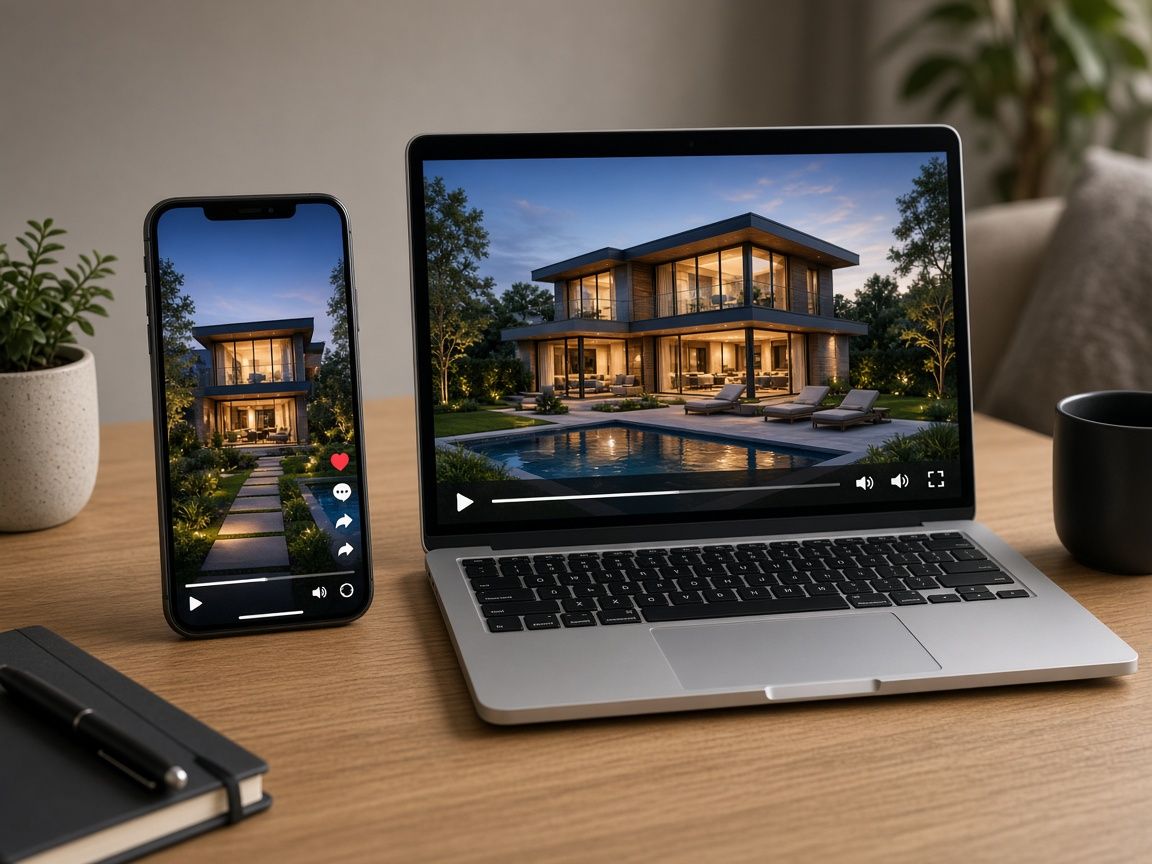
A portal autoplay and a phone feed have one thing in common: the sound is off until someone decides you earned it. If the price context, the neighborhood, and the next step live only in the voiceover, most viewers get a silent slideshow.
Captions are not a transcript pasted on the sky. They are the version of the tour that works with no audio, written short enough to read before the shot changes.
Two versions, one film
Plan the silent cut and the spoken cut as the same pictures with different jobs.
| Layer | Silent playback | With sound |
|---|---|---|
| First second | A caption that says what this home is | The same idea, spoken, if you use a voice |
| On-screen words | Room, feature, area, one ask | Captions can stay; they should not fight the voice |
| Music | Optional, and never the only carrier of meaning | Under the voice, not over the caption |
| Length of a line | About one short sentence per shot | The voice can add a clause the caption skips |
| End | The ask, in words, on screen | The same ask, heard and read |
Write for the shot, not for the script
A caption that needs the viewer to pause has already failed.
- One idea per shot: “Primary suite,” “Garden from the kitchen,” “Two-car garage on the lane”
- Put type in a quiet part of the frame. Faces, fireplaces, and the countertop you are selling should stay clear
- Use a light or dark plate behind type when the room is busy. Pretty type on patterned marble does not get read
- Match the words to what is on screen. Do not caption “chef’s kitchen” over a hallway
- Keep the call to action in the last two seconds, in the same words as the caption and the voiceover
Feed crops are a separate export. The safe areas in property video formats for portals, Reels, and ads matter more once type is burned in. A caption that sat in the lower third of a 16:9 file will sit under the buttons in a vertical cut.
Captions are also how people hear you
Contrast is part of the edit

Read the silent cut once with the sound off, on a phone, before you publish. If you cannot name the home’s point by the third shot, the captions are late or too long.
A caption pass before you export
Short lines, quiet placement, the same ask at the end.
- Step 1
List one fact per shot
Six to ten shots, six to ten lines. If a line needs a comma and a second thought, split the shot.
- Step 2
Place type on a quiet area
Away from the feature you want seen, and inside the crop of every format you will export.
- Step 3
Check contrast
White type on a bright window fails. Add a plate or move the line.
- Step 4
Watch it muted
On a phone. The neighborhood, the layout point, and the ask should land without audio.
If a voice still earns its place, record it to the caption, not the other way around. Voiceover can follow the same lines, and the format checklist in real estate social media videos keeps the vertical cut from clipping them.
Make the tour work with the sound off
Burn in short captions, then add voice only where it helps. The pictures and the words should agree. 100 free credits included.
Final thoughts
Silent playback is the default, not an edge case. Write the tour so a buyer on a train, in a meeting, or without audio still learns the one thing that should make them save the listing.
Then add sound for the people who want it. The words should not change. That discipline is the same one behind property Reels that convert: the first silent seconds have to carry the point.
Workflows for marketers and pricing plans if every export should leave the building with captions already on it.Related resources
- Property video formats for portals, Reels, and ads
- Multilingual listing videos for international buyers
- Real estate video with voiceover
- Real estate Reels
Frequently asked questions
Should I caption a portal tour or only social cuts?
Caption both. Portal players often start muted, and many buyers never turn sound on. Social cuts need the same lines, repositioned for the vertical crop.
How many words fit on a shot?
One short sentence, usually under eight words. If the buyer has to pause to finish reading, the next room has already started.
Do captions replace the voiceover?
They carry the facts. A voiceover can warm the same lines for people who unmute. It should not introduce a claim the captions never show.
Where should the type sit?
On a calm part of the frame, clear of the feature you are selling, and inside the safe area of every crop you export.
What about buyers who need a transcript?
Burned-in captions cover silent playback. If a portal or campaign also asks for a separate caption file or transcript, export that from the same lines so the words do not drift.