Furniture
en Voiceover Avatar
Compare Pictory with a real estate-focused video maker. Pictory is built to turn scripts, articles, and other text into marketing video. VideoEstate.ai turns property photos into social-ready listing videos.
Pictory helps teams turn written content into video. Listing marketing usually starts with a photo gallery, not a blog post.
Pictory is an AI video tool for turning scripts, articles, and other written content into videos across many industries, not because it is a real estate platform.
Property marketing usually begins with a photo gallery. A listing workflow is built to turn those photos into a social-ready property video.
A script-to-video tool is useful when the source is text. A listing workflow is built to repeat photos in, property video out.
Both can produce a social-ready clip. They start from different source material.
Pictory is an AI-assisted video tool for turning scripts, blog posts, and other text into marketing video. Content teams across industries use it for explainers, social clips, and article-based videos. Some agents may use it for market updates or educational content, not because it is a listing-photo workflow.
VideoEstate.ai is specialized for property marketing. Upload listing photos, choose a style, generate a real estate video, and export it for social media, portals, and presentations.
A concise look at a script-to-video tool compared with a real estate listing workflow.
| Category | Pictory | VideoEstate.ai |
|---|---|---|
| AI video creation | AI-assisted video from scripts, articles, and other written content across many industries. | AI-assisted listing videos from property photos, not from a blog post or script. |
| Real estate specialization | You adapt a text-to-video project to a listing clip yourself. | Built for real estate: listing photos in, property video out. |
| Property photo workflow | You can add photos into a text-driven video project. | Upload listing photos and generate a property video. |
| Listing templates | Templates and AI workflows aimed at turning written content into marketing video. | Built for listing videos, Reels, and other property marketing formats. |
| Property animations | Motion and visuals assembled around a script or article, often with stock. | Property-focused motion and AI effects for listing photography. |
| Branding | Add logos, text, and overlays while you build a text-driven video. | Add logos, agent details, and brand elements to property videos. |
| Social formats | Export clips created from scripts and articles for social and other channels. | Listing videos for Reels, portals, and presentations. |
Pictory is a script-to-video tool. VideoEstate.ai is a listing-video workflow. Many teams can use both.
Choose Pictory when you need to turn written content into video, not a listing production line.
Choose VideoEstate.ai when the job is turning property photos into social-ready listing videos.
Turn listing photos into publish-ready images and videos in simple steps, no editing experience required.
Add your property photos from any device. VideoEstate accepts common formats and keeps every image organized in your project.
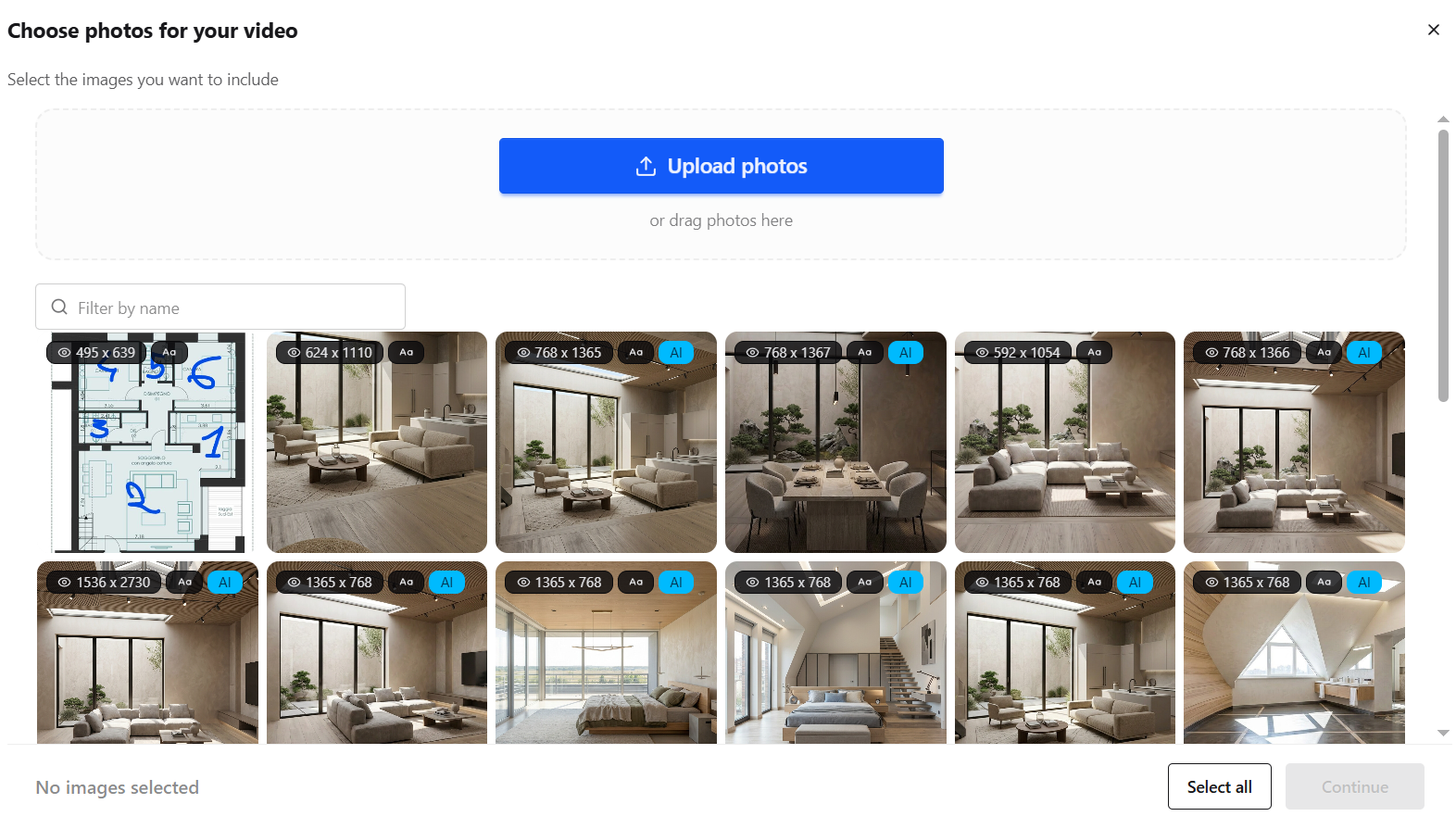
Enhance lighting, remove clutter, and polish every shot with AI so each frame looks its best, or generate new listing visuals.


Transform still photos into smooth camera moves, renovations, virtual staging and more.
Layer AI voiceovers, talking avatars, on-screen captions, and royalty-free music.
Finish in the built-in editor, then export images and videos ready for social, marketplaces, and presentations.
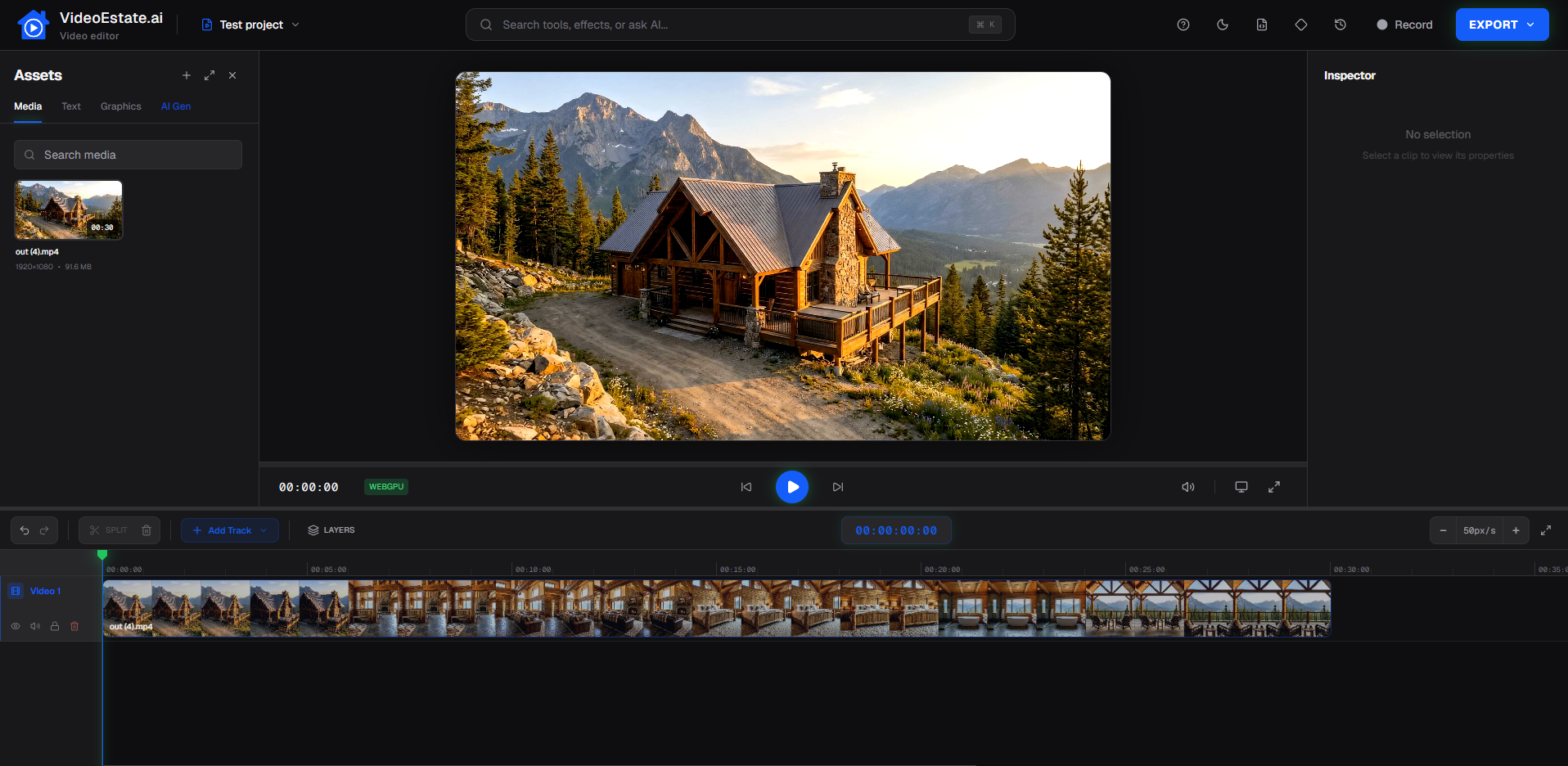
Create, edit, and publish property videos from listing photos.
Create polished property videos from listing photos with AI motion, voiceover, and branding.
Trim, polish, and brand property videos in a video editor built for real estate.
Turn a property photo gallery into a listing video without filming or a traditional timeline.
See how agents use VideoEstate.ai to market listings with video.
Start for free and choose a plan that matches how many listing videos you create.
Vertical Reels, horizontal listing videos, staging, and camera movement from listing photos.
Upload photos and generate a real estate video in minutes. No credit card required.
Common questions from agents comparing Pictory with VideoEstate.ai for real estate marketing.
Yes, if you primarily need property listing videos from photos. VideoEstate.ai is a specialized real estate video maker for creating listing videos from property photos. Pictory is an AI video tool for turning scripts, articles, and other text into marketing video.
Yes, if you start from a script, article, or other written content. Some agents use Pictory for market updates or educational clips. The difference is the source: VideoEstate.ai is organized around listing photos and property video, not a script-to-video project.
Pictory is a script-to-video tool: you start with written content and turn it into marketing video. VideoEstate.ai is a listing workflow: upload property photos, generate a listing video, then export it for social, portals, and presentations.
When you turn blog posts, scripts, or other written content into video, for example explainers, market commentary, or article-based clips. VideoEstate.ai is not a replacement for those Pictory use cases. Many teams keep a script-to-video tool and use a specialized tool for listing photos.
Yes. Upload property photos, choose a style, generate a listing video, and export it for social media, portals, and presentations.
No. VideoEstate.ai is not a script-to-video tool for articles and other written content. It is an alternative when the job is real estate listing video from property photos.
