Arredamento
en Voce
Turn architectural renders, models, and project photos into polished stills, social assets, and design presentation videos, without a separate production pipeline.
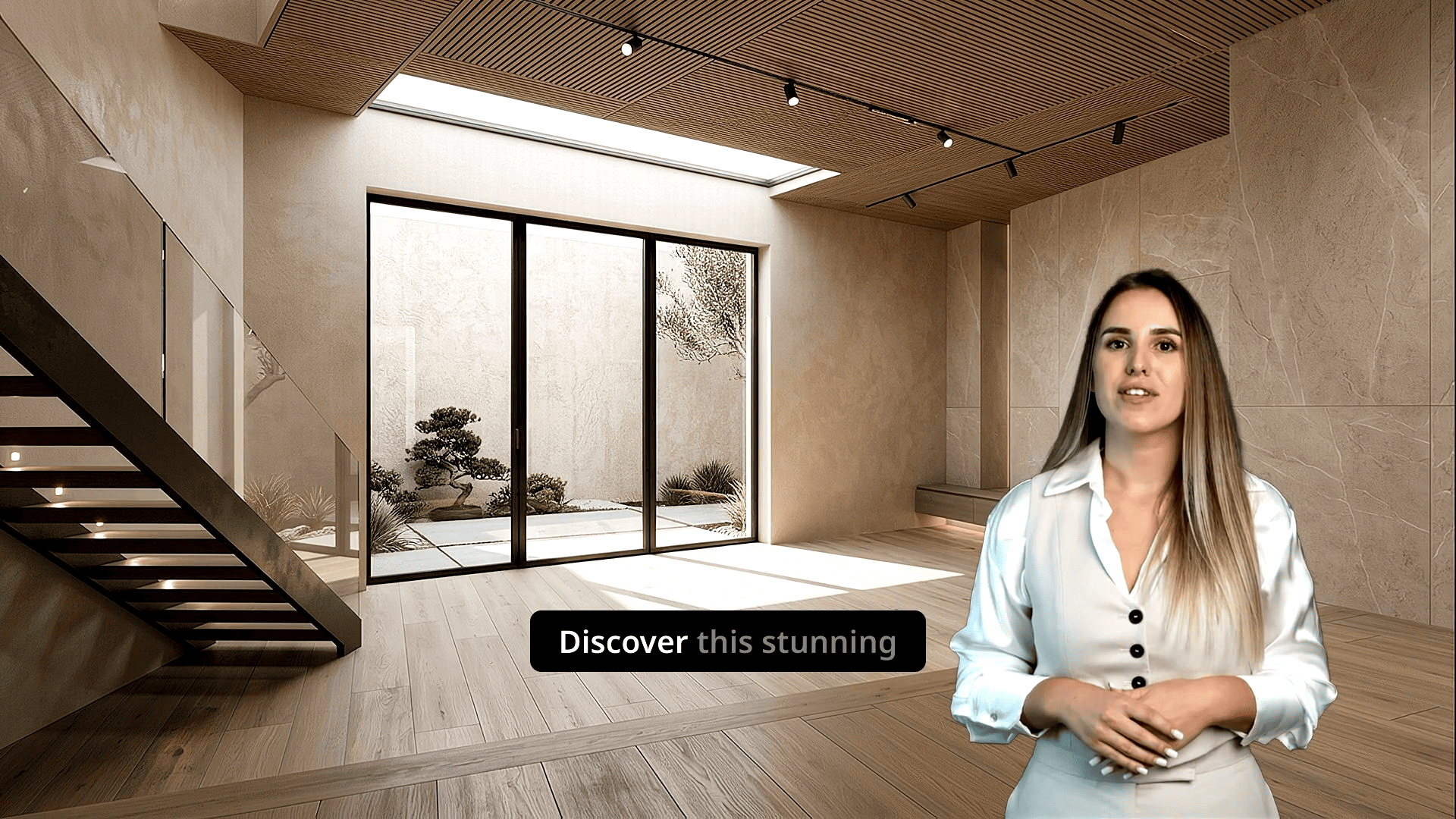
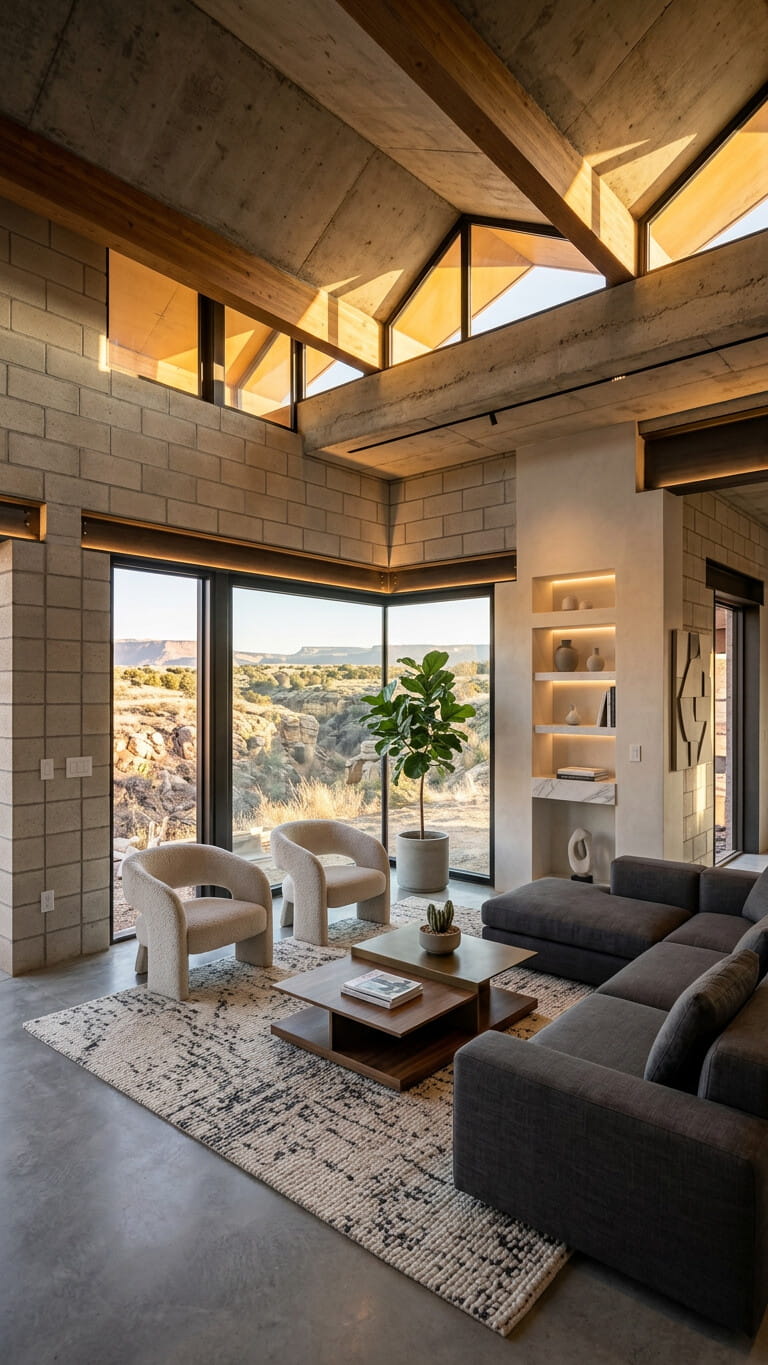
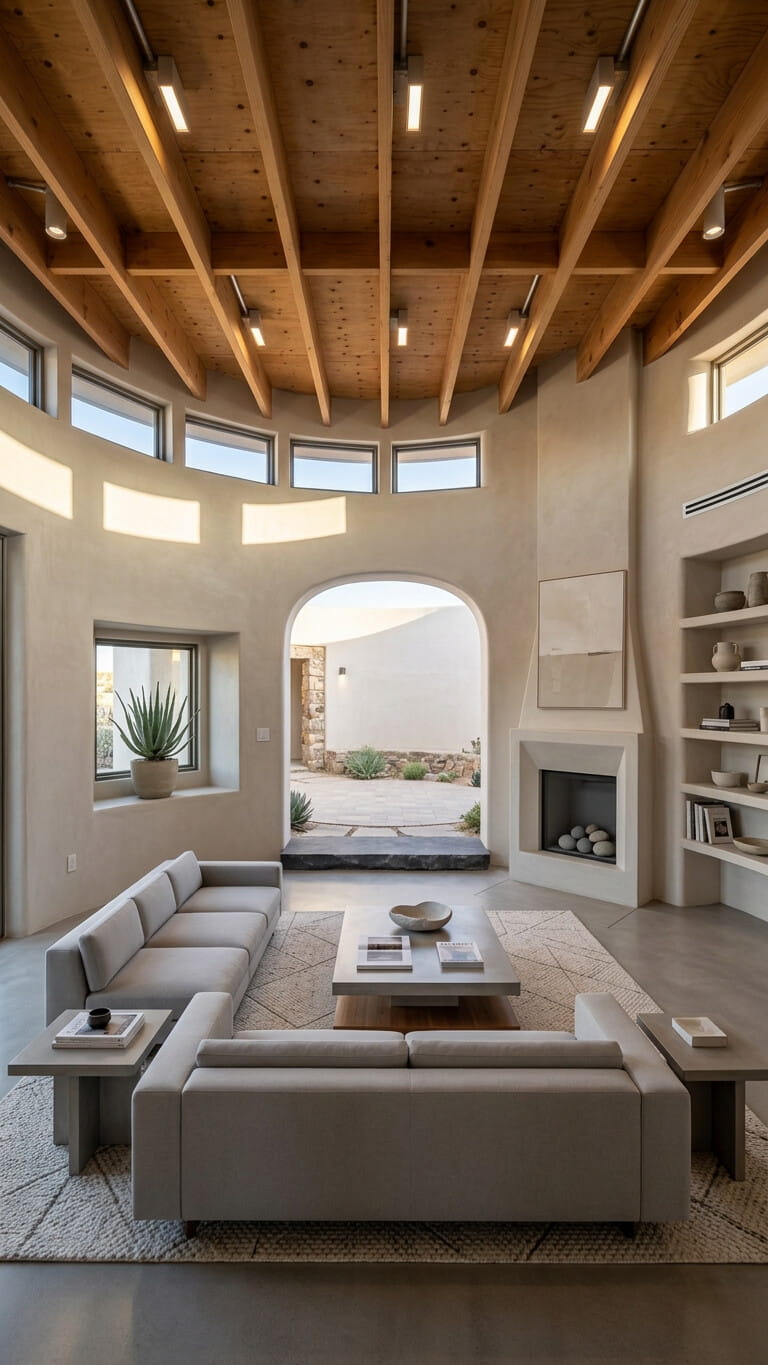
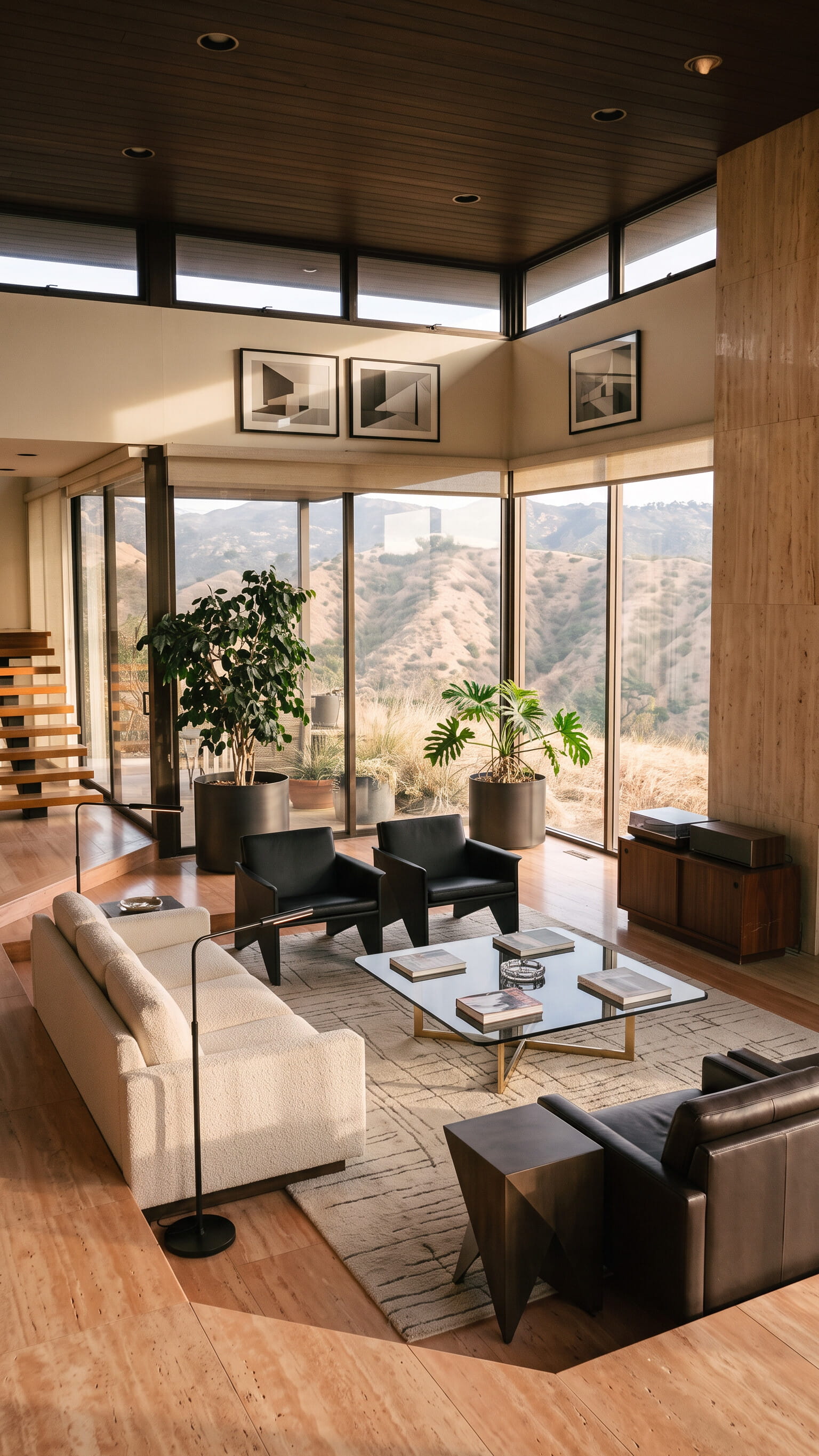
Clients and juries need to feel space, light, and sequence, not just see a still.
A polished still shows form. Enhanced images and video help people understand how spaces connect, how light moves, and how the project feels to inhabit.
Polished images and short clips for pitches, competitions, and social make your concept memorable when decision-makers only have minutes.
Reuse the same visuals for client meetings, RFPs, website case studies, and Instagram, images, carousels, and video, without rebuilding every asset from scratch.
Create the right stills and clips for each moment in the project lifecycle.
Walk stakeholders through concept and developed design with branded images and short videos built from your existing renders.
Deliver a clear narrative under tight deadlines, motion that supports boards and written submissions without a full CGI animation package.
Publish stills, carousels, and vertical or horizontal clips that show finished work and ongoing projects across your website and social channels.
Hand marketing-ready images and videos to developers and agencies while keeping the design story consistent with your studio brand.
Walk stakeholders through concept and developed design with branded images and short videos built from your existing renders.
Deliver a clear narrative under tight deadlines, motion that supports boards and written submissions without a full CGI animation package.
Publish stills, carousels, and vertical or horizontal clips that show finished work and ongoing projects across your website and social channels.
Hand marketing-ready images and videos to developers and agencies while keeping the design story consistent with your studio brand.
Trasforma le foto dell’annuncio in immagini e video pronti da pubblicare in pochi passaggi semplici, senza esperienza di editing.
Aggiungi le foto della proprietà da qualsiasi dispositivo. VideoEstate accetta i formati più comuni e tiene ogni immagine organizzata nel tuo progetto.
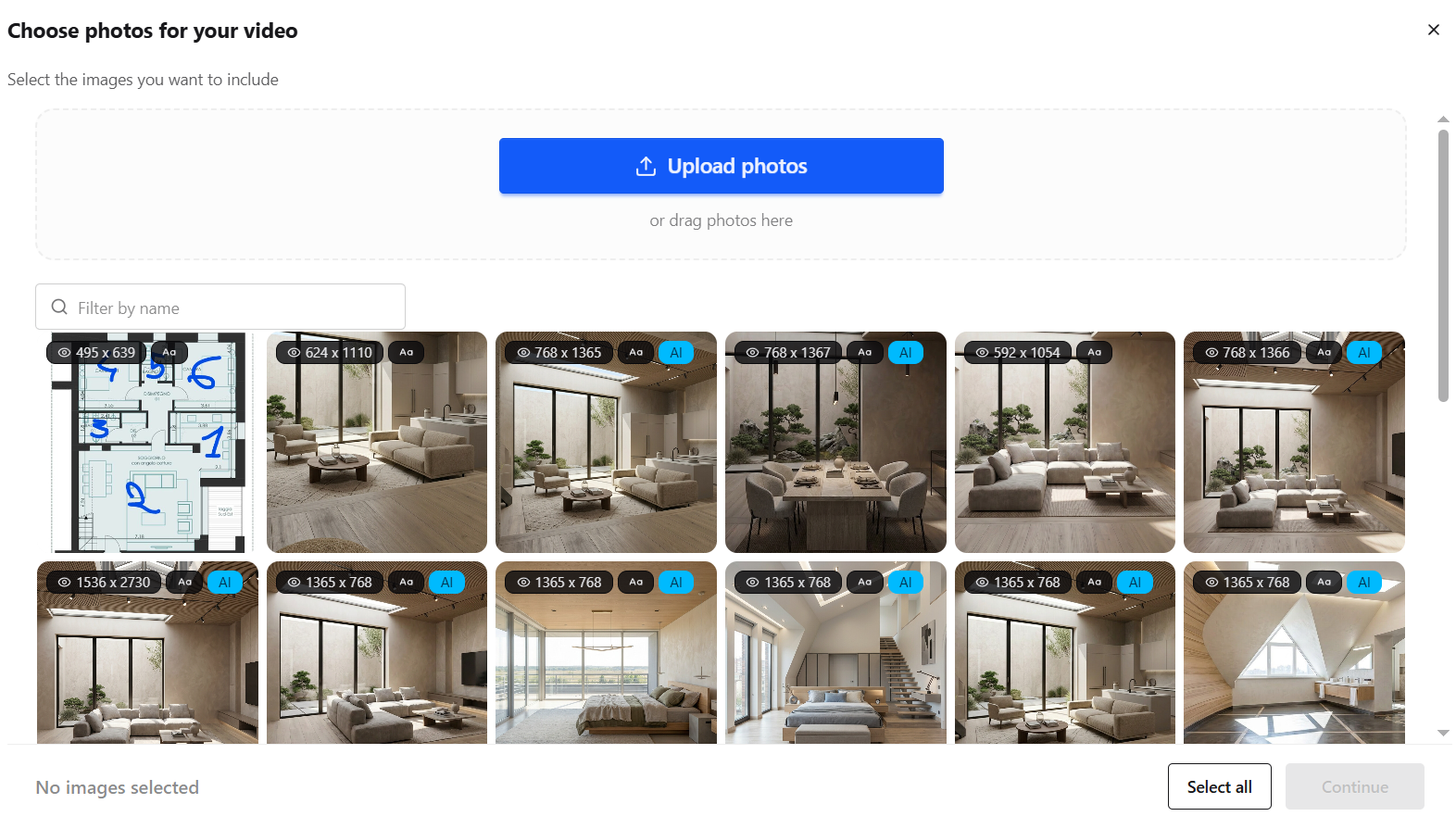
Migliora l’illuminazione, rimuovi il disordine e perfeziona ogni scatto con l’IA, oppure genera nuovi visual per l’annuncio.


Trasforma foto statiche in movimenti di camera fluidi, ristrutturazioni, virtual staging e altro.
Inserisci voiceover IA, avatar parlanti, didascalie a schermo e musica royalty-free.
Finalizza nell’editor integrato, poi esporta per social, Idealista, Immobiliare.it e presentazioni.
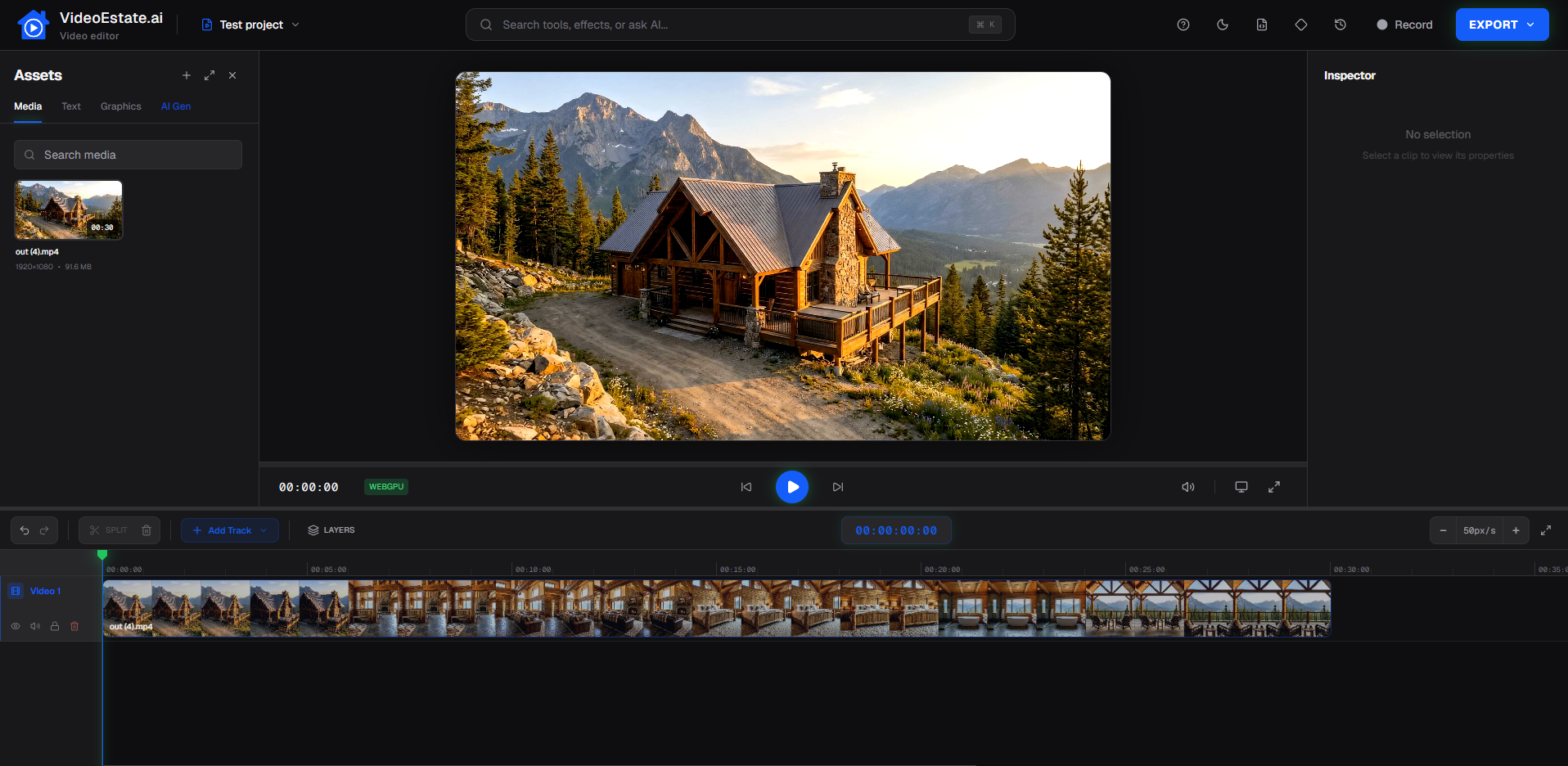
Use the visuals your studio already produces, no new equipment or editing team required.
Add architectural renders, model views, site photos, and other approved stills from your computer.
Clean lighting, refine framing, reframe for vertical formats, or generate room interiors from plans before you create motion, so every frame is pitch-ready.
Create presentation-ready images and video, adjust branding and supported options, then export for decks, websites, and social.
AI image editing helps you fix presentation assets without bouncing back to the CGI pipeline for every tweak.
Improve lighting, atmosphere, and clarity on stills so presentations and video start from stronger source images.
Crop and extend compositions for horizontal presentations and vertical reels without losing the design focus.
Produce polished images alongside video for boards, websites, and social carousels, from the same project set.
Why design firms add AI image, social, and video tools to their presentation toolkit.
Go from approved renders to shareable images and video in minutes instead of waiting on a separate production schedule.
Refine and reframe existing visuals with AI image tools before generating motion, without reopening every model scene.
Create horizontal assets for decks and websites, plus vertical formats for social, from the same project assets.
Keep presentations on-brand with consistent logos, colors, and presentation style across projects.
Partners and juniors can produce aligned presentation images and clips without each person inventing a new editing workflow.
Get compelling motion for pitches and portfolio updates without commissioning a full CGI animation package every time.
See how stills become polished images and short professional videos suitable for pitches and portfolios.
Explore related workflows for the teams you collaborate with.
Answers for architects presenting projects with images, video, and AI tools.
Yes. Upload render stills, model views, or project photos to VideoEstate.ai, enhance images, generate video and social assets, customize supported branding and editing options, then export for presentations and social.
AI video is built for fast, presentation-ready clips from stills. For highly choreographed cinematic animations, studios may still commission specialist CGI. VideoEstate.ai is ideal when you need strong motion quickly from assets you already have.
Yes. Apply studio branding so presentation and portfolio videos stay consistent across projects and channels.
Not for many presentation and social use cases. If you have strong stills, you can produce branded clips in-house. Complex live shoots or film-style productions may still benefit from a specialist.
Export horizontal images and video for decks and websites, and vertical formats for Instagram, TikTok, and Shorts, reframing stills with AI image tools when needed.
Developers typically market units and launches. Architects use the same tools to communicate design intent, for client pitches, competitions, studio portfolios, and partner handoffs, with emphasis on presentation storytelling rather than sales campaigns.
Upload renders and project photos, enhance them with AI image tools, and export branded stills, social assets, and presentation clips in minutes.
